
Every AI video generator in 2026 hands you the same unfinished product: a beautiful, completely silent clip that you still have to score, voice, sync and stitch before anyone can watch it. Vidu decided to attack that gap directly. Built by Beijing-based ShengShu Technology — a company founded by Tsinghua University researchers and backed by Baidu, Ant Group and, since April 2026, a two-billion-RMB Series B led by Alibaba Cloud — Vidu is an AI video platform whose flagship Q3 model generates picture and native audio in a single pass, up to 16 seconds at 1080p. It handles text-to-video, image-to-video and a genuinely differentiated reference-to-video mode that accepts up to seven reference images to keep characters, props and scenes consistent shot after shot. With more than 10 million users across 200+ countries, an entry plan around $10 per month, and an unlimited free off-peak mode, it has become one of the most aggressively priced serious tools in the category.
But cheap clips and a strong model are not the whole story, and Vidu’s public reputation is unusually split — near-perfect scores on the app stores and G2, and scores below 2.5 out of 5 on Trustpilot, driven almost entirely by billing and support complaints. That divergence deserves a straight explanation rather than a marketing gloss. This 2026 review walks through what Vidu actually is, how the Q3 model and reference system work, the full credit and subscription structure with real numbers, an honest head-to-head against Kling AI and Runway, the strengths that make it genuinely worth using, the limitations that catch people out after they pay, and exactly who should — and shouldn’t — build a workflow on it.
Vidu Review 2026: The AI Video Generator That Makes Sound and Picture Together
Overview and Background
Vidu is an AI video generation platform operated by ShengShu Technology, a multimodal generative AI company founded by researchers out of Tsinghua University and led by Dr. Zhu Jun. It is not a video editor, not a template library with an AI button bolted on, and not a reseller of somebody else’s model. ShengShu trains its own foundation models, and Vidu is the consumer- and creator-facing surface for them. The company also ships the same models through an API platform and through Alibaba Cloud Model Studio, which means the technology you use in the browser is the same technology enterprises are wiring into advertising, film, animation, education and tourism pipelines.
The platform’s trajectory has been fast. Vidu built its early reputation on anime and stylized generation and on speed — clips in roughly ten seconds when most rivals took minutes. Then on 30 January 2026 ShengShu released Vidu Q3, the model that changed the pitch entirely: the first long-form AI video model to output native, synchronized audio and video together in one generation, up to 16 seconds at native 1080p and 24fps. In April 2026 the company followed with a global launch of Q3 Reference-to-Video, extending the same audio-visual synthesis to reference-driven storytelling, and announced its RMB 2 billion Series B round led by Alibaba Cloud alongside China Internet Investment Fund, TAL Education Group and others.
Today Vidu is really an ecosystem rather than a single generator. The core studio covers text-to-video, image-to-video and reference-to-video, plus an AI image generator, an AI sound effect generator and a large template gallery for viral formats. Around it sit Vidu Claw, a marketing-content agent aimed at turning a product and a brief into ad-ready video; Vidu S1, a streaming model demo; a mobile app; a Creative Partner Program; and the developer API. ShengShu reports that Artificial Analysis has ranked Q3 first in China and second globally among video models — a claim worth treating as vendor-reported positioning rather than independently confirmed fact, though third-party reviewers have broadly echoed that Q3 sits in the top tier.
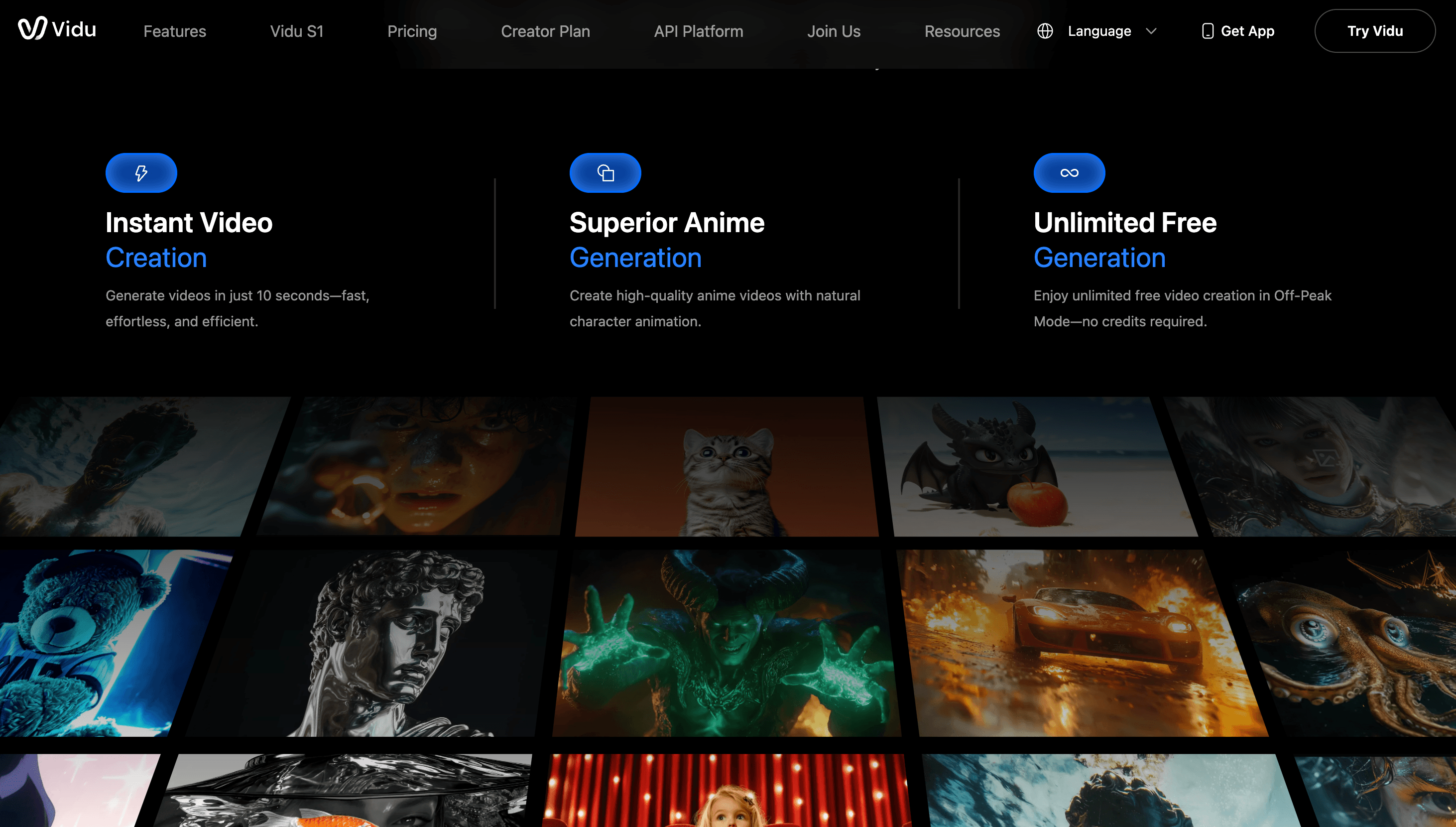
Why Vidu Stands Out in 2026
Native audio and video in one pass: This is Vidu’s defining advantage and the reason to pick it over a cheaper clip generator. Q3 generates dialogue, sound effects and background music at the model level, synchronized to the picture, rather than leaving you to add sound afterwards. Describe the audio in your prompt and it is performed in time with the visuals. For anyone producing short-form social content, that removes the 10–30 minute post-production tail that every silent generator imposes on every single clip.
A 16-second continuous generation window: Most leading models cap a single continuous generation well below this, which forces you to stitch. Q3’s 16 seconds at 1080p and 24fps is currently the longest continuous window among the major competitors, and it is long enough to carry a complete micro-narrative — setup, turn, payoff — without an edit point. For product demos and story-led ads, that changes what you can attempt in a single prompt.
Multi-reference consistency with up to seven images: Vidu’s reference-to-video mode lets you upload as many as seven images — a character from several angles, a prop, a costume, a location, a style board — and generates video that respects all of them at once. The My References library saves those assets for reuse across projects. Character drift between shots is the single hardest problem in AI video, and this is one of the more credible answers to it currently shipping.
Speed that makes iteration realistic: Vidu markets generation in roughly ten seconds, and hands-on reviewers consistently rank it among the fastest tools in the category. That matters more than it sounds. AI video is a numbers game — you generate five to ten takes to get one keeper — and a tool that returns results in seconds rather than minutes lets you iterate inside a single work session instead of across an afternoon.
A genuinely usable free tier: New accounts receive trial credits, daily logins earn more, and Off-Peak Mode allows unlimited generation without spending credits at all. Reviewers who have tested it report the quality gap between off-peak and standard generation is minimal — you mostly trade queue time. Very few competitors let you evaluate output quality this thoroughly before paying anything.
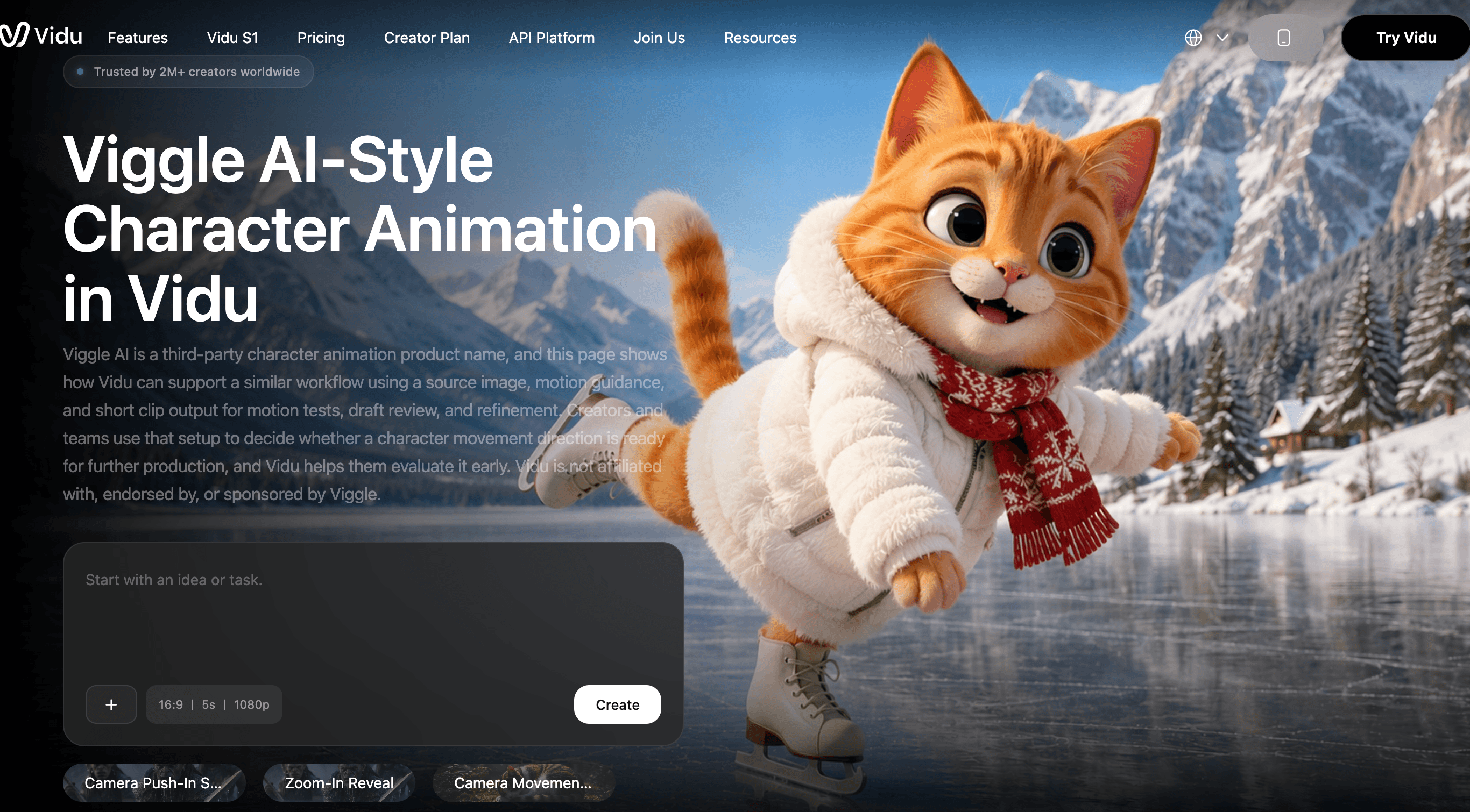
Best-in-class anime and stylized output: Vidu built its reputation on 2D and anime generation before Q3, and that strength survives. Character animation in anime and illustrated styles is noticeably more fluid and less prone to melting than on tools optimized primarily for photoreal footage. If your channel lives in stylized territory, this is a real differentiator rather than a marketing line.
Serious backing and a real enterprise path: A RMB 2 billion Series B led by Alibaba Cloud, distribution through Alibaba Cloud Model Studio, and a public API platform make Vidu meaningfully less likely to disappear than the average AI video startup. For anyone building a repeatable production workflow, vendor durability is not a footnote — it is a core purchase criterion.
Key Features and Technology
Vidu’s feature set is organized around three generation modes and a growing layer of tools that sit on top of them. Understanding which mode fits which job is the difference between burning credits and getting usable footage on the second or third attempt.
The Vidu Q3 Model
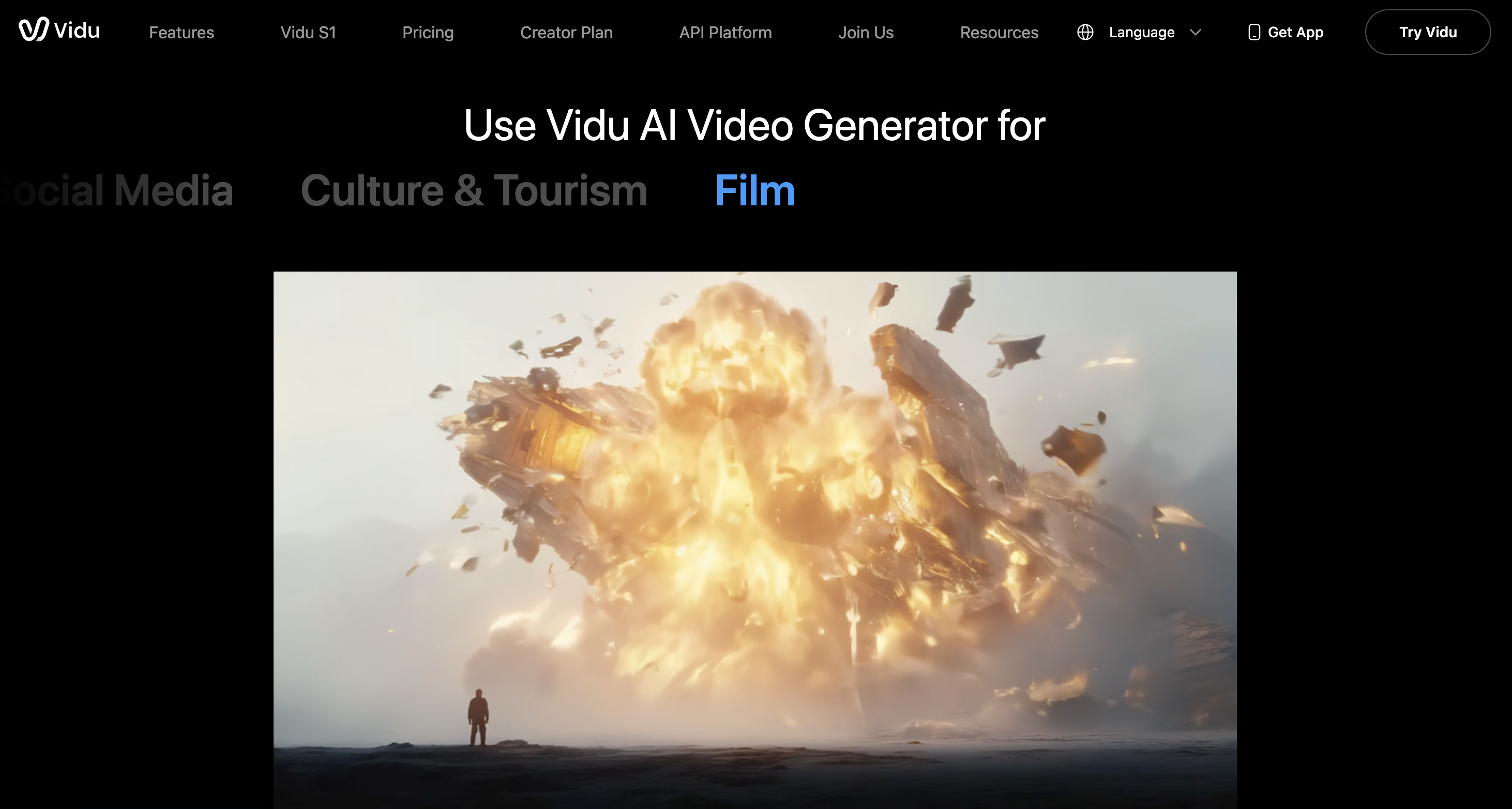
Q3 is the engine behind everything current. It produces up to 16 seconds of continuous 1080p video at 24fps with model-level audio: multilingual voice generation, lip synchronization tied to the generated dialogue, ambient sound effects and background music. It also handles what ShengShu calls smart cuts — automatic scene transitions and perspective switches that imitate professional editing — plus cinematic camera control covering dolly zooms, tracking shots, pans and orbital moves. The April 2026 Reference-to-Video release added six categories of cinematic visual effects: particle systems, fluid simulation, dynamic motion, camera movement, transitions and lighting.
Reference to Video
This is the mode most worth learning properly. You upload three or more images — and up to seven — of subjects, environments, costumes, props or visual styles, then write a prompt describing what should happen. Vidu combines the referenced elements into a single coherent shot while preserving their appearance. Uploading a character from multiple angles substantially improves consistency, and saving that character into My References means the next video in the series starts from the same visual identity rather than a fresh roll of the dice.
Image to Video and First/Last Frame Control
Image-to-video animates a still with motion that follows your prompt, and the first-and-last-frame control lets you supply both endpoints so Vidu generates the transition between them. That second feature is the practical one for commercial work: it gives you deterministic start and end states, which is exactly what you need when a clip has to hand off cleanly to the next shot or land on a product hero frame. Anime art animation is handled as a distinct strength here rather than an afterthought.
Text to Video and Templates
Straight text-to-video remains the fastest path from idea to footage, and Vidu’s semantic understanding of long, structured prompts is one of the platform’s quieter strengths — the sample prompts on its own site run to several hundred words with explicit timing beats, and the model follows them. For creators who would rather not write prompts at all, the template gallery covers the viral formats that drive most of the platform’s consumer traffic: hug, kiss, outfit changes, blossom effects and similar.
Vidu Claw, the App and the API
Vidu Claw is positioned as the marketing-content layer — describe what you are selling and it drives the generation pipeline toward ad-ready output rather than a raw clip. Alongside it sit an AI image generator, an AI sound effect generator, mobile apps for iOS and Android, and platform.vidu.com for developers who want to call the models directly. The API is the piece most relevant to agencies: if Vidu becomes part of a production line, you will eventually want programmatic access rather than a browser tab.
Pricing, Plans, and Package Structure
Vidu runs a credit system layered on top of a subscription, which is where most of the confusion around its pricing comes from. Your plan determines how many credits arrive each month; the credits determine how much you can actually generate. Credit consumption scales with clip duration, output quality tier and feature usage, so two people on the same plan can get wildly different volumes out of it. One important detail buried in the FAQ: subscription credits are valid for 30 days and do not roll over, while separately purchased credits and bonus credits are valid for two years. Note also that Vidu’s pricing page renders dynamically and prices differ between monthly and annual billing, so treat the figures below as a guide verified against published sources and confirm the current numbers on the official site.
| Plan | Price (approx.) | What It Is | Best For |
|---|---|---|---|
| Free | $0 | Sign-up trial credits (around 80 reported), daily login credits, and unlimited generation in Off-Peak Mode | Evaluating output quality on your own use case before spending anything |
| Standard | ~$10/mo monthly · ~$8/mo billed annually | Around 800 monthly credits, commercial use, standard queue priority | Solo creators and hobbyists posting a few clips a week |
| Premium | ~$35/mo monthly · ~$28/mo billed annually | Around 4,000 monthly credits plus high-speed generation and higher priority | Full-time content creators and small marketing teams |
| Ultimate | ~$99/mo monthly · ~$79/mo billed annually | Around 8,000 monthly credits with top queue priority | High-volume producers, agencies, short-drama studios |
| Enterprise / Team | Custom — reported to start around $2,999/year | Shared credit pool, role-based collaboration, negotiated allocations | Production houses and agencies with multiple seats |
| API (platform.vidu.com) | Usage-based | Direct model access for developers; also available via Alibaba Cloud Model Studio | Teams embedding generation into their own product or pipeline |
How Vidu Compares to Alternatives
| Factor | Vidu | Kling AI | Runway |
|---|---|---|---|
| Entry paid price (approx.) | ~$10/mo (~$8 annual) | ~$6.99/mo | ~$12–15/mo Standard |
| Native audio with video | Yes — dialogue, SFX and music generated in one pass (Q3) | Native audio available on recent models; lip sync via uploaded audio | Primarily separate audio workflow |
| Single-pass clip length | Up to 16s continuous at 1080p | Around 15s, extendable toward 3 minutes | Around 16s per clip; longer needs stitching |
| Character consistency | Up to 7 reference images + saved reference library | Elements feature combines images; less depth here | Gen-4 References — strong, well regarded |
| Free tier | Trial + daily credits + unlimited off-peak generation | Daily replenishing credits (reported ~66/day) | One-time credits — effectively a trial |
| Editing suite | Minimal — generation-focused, edit elsewhere | Moderate — motion brush, camera controls, lip sync | Deepest — Motion Brush, Director Mode, Adobe plugins |
| Refunds | Not offered; cancel before renewal | Limited, conditional | Limited, conditional |
| Best for | Story-led short-form with sound, anime and stylized work, budget-conscious volume | Realistic motion and physics at the lowest entry price | Professional film, advertising and VFX pipelines |
Vidu vs. Kling AI: Kling undercuts Vidu at the entry point and its free tier replenishes daily, which makes it the cheaper way to simply keep generating. Kling is also the stronger pick for photorealistic motion and physics — reviewers consistently rate its real-world motion above Vidu’s. Vidu’s counter-arguments are the audio-visual single pass, the seven-image reference system and its lead in anime and stylized animation. If your output is realistic footage and price is the deciding factor, look hard at Kling. If your output is character-driven storytelling that needs sound, Vidu saves you more time than the price difference is worth.
Vidu vs. Runway: These are not really the same product. Runway is a filmmaking suite with a generator inside it — Motion Brush, Director Mode, Adobe Premiere and After Effects integrations, and the deepest editing tooling in the category. It costs two to three times as much at comparable tiers and its top-quality models generally hold the benchmark lead for motion coherence. Vidu is a generator that is fast, cheap and unusually good at sound and consistency. Professionals delivering client work with realistic human footage should pay the Runway premium. Creators shipping high volumes of short-form should not.
Where all three leave you: None of them produces a finished video. All three hand you clips that still need assembly, and all three run credit systems where iteration is the real expense. The honest way to compare them is not headline price but cost per keeper — how many generations you burn before one is usable. That number depends far more on your subject matter than on any published price, which is why testing on free tiers first is not optional advice.
Pros and Cons
What Users Love
The audio changes the workflow, not just the output: Users who have shipped content on both silent and audio-native generators describe the difference as removing an entire production stage. Getting dialogue, effects and music synchronized at generation time means a clip can go from prompt to posted without opening an editor at all.
Speed and price together: Roughly ten-second generation at around $10 a month for the entry tier makes Vidu one of the cheapest routes to serious volume in 2026. Creators repeatedly single out the combination rather than either factor alone — fast but expensive or cheap but slow are both common; both at once is not.
Anime and stylized quality: This is the most consistent praise across review platforms and community threads. Faces hold together, motion stays fluid, and illustrated source images animate without the melting artifacts common elsewhere. Users animating existing artwork specifically note that facial features survive the process.
Reference consistency that actually holds: Community feedback on the reference-to-video system is unusually positive, with users describing it as more flexible and less rigid than competing approaches. For anyone building a recurring character or brand mascot, this is the feature that makes a series possible.
Strong ratings where the product itself is judged: Vidu holds around 4.7 out of 5 on G2 from roughly 61 reviews, approximately 4.7 out of 5 on Google Play from over 27,700 ratings, and around 4.8 out of 5 on the Apple App Store from roughly 1,900 ratings. On the software-quality question, the verdict is broadly positive.
Limitations Worth Knowing
The Trustpilot picture is genuinely bad, and it is about billing: Against those strong app-store and G2 scores, Vidu’s Trustpilot listings sit around 2.2 out of 5 across roughly 15 reviews on the vidu.com domain and around 2.0 out of 5 across roughly 20 reviews on vidu.studio, with the large majority being one-star. Both samples are very small and neither profile is company-managed, so they are not statistically strong — but the complaints cluster tightly and consistently around refunds and unresponsive support rather than output quality. Read that as a warning about the commercial relationship, not about the model.
No refunds, stated outright: Vidu’s own pricing FAQ says plainly that refunds are not provided and directs unhappy subscribers to cancel before the next billing cycle instead. Subscriptions charged through Stripe renew automatically. If you subscribe annually and change your mind in month two, that is your money gone. This is the single most important thing to understand before entering a card number.
Credit burn and unusable generations: The most common functional complaint across every review platform is that generations you cannot use still cost credits. Vidu will restore credits for failures on its own infrastructure if you report them to support, but a clip that renders successfully and simply misinterpreted your prompt is not a failure by that definition — it is a take, and you paid for it. Complex prompts miss more often, which means the cost per usable clip can be several times the cost per generation.
Subscription credits expire in 30 days: Monthly allocations do not roll over. A busy month where you barely log in is a month of credits simply lost, which quietly changes the real value of an annual plan for anyone with irregular production cycles. Only purchased and bonus credits carry a two-year life.
Photorealistic humans are not its strongest ground: Reviewers who need convincing real-world footage consistently point to Runway or the top photoreal models instead. Vidu’s edge is stylized and story-led work; asked for a realistic talking human in a real environment, it is competent rather than category-leading, and lip sync can look slightly floaty on complex dialogue.
Plan management is clumsy and single-seat: Vidu does not support changing directly between plans — you cancel and re-subscribe. Subscriptions are tied to individual accounts and cannot be shared, so a two-person team needs two plans unless it goes enterprise. Payment is Stripe-only. And at least one publicly documented incident involved extended downtime on Q3 that left paying users unable to generate, which is a reminder that queue priority is not the same as an uptime guarantee.
It is a clip generator, not a video solution: Once you have your footage you still need to script, sequence, edit and publish it somewhere else. Tools that produce a finished, publish-ready video cost more per month but can cost less per finished asset. If your bottleneck is assembly rather than generation, Vidu solves the wrong half of your problem.
Who Should Use Vidu
Short-form social creators: If you publish to TikTok, Reels or Shorts and your content is stylized rather than documentary, Vidu is close to ideal. Native sound means a clip can be finished at generation time, the template gallery covers the formats that already perform, and the price supports the volume that short-form demands.
Anime and illustration-led creators: This is Vidu’s home territory and the place where it beats more expensive tools outright. Animating existing artwork, building recurring characters, producing 2D motion — all of it is better served here than on generators tuned for photorealism.
Small marketing teams and DTC brands: Product animation from a still, background swaps via reference-to-video, and Vidu Claw’s ad-oriented workflow give a two-person marketing team a credible video output without a video hire. Just size the plan for iteration, not for the number of finished ads you need.
Short-drama and storyboard producers: The 16-second window, smart cuts and multi-reference consistency are aimed squarely at narrative work. If you are producing serialized vertical drama or previsualizing sequences, this is one of the few tools that treats story continuity as a first-class problem.
Developers and agencies with volume: The API platform and Alibaba Cloud Model Studio availability make Vidu practical to embed rather than merely use. If generation is a step inside a larger pipeline, programmatic access at Vidu’s cost profile is a genuinely attractive proposition.
Who should look elsewhere: If your work depends on convincing photorealistic humans, on a deep editing suite, or on Adobe integration, Runway earns its premium and you should pay it. If your priority is the absolute lowest cost per generation for realistic motion, Kling’s entry tier and daily-refreshing free credits are hard to beat. If you need a finished, publish-ready video rather than a bag of clips, an assembly-focused production tool will serve you better even at a higher monthly price. And if you are the kind of buyer who needs a refund path — for compliance reasons, for procurement, or simply for peace of mind — Vidu’s stated no-refund policy should be a genuine blocker rather than fine print you skim.
Getting Started: Step by Step
- Create a free account and claim your trial credits. Sign up at vidu.com, collect the sign-up bonus, and log in daily for a few days to accumulate additional free credits before you generate anything serious.
- Run your first tests entirely in Off-Peak Mode. Generation is unlimited and free there. Use it to establish your real hit rate on your actual subject matter — not on the demo prompts that were tuned to look impressive.
- Learn one mode properly before touching the others. Start with image-to-video if you already have artwork or product shots, or text-to-video if you are starting from nothing. Write long, structured prompts with explicit timing beats — Vidu’s own showcase prompts run to hundreds of words and the model rewards that specificity.
- Build your reference library early. Upload your character or product from several angles, save it in My References, and reuse it. This is the difference between a series of unrelated clips and a coherent body of work, and it costs nothing to set up.
- Choose a plan only after you know your burn rate. Multiply your generations-per-keeper by your monthly output target, then pick the tier that covers it with headroom. Start monthly rather than annual — the annual discount is real but so is the no-refund policy.
- Set up your downstream workflow. Decide now where clips get assembled and published, and keep a note of any failed generations so you can request credit restoration from support@vidu.com. Treat Vidu as one stage in a pipeline, not as the pipeline.
Tips for Getting Maximum Value
The single biggest lever on your Vidu bill is not which plan you pick but how you sequence your generations. Explore concepts with short clips at standard quality first — a four-second take tells you almost everything about composition, style and whether the model understood your prompt, at a fraction of the credits a full-length high-quality render costs — and only regenerate your selected takes at maximum duration and quality once the prompt is proven. Push every exploratory generation into Off-Peak Mode where it costs nothing at all, and reserve your paid credits exclusively for finals and for work with a deadline attached. Write prompts the way Vidu’s own showcase writes them: long, structured, broken into explicit time segments with camera direction, lighting and mood specified separately, because vague prompts are the most reliable way to waste credits. Invest an hour up front building your reference library properly, with each recurring character or product photographed from several angles, since consistency achieved at the reference stage costs nothing while consistency chased through repeated regeneration costs a great deal. Watch the 30-day expiry on subscription credits and front-load your production into the first three weeks of each cycle rather than discovering an unused balance evaporating. And keep records: note the job IDs of any generation that fails on Vidu’s side and email support to have those credits restored, because that refund is available but it is not automatic and nobody will chase it for you.
Future Outlook and Final Assessment
Vidu enters the second half of 2026 in a strong technical position and a fragile commercial one. The technical side is clear enough: Q3 shipped a capability — synchronized native audio and video in a single generation — that the rest of the field is still catching up to, the reference system is one of the better answers to character consistency currently available, and a RMB 2 billion round led by Alibaba Cloud buys a lot of runway to keep training. ShengShu’s stated ambition is world models rather than video generators specifically, and the Q3 Reference-to-Video release, the Vidu Agent and Vidu Claw products, and the Alibaba Cloud Model Studio distribution all point in the same direction: generation as infrastructure, not as a toy.
The fragile part is trust. A company can hold 4.7 out of 5 on the app stores and still find that the small population of users who felt burned by a billing decision is the population writing on Trustpilot. Small review counts make those scores statistically weak, but the pattern in them is consistent and it is not about video quality — it is about a flat no-refund policy, credits consumed by unusable output, and support that reviewers describe as slow to engage. Those are all fixable choices rather than technical limits, and how ShengShu handles them over the next year will determine whether Vidu becomes a default tool for serious production teams or stays a very good generator that professionals use carefully and cancel quickly. For now, the sensible posture is to enjoy what the model does well while treating the commercial relationship with appropriate caution.
Conclusion
Vidu earns its place in the 2026 AI video landscape by solving a problem the rest of the category mostly ignored: video without sound is not finished video. Q3’s single-pass audio-visual generation, the 16-second continuous window, the seven-image reference system and the genuinely unlimited off-peak free tier add up to a tool that removes real work from a creator’s day at a price that makes high-volume experimentation affordable. Set against that are limitations that are commercial rather than technical — no refunds, expiring credits, and generations you pay for whether or not you can use them — plus a middling ceiling on photorealistic human footage compared with the premium tier. Know which half of that trade matters to your work, test it free before you spend anything, and you will get a clear answer. For stylized, story-led, sound-first short-form video, Vidu is currently one of the smartest ways to spend ten dollars a month in this category.
Ready to make videos that arrive with their own soundtrack?
Explore more honest reviews, tutorials and tech comparisons to find the right gear for the way you work, travel and live — at World Of Tech, where we make everything easy.
👉 Try Vidu: https://worldoftech.space/vidu
👉 Our YouTube Channel: youtube.com/@world_tech79
👉 Our Facebook Fanpage: Facebook
👉 Our X (Twitter): @worldoftech79
Pricing, specifications and policy details in this review were verified against vidu.com and independent review sources as of July 2026. Vidu’s pricing page renders dynamically and plan figures are drawn from published third-party sources as well as the official site, so all prices should be treated as approximate. AI video pricing and features change frequently, so confirm current details on the official site before purchasing. Competitor prices are approximate and subject to change.





