
Meetings, lecture recordings, PDFs, YouTube links, client calls — most professionals now juggle information coming from at least half a dozen different formats every single week, and almost none of it gets properly organized. HyNote is one of a growing crop of “AI second brain” apps built to fix exactly that problem, promising to turn any audio, video, image, or document into structured, searchable notes in seconds.
In this review we dig into what HyNote actually does well, where it falls short, how its five-tier pricing structure really breaks down, and how it stacks up against category heavyweights like Otter.ai and Fireflies.ai — so you can decide whether it deserves a spot in your workflow.
HyNote Review 2026: Is This AI Note Taker Worth Adding to Your Stack?
Overview & Background
HyNote is built by Turing Intelligence (listed on app stores under the developer name Tuling Network Limited), a company that first shipped the product to Apple’s App Store in March 2024 under an earlier “AI Notebook” branding before consolidating everything under the HyNote name. The pitch is simple: instead of forcing you to pick between a meeting-transcription tool, a PDF summarizer, a study app, and a note-taking app, HyNote tries to be all four at once.
The platform accepts eight distinct input types — live audio recording, uploaded audio/video files (MP3, WAV, M4A, AAC), PDFs and text documents, images and screenshots via OCR, YouTube links, web pages, phone calls, and Apple Watch recordings — and runs each one through the same AI pipeline to produce transcripts, summaries, key points, action items, and more than 30 structured templates (SWOT analyses, meeting minutes, study notes, follow-up emails, and others).
HyNote is available as a web app, iOS and Android app, iPad app, Apple Watch companion, Mac desktop client, and Chrome extension, with real-time sync across all of them. According to the company’s own homepage messaging, HyNote has surpassed 1 million users worldwide and is used by more than 2,000 teams — figures that, like most vendor-reported user counts, are self-reported and not independently audited, so we’d treat them as directional rather than exact.
What’s notable about HyNote’s product roadmap is how quickly it has expanded past its original “notebook” framing. The company shipped a dedicated Mac app in 2026 offering free, unlimited local transcription — a meaningful move in a category where most competitors gate offline or local processing behind higher-priced tiers — and has continued layering in publishing-adjacent tools (blog drafts, podcast outlines, slide decks, AI infographics) that push it closer to a general productivity suite than a narrow transcription utility. That expansion strategy is worth keeping in mind when comparing HyNote against tools that have stayed tightly focused on meeting capture alone: the two categories of product are increasingly solving overlapping but not identical problems.
Why HyNote Stands Out
It covers more input formats than most single-purpose competitors. Tools like Otter.ai and Fireflies.ai are built primarily around live meeting capture. HyNote treats meetings as just one of eight content types, sitting alongside PDF summarization, YouTube transcript extraction, and OCR-based image capture in the same interface — which matters if your actual workday is a mix of calls, reading, and research rather than back-to-back meetings.
It transcribes meetings without a visible bot joining the call. Zoom, Google Meet, Microsoft Teams, and Webex calls are captured by recording from your own device rather than sending a bot participant into the meeting, which several independent reviewers we found flagged as a genuine differentiator for corporate environments where an uninvited “notetaker” bot in the participant list can be a compliance or etiquette problem.
The summarization is abstractive, not just extractive. Rather than pulling out keyword-based bullet points, HyNote’s engine is built to read the full transcript or document and generate a genuinely condensed summary, key points, and action items — closer to how a human assistant would take notes than a simple keyword extractor.
Security posture is built for regulated industries. AES-256 encryption at rest, TLS 1.3 in transit, and SOC 2 Type II infrastructure are standard claims across this category, but HyNote also markets GDPR, CCPA, and HIPAA-aligned workflows specifically, with 2FA, SSO, and audit logging available on team plans — positioning it toward healthcare, legal, and finance use cases where competitors don’t always go.
The free plan is unusually generous for onboarding. $0/month with no credit card required, up to 120 minutes of recording per session, professional templates, and cross-device sync gives new users a real trial of the core product rather than a crippled demo — something that’s increasingly rare in this space.
Export and integration cover the tools people already use. One-click export to Google Docs, Notion, PDF, and TXT, plus Google Calendar and Apple Calendar sync, means notes don’t get stuck inside another silo — a common complaint with narrower note-taking apps.
It launched to real community traction, not just marketing spend. HyNote’s Product Hunt launch in August 2025 pulled 344 upvotes and 38 comments, landing at #4 on the daily leaderboard across the Android, Productivity, Notes, and Artificial Intelligence categories — a reasonable signal of organic interest in a genuinely crowded field.
Key Features & Technology
Multimodal Capture Engine
HyNote’s core engine processes eight input types through one pipeline: live audio, uploaded audio/video, PDFs and text, images via OCR, YouTube links, web page capture, phone calls, and Apple Watch recordings. Everything lands in the same searchable notes library regardless of source format, which is the feature most differentiates HyNote from single-format competitors.
Meeting Transcription Without a Bot
HyNote records Zoom, Google Meet, Teams, and Webex sessions from your own device — live during the call or after the fact from an uploaded recording — with speaker identification for up to 10 participants, timestamps, and transcription across 50+ languages on mobile. The company’s own internal benchmarks claim up to 99% accuracy for clear speech; as with any vendor-reported accuracy figure, treat it as a best-case number rather than a guaranteed floor, since real-world accuracy depends heavily on audio quality, accents, and cross-talk.
Smart Summarization & 30+ Templates
Beyond a generic summary, HyNote can output brief summaries, key points, action items, and formatted meeting minutes, plus more than 30 structured templates covering SWOT analyses, case studies, interview notes, brainstorm notes, study notes, flashcards, quizzes, and follow-up emails — useful for students and knowledge workers who need the same raw transcript reformatted for different audiences.
Publishing & Productivity Tools
HyNote extends past note-taking into lightweight content creation: turning a transcript or document into a blog draft, podcast outline, slide deck (PPT), or AI-generated infographic, alongside more conventional productivity features like to-do lists, tags, folders, snippets, and a “chat with all notes” retrieval feature that lets you query across your entire note library conversationally.
Security & Compliance Infrastructure
Data is encrypted with AES-256 at rest and TLS 1.3 in transit, hosted on SOC 2 Type II infrastructure, with GDPR, CCPA, and HIPAA-aligned workflows. Team-tier customers get 2FA, SSO, and audit logging — the kind of controls that matter for legal, healthcare, and finance teams handling sensitive meeting content.
Note: HyNote’s live web transcription officially supports English, French, German, Spanish, Italian, and Portuguese, while the mobile app extends further into the 50+ languages HyNote advertises for asynchronous transcription. If real-time multilingual meeting capture on desktop is your primary use case, confirm your specific language is covered before committing to a paid plan.
Trust Signals & User Sentiment
We could not locate a dedicated, verifiable Trustpilot profile for HyNote at the time of writing, so — in line with our editorial approach when Trustpilot coverage is thin or absent — we pulled independent sentiment from app store data and third-party AI-tool directories instead, and we’re disclosing that substitution here rather than presenting it as a Trustpilot-equivalent figure.
On Apple’s App Store, regional storefronts show ratings clustered in the 4.7 to 4.9 out of 5 range across sample sizes that vary meaningfully by country — one storefront reflects 459 reviews at 4.7 stars, another shows 150 reviews at 4.8 stars, and a smaller German-language storefront shows 27 reviews at 4.9 stars. HyNote’s own homepage cites a combined figure of 6,718 App Store and 3,750 Google Play ratings averaging 4.8/5.0 — we weren’t able to independently verify that combined total, so we’re flagging it as a self-reported aggregate rather than a confirmed number.
On Product Hunt, HyNote’s August 2025 launch collected 37 reviews averaging a perfect 5.00/5, alongside 344 upvotes — a small but genuinely positive sample, though Product Hunt reviews tend to skew favorable since they’re largely left by early adopters and the maker’s own network at launch time. A third-party AI-tool aggregator (indexator.ai) separately logs a 4.8 community rating from 10 reviews, with 43 pros mentions against 9 cons mentions in its sentiment breakdown — again a small sample that should be read as a light signal rather than a statistically robust verdict.
Taken together, none of these sources individually amount to the volume of independent, unmoderated review data you’d get from an established Trustpilot page for a category leader like Otter.ai, but the direction across every source we checked — app stores, Product Hunt, and independent directories — points the same way: consistently high satisfaction from a still-growing review base, with no major recurring complaint pattern (billing disputes, refund issues, aggressive auto-renewal complaints) surfacing in the data we reviewed. That’s a meaningfully different picture from some categories where trust signals diverge sharply across platforms, and it’s worth noting explicitly rather than glossing over.
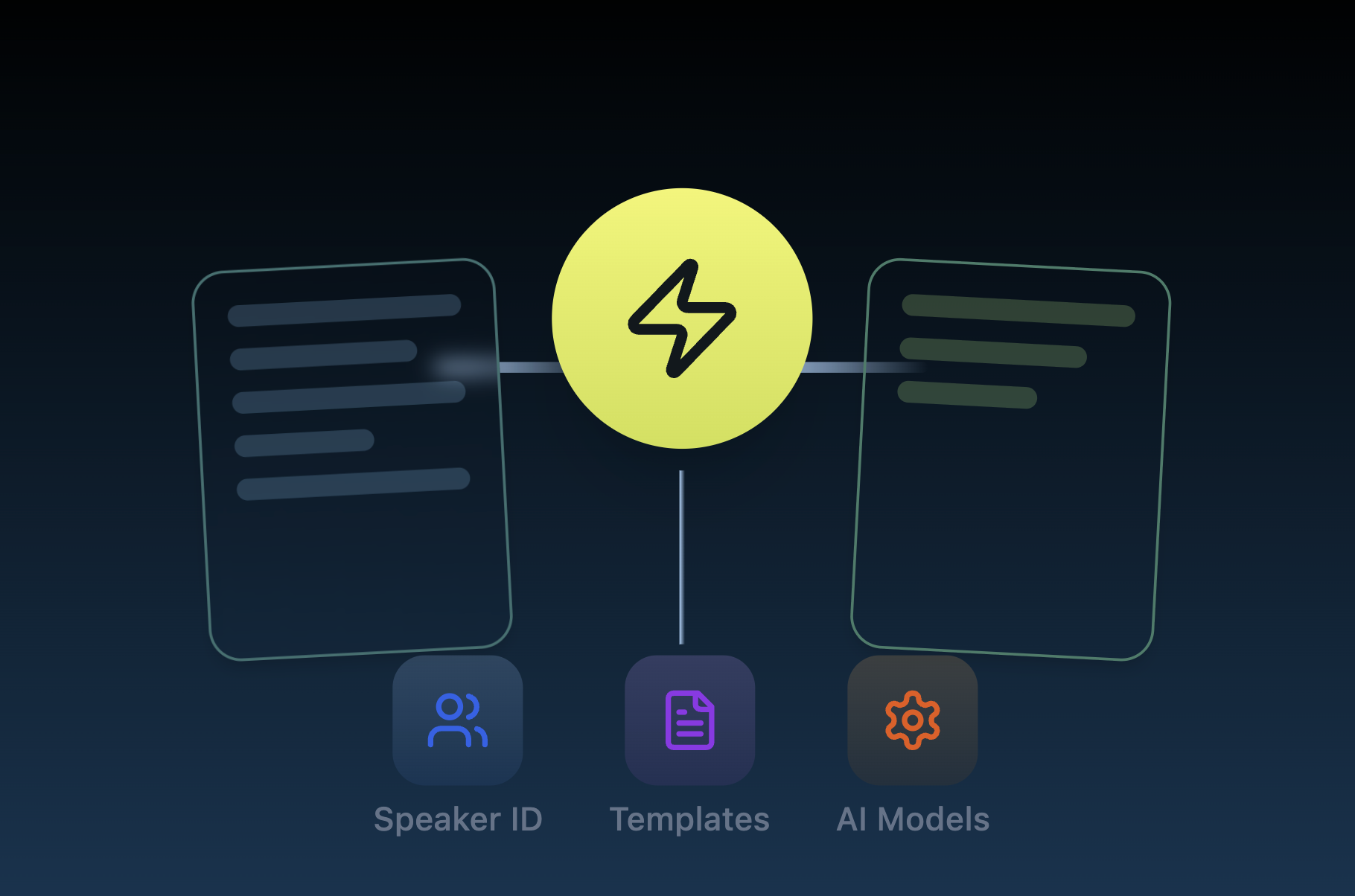
HyNote’s multimodal capture workflow — watch the full walkthrough on our YouTube channel.
HyNote Pricing (Updated for 2026)
HyNote runs a five-tier pricing structure, all paid plans billed annually by default with a 7-day free trial, and a monthly billing option available through a toggle on the pricing page. The figures below reflect live pricing pulled directly from HyNote’s pricing page at the time of writing.
| Plan | Price | Billed | Key Limits / Inclusions |
|---|---|---|---|
| Free | $0/month | — | 120 min/session recording, templates, cross-device sync, calendar integration, no credit card required |
| Pro | $6.66/month | $79.99/year | 1,200 transcription min/month, 300 podcast/slides/infographic credits, translation, transcript export |
| Plus | $10.83/month | $129.99/year | 1,200 min/month real-time transcription, speaker ID, 400 credits, live translation, Google Docs/Notion export |
| Unlimited (Most Popular) | $15.83/month | $189.99/year | Unlimited real-time transcription, 600 credits, unlimited storage, CRM integration |
| Teams | $15/seat/month | $180/seat/year | Everything in Unlimited, team templates, admin controls, priority support; starts from 2 seats |
💡 Pro Tip: Annual billing is presented as saving up to 45% off the monthly-equivalent rate, and every paid tier from Pro through Unlimited carries a 7-day free trial. Since HyNote’s site explicitly notes plans “auto-renew annually,” set a calendar reminder before the trial ends if you’re only testing the waters — and always confirm current pricing on HyNote’s official pricing page before purchase, since SaaS pricing pages change without much notice.
How HyNote Compares to the Competition
HyNote’s closest competitors are Otter.ai and Fireflies.ai, both long-established AI meeting assistants. Note that Otter and Fireflies price around live meeting minutes specifically, while HyNote’s minute allowances cover its broader multi-format workflow — so the numbers below aren’t a perfect apples-to-apples comparison, but they do show where each tool sits on cost.
| Tool | Entry Paid Plan | Mid Tier | Standout Strength |
|---|---|---|---|
| HyNote | $6.66/mo (annual) | $10.83–$15.83/mo | 8 input types in one app; no meeting bot; publishing tools (blog, podcast, slides) |
| Otter.ai | $8.33/mo (annual) / $16.99 monthly | $19.99/user/mo (annual) | Deep meeting-search tooling and long-standing enterprise track record |
| Fireflies.ai | $10/user/mo (annual) / $18 monthly | $19/user/mo (annual) | Strong CRM/app integrations and an “AskFred” conversational search layer |
Competitor figures are current as of this writing and sourced from each vendor’s public pricing pages; SaaS pricing changes frequently, so verify current rates directly with each provider before purchase.
The practical difference between these three tools comes down to what your day actually looks like. Otter.ai’s entry-level Pro plan caps out at 1,200 minutes per month of meeting transcription and leans on a narrower set of officially supported live languages (English, French, and Spanish per its own pricing page), which makes it a strong fit for teams whose workflow is almost entirely Zoom- and Meet-based. Fireflies.ai takes a credit-based approach layered on top of its minute allowances — Free, Pro, and Business plans all include a shared, one-time AI credit pool that governs access to summaries and its “AskFred” conversational search feature, so heavy AI-feature users can burn through credits faster than the sticker price suggests. HyNote sidesteps both of those constraints by pricing around a broader definition of “content,” bundling meeting transcription with PDF, video, and web-page processing under the same minute and credit allowances rather than treating meetings as the sole billable unit.
Where Otter and Fireflies pull ahead is enterprise maturity: both have been in market longer, both offer more granular admin and security controls at the Enterprise tier, and both have deeper native integrations with CRM and sales-engagement platforms — Fireflies in particular markets its Salesforce and HubSpot connections heavily. If your primary need is embedding meeting intelligence directly into a sales pipeline at scale, that maturity gap is worth weighing against HyNote’s lower entry price and broader input coverage.
Pros & Cons
|
Pros
|
Cons
|
Who Should Use HyNote?
HyNote is the strongest fit for people whose work spans multiple content formats rather than just meetings — consultants and researchers who need to summarize PDFs, transcripts, and YouTube research clips in one place; students and academics who want lecture recordings turned into study notes, flashcards, and quizzes automatically; content and media professionals who can go straight from a raw recording to a blog draft or podcast outline; and small teams in regulated fields (legal, healthcare, finance) who need HIPAA/GDPR-aligned storage without paying enterprise-tier prices for it.
It’s a less obvious fit for large sales or customer-success organizations running dozens of daily bot-joined Zoom calls with deep CRM-native search needs — that use case is closer to Otter.ai’s or Fireflies.ai’s core strength, and both have more mature enterprise integrations built specifically around high-volume meeting pipelines.
Solo founders and freelance consultants sit in an interesting middle ground worth calling out separately: the Free plan’s 120-minute session cap is enough to cover a handful of client calls or interviews per week without paying anything, and the Pro tier at $6.66/month (annual) undercuts both Otter’s and Fireflies’ entry-level paid plans on sticker price while still including translation and transcript export. For a solo operator whose real bottleneck is turning scattered research — PDFs, YouTube explainers, client calls — into usable notes rather than running dozens of formal meetings a week, that combination of low cost and format breadth is arguably HyNote’s clearest advantage over the meeting-first incumbents.
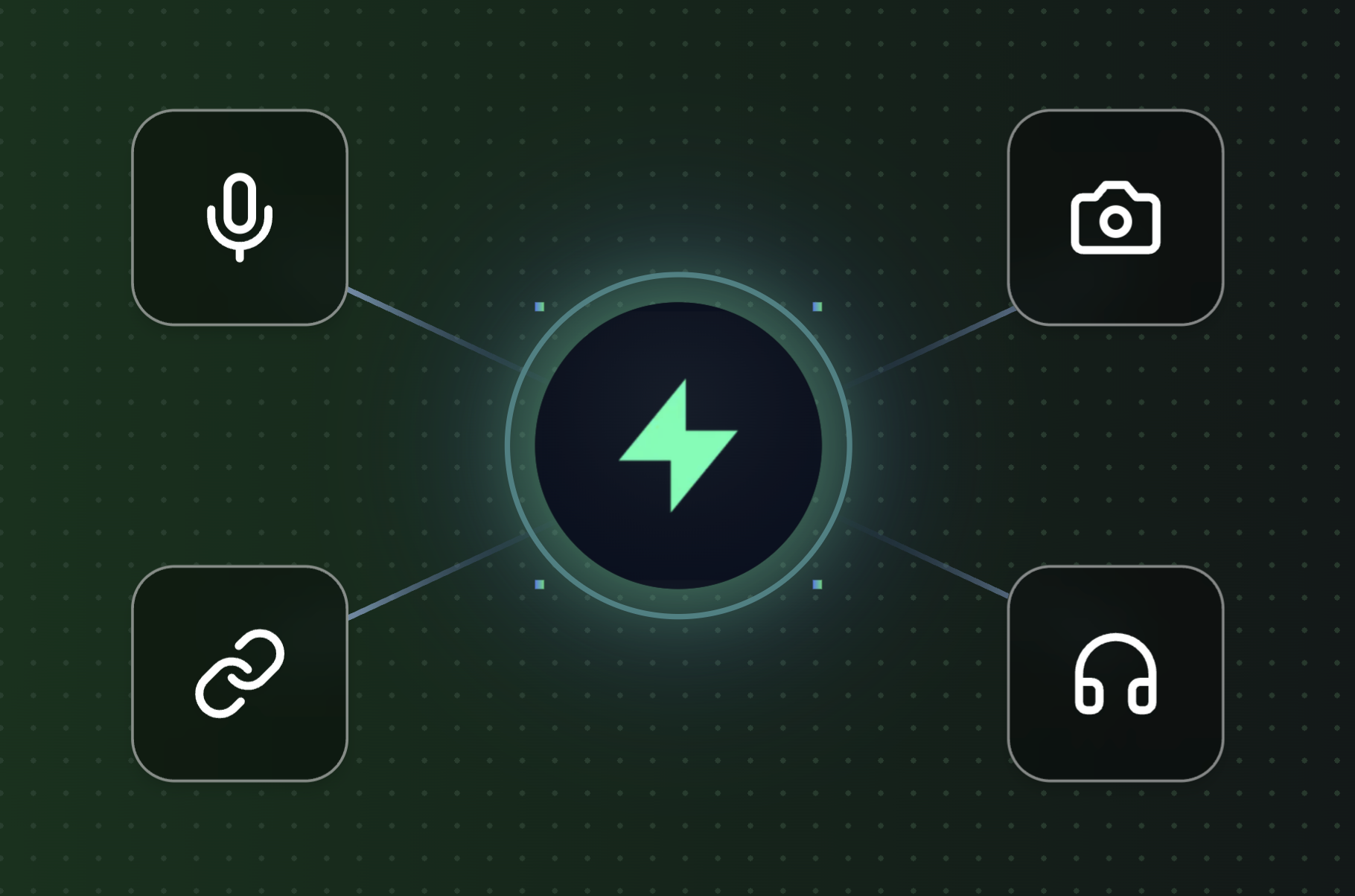
A closer look at HyNote’s plan tiers — full breakdown in our video review.
Getting Started with HyNote
- Create a free account. Sign up at hynote.ai with no credit card required and land directly in the web app.
- Install the apps you’ll actually use. Add the iOS/Android app for on-the-go recording, the Mac app for local transcription, and the Chrome extension for web capture.
- Run your first capture. Record a live conversation, upload an existing audio/video file, drop in a PDF, or paste a YouTube link to see the transcription and summarization pipeline in action.
- Choose a template. Pick from meeting minutes, SWOT analysis, study notes, or one of the other 30+ formats to reshape the same raw content for a specific audience.
- Connect your calendar and export tools. Sync Google Calendar or Apple Calendar, and link Google Docs or Notion if you’re on Plus or above, so notes flow straight into your existing workflow.
- Upgrade only once you hit a real limit. Track your monthly minutes against the Free plan’s 120-minute session cap before committing to Pro, Plus, or Unlimited — the 7-day trial on paid tiers is the easiest way to confirm a plan actually covers your usage.
Each of these steps is intentionally low-commitment on purpose: because the Free plan requires no credit card and the paid tiers all carry a 7-day trial, there’s no real reason to commit to an annual subscription before you’ve actually run a week’s worth of real meetings, PDFs, or recordings through the product. Treat the first week less as an onboarding formality and more as a genuine test of whether HyNote’s summaries and templates match how your team actually needs information formatted — that’s the detail that varies most between users and is hardest to judge from a pricing page alone.
Tips for Getting the Most Out of HyNote
Record directly from your device rather than routing audio through a bot, since HyNote’s no-bot approach depends on you actually being in the recording environment — test your microphone setup once before a high-stakes meeting rather than during it. For long lecture or research sessions, break content into shorter uploads where practical; transcription accuracy tends to hold up better on cleaner, more focused audio than on sprawling multi-hour files with overlapping speakers.
If you’re on a regulated-industry use case, confirm HIPAA/GDPR alignment details directly with HyNote’s team before storing sensitive client or patient information, since “aligned workflows” is a narrower claim than a signed Business Associate Agreement, and the distinction matters if you’re operating under strict compliance obligations. Finally, use the “chat with all notes” feature to search across your library by topic rather than manually scrolling — it’s one of the more underused parts of the product for anyone accumulating months of meeting and research history, and it becomes noticeably more valuable the longer you’ve been using the app, since it can surface a detail from a call three months ago just as easily as one from yesterday.
Because credits for podcast, slides, and infographic generation are one-time allocations rather than a monthly refresh on the Pro and Plus tiers, it’s worth batching those publishing-oriented tasks rather than spending them on experimentation early — save them for content you actually intend to ship, and lean on the unlimited transcription and summarization features (which aren’t credit-gated) for day-to-day note-taking instead.
HyNote syncing across web, mobile, and desktop — see it in action on YouTube.
Future Outlook
The AI note-taking category is getting more crowded every quarter, but HyNote’s bet on breadth — one app for meetings, documents, video, and publishing — gives it a different positioning than the meeting-first incumbents. Its Product Hunt reception and steadily growing app store review counts suggest real organic traction rather than a purely paid-acquisition story, and the addition of a dedicated Mac app with free local transcription signals continued investment in the product beyond the initial mobile-and-web launch.
Bottom line: HyNote earns its place among the more versatile AI note-taking tools on the market in 2026 — not by out-transcribing Otter.ai or Fireflies.ai on raw meeting minutes, but by refusing to treat meetings as the only input that matters. For anyone whose real workflow mixes calls, PDFs, videos, and research, that breadth is the actual value proposition.
Conclusion
HyNote isn’t trying to out-transcribe the meeting-assistant incumbents on raw accuracy claims alone — it’s trying to replace three or four separate single-purpose tools with one AI-powered workspace that handles audio, documents, video, and publishing in the same place. For consultants, students, researchers, and small regulated-industry teams juggling scattered inputs, that breadth is genuinely useful, and the free tier makes it easy to test before committing. Teams running high-volume, bot-based meeting pipelines with deep CRM needs may still be better served by a meeting-first specialist — but for everyone else, HyNote is worth a serious look.
Ready to try HyNote for yourself?
👉 Start free with HyNote: worldoftech.space/hynote.ai
👉 Watch our video walkthrough on YouTube: youtube.com/@world_tech79
👉 Follow us on Facebook: World Of Tech on Facebook
👉 Follow us on X: @worldoftech79
Disclosure: This article may contain affiliate links. World Of Tech may earn a commission if you sign up through the links above, at no additional cost to you. Pricing and feature details were accurate at the time of writing but may change — always verify current pricing on the official HyNote website before purchasing.





