
ImagineArt (imagine.art) has grown from a single text-to-image generator into a full all-in-one generative AI creative suite, now used by more than 6 million creators worldwide and powering over 1 billion image generations across its platform — combining Image, Video, Edit, Upscale, and Audio studios with over 50 AI models in a single workspace. Before diving into the full feature breakdown and pricing analysis ahead, it’s worth highlighting what makes ImagineArt the standout choice for creators, marketers, and small teams in 2026: a unified creative workspace that replaces five or six separate AI subscriptions, text-to-image and text-to-video generation built on multiple frontier models, a node-based Workflow canvas for repeatable production pipelines, a Personalize Character / Imagine You feature for consistent brand and character identity across generations, a free daily credit allowance with no credit card required, paid plans starting at roughly $15/month, lip-sync and AI voice tools for talking-portrait content, and team seats with shared billing for agencies and marketing departments. Whether you’re a content creator who needs fast, on-brand thumbnails and social graphics without hiring a designer, a marketing team producing product mockups and campaign visuals at scale, a freelancer building client concept art and book covers, an e-commerce brand generating lifestyle product shots, or a small agency that wants one dashboard instead of six different AI tool logins, this comprehensive review walks you through every major feature, pricing tier, and real-world consideration for ImagineArt in 2026.
ImagineArt 2026 Review: The All-in-One AI Image, Video, and Creative Suite for Creators, Marketers, and Small Teams
Overview: What Is ImagineArt and Who Is It For?
ImagineArt is a generative AI creative suite built by Vyro AI, founded in 2022 by Ahmed Abubakr alongside co-founders Abdullah Rafique and Zain-ul-Abedein. What began as a mobile-first AI art app has expanded into a browser-based workspace that brings text-to-image, text-to-video, image editing, upscaling, audio tools, and character personalization together under one subscription, accessible on web, Android, and iOS.
ImagineArt’s market position is built on a simple insight: creators and small teams who want professional-grade AI visuals today typically end up juggling a separate image generator, a separate video generator, a separate background remover, a separate upscaler, and a separate voice or lip-sync tool — each with its own subscription, login, and learning curve. ImagineArt consolidates that stack into one dashboard with a shared credit system, letting a single subscription cover image generation, video creation, editing, and audio work instead of four or five disconnected tools.
The platform’s appeal lies in its accessibility: a beginner can open ImagineArt, type a plain-language prompt, and get a usable result in seconds with no prompt-engineering background required, while more advanced users can chain models together on a visual node-based canvas to build repeatable production pipelines for things like product catalogs or recurring campaign assets. In 2026, ImagineArt sits among the most commonly recommended budget-to-mid-tier AI creative platforms for individual creators, marketing teams, and small agencies who want breadth and speed over the deepest possible control of any single model.
ImagineArt in 2026 — Key Platform Facts
- 50+ AI Models in One Workspace: ImagineArt houses over 50 AI models for image generation, video production, audio editing, and upscaling — eliminating the need to manage separate subscriptions for each capability and giving users a single place to move between creative tasks.
- 6 Million+ Users, 1 Billion+ Images Generated: ImagineArt’s community has generated more than a billion images on the platform, with millions of active creators across web and mobile — a usage scale that reflects the platform’s broad appeal across casual and professional use cases.
- Five Specialized Studios: The platform is organized into Image, Video, Edit, Upscale, and Audio studios, each offering dedicated tools for a specific stage of content creation — from initial generation through refinement and final export.
- Node-Based Workflow Canvas: A visual workflow builder lets users chain multiple AI models together into repeatable pipelines — for example, generate, then upscale, then format — turning multi-step production into a one-click reusable process rather than a manual sequence repeated every time.
- Personalize Character / Imagine You: A personalization feature lets users train custom models on a specific character, product, or face using reference images — producing consistent results across many generations, which matters for brand mascots, recurring social media characters, or personal AI avatars.
- Genuinely Free Daily Tier: New users get 100 free credits that refresh every 24 hours, with no credit card required — enough for casual experimentation, prompt testing, and platform evaluation before any paid commitment.
- Paid Plans from ~$15/Month: ImagineArt’s Basic plan starts at approximately $15/month, scaling up through Standard, Ultimate, and Creator tiers for higher credit volumes, private generations, and team features.
- Text-to-Video and Image-to-Video: Beyond still images, ImagineArt generates short video clips from text prompts or animates existing images — supporting motion transfer, clip extension, and character consistency across frames for social ads, product promos, and concept clips.
- Lip-Sync and AI Voice Tools: The Audio and Lipsync Studio can match AI-generated or uploaded voice audio to a portrait’s lip movements — a feature creators use for talking-avatar content, educational videos, and entertainment clips.
- App Builder and 100+ Templates: ImagineArt’s App Builder turns any workflow into a team-ready application with a custom interface, while over 100 pre-built templates handle focused tasks like CGI product photos, AI headshots, and social media content without building a pipeline from scratch.
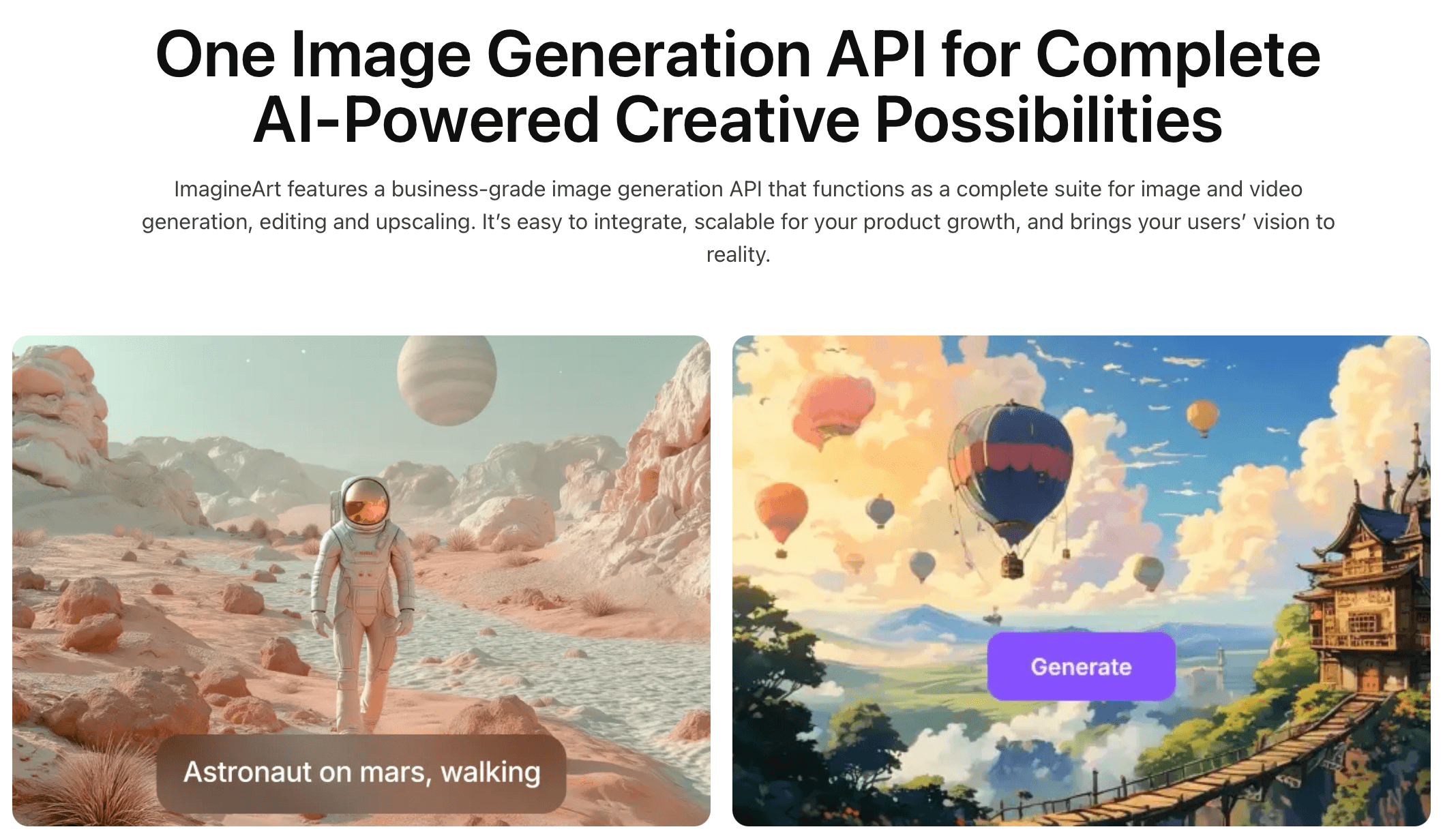
ImagineArt’s Image Studio brings text-to-image generation, style presets, and aspect-ratio control into one workspace — letting creators move from a plain-language prompt to a finished, on-brand visual in seconds without separate design software.
Key Features and Platform Capabilities
ImagineArt’s feature set in 2026 spans the full content production cycle — from first prompt through editing, upscaling, and export in formats ready for social, web, or print. Here is a comprehensive breakdown of every major capability.
Image Studio: Text-to-Image and Image-to-Image Generation
- Text-to-Image Generation: Type a plain-language description and ImagineArt renders a result in seconds, with adjustable styles, aspect ratios, camera-angle tokens, and lighting presets that let users steer composition without needing formal prompt-engineering knowledge.
- Multiple Underlying Models: ImagineArt gives users access to a range of image models — including its own ImagineArt 1.5 realistic engine alongside third-party models like Nano Banana and Nano Banana Pro — so different visual styles and quality levels are available depending on the project and credit budget.
- Image-to-Image Transformation: Upload a reference photo and transform it into a new style, composition, or concept — useful for converting sketches into finished art, restyling product photos, or iterating on an existing visual without starting from a blank prompt.
- Imagine Bot Prompt Enhancer: A built-in prompt-expansion assistant takes a short, simple idea and expands it into a more detailed prompt — helping users who aren’t comfortable writing long descriptive prompts still get more specific, controlled results.
- Real-Time Generation Preview: Results render as the prompt is typed in real-time mode, letting users see directional changes immediately and iterate on wording before committing credits to a final high-resolution generation.
- Style and Art Direction Presets: A library of style presets spans photorealistic, anime, painterly, pixel art, and abstract directions, plus a dedicated AI Anime Generator for character-style art and an AI Logo Generator for quick brand mark concepts.
Video Studio: Text-to-Video and Image-to-Video
- Text-to-Video Generation: Describe a scene in text and ImagineArt generates a short video clip — supporting concept clips, social content, and quick visual storytelling without filming or traditional animation software.
- Image-to-Video Animation: Upload a still image and turn it into motion — one of the more practical workflows in the suite, letting users animate an existing product photo, portrait, or illustration into a short clip without re-describing the scene from scratch.
- Motion Transfer and Clip Extension: Apply motion patterns from a reference clip to a new subject, or extend an existing generated clip’s duration — supporting more complete short-form video production within the same studio.
- Character Consistency Across Frames: ImagineArt emphasizes keeping characters, products, and brand visual style aligned across multiple generations — a practical advantage for recurring campaign content where consistency matters more than having access to dozens of unrelated styles.
- HD Video and Resolution Tiers: Higher subscription tiers unlock longer clip lengths and higher resolution output, with private (non-public) generations enabled from the Standard tier upward for users who don’t want work-in-progress content visible in the community gallery.
Edit, Upscale, and Personalization Tools
- Background Removal and Editing: The Edit Studio handles background removal, object editing, and photo restoration — including cleaning up old or damaged photos, which photographers and family-archive users have applied the tool to.
- AI Upscaler: Increase the resolution of existing images for print-ready output or larger-format use — useful when a generated or uploaded image needs to scale beyond its original resolution without visible quality loss.
- Personalize Character (Imagine You): Train a custom model on multiple reference images of a specific face, character, or product — then generate new scenes featuring that same subject consistently, which independent reviewers single out as one of ImagineArt’s stronger differentiators against simpler one-shot generators.
- Custom Model Training: Beyond character personalization, users can train models on specific art styles or recurring objects, similar in concept to building a personal mood board that the AI then references — useful for brand systems and repeat-content creators.
- AI Interior Design and Outfit Try-On Apps: Purpose-built applications extend the core image engine into specific verticals — letting users visualize room redesigns or try different outfits on a reference photo without manually prompting for each variation.
Workflows, App Builder, and Templates
- Node-Based Workflow Canvas: A visual canvas lets users chain AI models into multi-step pipelines — for example, generate a product image, automatically upscale it, then format it for a specific aspect ratio — turning a repeated manual process into a single reusable workflow.
- App Builder: Any workflow can be converted into a team-ready application with its own custom interface — useful for agencies that want to give clients or junior team members a simplified front-end for a specific repeatable task without exposing the full platform.
- 100+ Pre-Built Templates: Templates cover focused use cases like CGI product photography, AI headshots, and viral social media formats — letting users generate specific, polished outputs without building a workflow from scratch.
- ImagineArt MCP: A newer integration point allows ImagineArt’s models to be called from compatible external tools and agentic workflows, extending the platform’s reach beyond its own dashboard for more technical users.
- Concurrent Generation Support: Paid plans support multiple simultaneous generations — the Standard tier, for example, supports up to 8 concurrent images — which matters for bulk content production like social media batches or product catalogs.
 ImagineArt’s Video Studio extends the same workspace into text-to-video and image-to-video generation, letting marketing teams and content creators produce short clips, product promos, and animated concepts without leaving the platform or learning separate video editing software.
Pricing, Plans, and Value Proposition
ImagineArt runs on a credit-based subscription model rather than a flat per-download price — every generation (image, video, edit, or upscale) consumes a number of credits depending on the model, output quality, and quantity selected. Understanding how credits work is essential to judging real value, since the headline monthly price alone doesn’t tell the full story.
ImagineArt Pricing Breakdown for 2026
| Plan | Price | Monthly Credits | Key Features | Best For |
|---|---|---|---|---|
| Free | $0/month (no credit card) | 100 credits, refreshed every 24 hours | Core image and video tools; watermarked output; lower resolution; no premium models; public visibility only | Evaluators, students, hobbyists testing the platform before subscribing |
| Basic | ~$15/month | ~3,500 credits (~300 images / month) | No watermark; standard resolution; access to premium models; up to 4 concurrent generations; public visibility | Casual creators and occasional social media posting |
| Standard | ~$30/month | ~8,000 credits (~1,000 images / month) | Private generations enabled; up to 8 concurrent images; team seat support; faster processing; broader model access | Regular creators, freelancers, and small teams with consistent weekly output |
| Ultimate | ~$60/month | Higher credit pool + unlimited generation on select models | Unlimited image/video generation on specific models; higher concurrency; priority queue; prompt enhancer access | High-output creators and marketing teams producing daily content |
| Creator | ~$250/month | ~100,000 credits (~8,000 images / month) | Private visibility by default; up to 16 concurrent generations; full styles/model access; priority support; team seats | Agencies and high-volume studios producing at scale |
| Enterprise | Custom (contact sales) | Custom allocation | Quarterly or yearly billing discounts up to 30%; dedicated support; custom team and security arrangements | Large teams and organizations with specialized requirements |
Pricing model explained: ImagineArt’s pricing pages have shown some variation in exact credit counts across different time periods and regions, so the figures above are directional rather than fixed — always confirm current numbers on the live subscription page before purchasing. What stays consistent across the structure is the underlying logic: credits are assigned monthly and do not roll over, so unused credits expire at the end of each billing month regardless of whether you’re on monthly, quarterly, or yearly billing. This means the real question when picking a plan isn’t just “how much does this cost” but “will I actually use this many credits before they reset” — a consideration that matters more for ImagineArt than for flat-rate platforms.
Pro tip: Use the free daily credits to test the specific models and styles your projects need before subscribing — generate 10–15 test images across photorealistic, illustrative, and any specialized style relevant to your work, and check whether the v1.5 engine or Nano Banana Pro model meets your quality bar. Because credits expire monthly rather than accumulating, it’s also worth tracking your actual generation volume for two to three weeks before committing to a tier, since upgrading later is simple but overpaying for unused credits every month adds up.
Free vs. Paid: When to Upgrade
- Stay on Free when: Your use is occasional, you’re comfortable with watermarked output and public visibility, and you’re still evaluating whether ImagineArt’s specific style range fits your creative needs before paying.
- Upgrade to Basic (~$15/month) when: You need unwatermarked, standard-resolution output for casual but regular social media posting and don’t require private generations or team features.
- Upgrade to Standard (~$30/month) when: You need private generations (work-in-progress content not visible to the public gallery), more concurrent generations for batch work, and you’re producing content on a predictable weekly schedule that will actually consume the larger credit pool.
- Choose Ultimate or Creator when: You’re a marketing team or agency producing daily content, need unlimited generation on select models to avoid credit-anxiety mid-project, or require multiple team seats under one subscription.
- Engage Enterprise when: Your organization needs custom billing terms, dedicated account support, or security and compliance arrangements beyond the standard tier structure.
Comparisons: ImagineArt vs. Competitors in 2026
The AI image and video generation market in 2026 spans dedicated photorealism specialists, open-source self-hosted models, and all-in-one creative suites. ImagineArt’s specific position — broad multi-modal coverage at accessible mid-tier pricing — differentiates it most clearly from the single-purpose premium generators.
ImagineArt vs. Midjourney, DALL-E 3, Stable Diffusion, and Adobe Firefly
| ImagineArt 2026 | Midjourney | DALL-E 3 | Stable Diffusion | Adobe Firefly | |
|---|---|---|---|---|---|
| Entry Price | ~$15/month (Basic) | ~$10/month (Basic) | Included in ChatGPT Plus | Free (self-hosted) / variable | Included with Adobe CC plans |
| Image + Video in One Plan | Yes | Yes (video added) | No (image only) | Depends on setup | Limited video |
| Photorealism Quality | Strong, occasional artifacting | Very strong (top-tier) | Strong, excellent prompt accuracy | Variable (model-dependent) | Strong, brand-safe focus |
| Character/Brand Consistency | Yes (Personalize Character) | Limited (character refs) | Limited | Yes (with LoRA training) | Limited |
| Audio / Lip-Sync Tools | Yes | No | No | No (native) | No |
| Workflow Automation | Yes (node-based canvas) | No | No | Yes (ComfyUI, technical) | Limited |
| Beginner Friendliness | High | Moderate (Discord-based) | Very high | Low (technical setup) | High |
| Best For | All-in-one budget creative suite; teams wanting fewer tool subscriptions | Top-tier photorealism and artistic image quality | Prompt accuracy; ChatGPT-integrated workflow | Full technical control; no recurring subscription | Brand-safe, IP-cleared commercial use within Adobe ecosystem |
ImagineArt’s edge: ImagineArt’s core advantage isn’t winning on any single dimension against specialists — Midjourney still leads on top-tier photorealistic image quality, and Adobe Firefly leads on brand-safe commercial clearance within the Adobe ecosystem. ImagineArt’s edge is breadth under one subscription: a single credit pool covers image generation, video generation, editing, upscaling, lip-sync, and voice work, which replaces what would otherwise require separate subscriptions to an image generator, a video generator, a background-removal tool, and a lip-sync app. For users whose priority is consolidating tools and reducing total subscription overhead rather than maximizing quality on any one output type, that combination is hard to match at ImagineArt’s price point.
Getting Started: Step-by-Step Guide for New ImagineArt Users
ImagineArt is built to be approachable from the first session — the free tier requires no credit card, and the interface is designed so a first-time user can get a usable result within minutes. Here’s how to move from signup to a productive first project.
Step-by-Step Guide for New ImagineArt Users
- Create Your Free Account:
- Visit imagine.art and sign up using email or a Google account — no credit card is required for the free tier. Your account starts with 100 credits that refresh every 24 hours, enough for genuine hands-on testing before any payment decision.
- Spend your first session exploring the five studios — Image, Video, Edit, Upscale, and Audio — to understand which tools are most relevant to your typical projects before narrowing your focus.
- Try the Imagine Bot prompt enhancer on a simple idea to see how it expands a short description into a more detailed prompt — this is a fast way to learn what kind of prompt detail produces the results you want.
- Test Models and Styles Before Subscribing:
- Generate 10–15 test images across the styles most relevant to your work — photorealistic portraits, product mockups, illustrative or anime styles — and compare output quality against your professional standards before committing to a paid plan.
- If your work depends on character or product consistency across multiple images, test the Personalize Character feature early — upload a handful of reference images and generate a few new scenes to confirm the consistency holds up for your specific use case.
- Note which generations would benefit from premium models (the free tier restricts access to some advanced models) — this helps you estimate whether Basic or Standard is the right entry point once you decide to upgrade.
- Build Your First Workflow:
- For any task you’ll repeat — generating product images, then upscaling them, then exporting to a specific aspect ratio — use the node-based Workflow canvas to chain those steps into a single reusable pipeline rather than repeating them manually each time.
- Start from one of the 100+ pre-built templates (CGI product photos, AI headshots, social media formats) if your use case matches a common pattern, then customize from there rather than building entirely from scratch.
- Move into Video and Audio Tools:
- Once comfortable with image generation, try animating an existing generated or uploaded image using the image-to-video tool — this is typically the most practical entry point into video for users coming from a photo-first workflow.
- For talking-portrait content, test the Lipsync Studio by uploading a portrait and a short voice clip or text-to-speech audio — review the render quality before relying on it for client-facing or published content.
- Manage Credits and Plan Selection:
- Track your actual weekly credit consumption for two to three weeks on the free tier or an entry paid plan before upgrading — since credits expire monthly rather than rolling over, the right tier is the one that matches your realistic usage, not the one with the largest available pool.
- If you hit your credit limit mid-month, you can either upgrade your plan or purchase one-time top-up credits without changing your base subscription — useful for a single high-volume project month without a permanent plan change.
Tips for Getting the Most from ImagineArt
- Use lower-credit models for early drafts and exploration, then reserve premium models like the v1.5 engine or Nano Banana Pro for final production-quality outputs — this stretches your monthly credit allocation significantly further across a full project.
- Build Workflows for any task you expect to repeat more than a handful of times — the time saved compounds quickly for recurring formats like weekly social posts or a standing product catalog refresh.
- If your priority is brand or character consistency across a campaign, invest time in the Personalize Character feature early rather than re-prompting from scratch for every new scene — independent reviewers consistently flag this as one of ImagineArt’s stronger features relative to simpler one-shot generators.
- Expect some trial and error with prompts — multiple user reviews note that results can be inconsistent, with some generations requiring two or three attempts to get details like hands, faces, or small text right. Budgeting a few extra credits per concept for retries is a realistic part of the workflow rather than a sign something is broken.
- For teams, evaluate the Standard tier’s seat support before assuming you need the higher-priced Creator plan — Standard already includes team seats and private generations, which covers many small-team needs without the larger jump in monthly cost.
Advanced Use Cases and Expert Analysis
For content creators producing daily social visuals, marketing teams building product and campaign content, freelance designers serving multiple clients, and small businesses creating brand assets on accessible budgets, ImagineArt’s 2026 platform consolidates a meaningful share of the AI creative toolchain into one subscription.
Expert Reviews and Real-World Use Cases
- The Content Creator and Social Media Manager: Creators who need fast, varied visuals for thumbnails, posts, and campaign graphics use ImagineArt’s Image Studio and template library to skip the search-and-edit cycle that stock photography requires when a specific mood or concept doesn’t exist in a stock library. A G2 reviewer described the core value directly: ImagineArt solves the problem of finding unique visuals quickly as a content creator, since specific ideas in mind for a post or thumbnail often don’t match generic stock options.
- The Freelance Designer and Book Cover Artist: Independent designers use ImagineArt as a starting point for concept art, book covers, and client mockups — generating multiple variations quickly to find a direction worth refining. One G2 reviewer who works in book cover and online image creation noted that the platform’s tendency to generate multiple images per prompt means there is a chance that I will like at least one of them, treating volume as a practical advantage during the ideation phase.
- The Marketing Team Building Product Mockups: Marketing teams use ImagineArt’s CGI product photo templates and Workflow canvas to produce campaign visuals and mockups at scale without commissioning custom photography for every concept — a pattern independent reviewers note is one of the platform’s clearer professional applications, alongside marketers who report it has enabled them to create engaging visuals without relying on external resources.
- The Indie Filmmaker and Concept Artist: Filmmakers and concept artists use the Video Studio’s image-to-video and motion-transfer tools to previsualize scenes or produce short concept clips before committing to full production — a workflow that independent reviewers highlight as one of the more practical parts of the suite for turning a still image into something dynamic without learning separate animation software.
- The Small Agency Managing Multiple Clients: Boutique agencies use ImagineArt’s Standard or Creator tiers with team seats to give multiple staff members access to a shared asset library and Workflow templates under one billing arrangement — reducing the overhead of individual personal subscriptions across a creative team.
Independent expert consensus: Review platforms generally position ImagineArt as a strong value-for-money option rather than a top-tier photorealism specialist. G2 user-review tags lean positive on ease of use, creativity, and style variety, with limited customization and learning difficulty appearing as the more common criticisms. Pollo AI’s hands-on review concluded that ImagineArt is genuinely beginner-friendly and fast, while noting that outputs don’t always follow the prompt instructions accurately and can look more visibly AI-generated than higher-end specialist tools. Lovart’s comparison review summarized the platform as a playful, powerful all-in-one creative studiowell suited to social creators, product mockups, and character concepts, while flagging occasional artifacting and stricter content filters as the main trade-offs. The consistent theme across independent reviews is that ImagineArt trades some peak photorealism and fine-grained control for breadth, speed, and price.
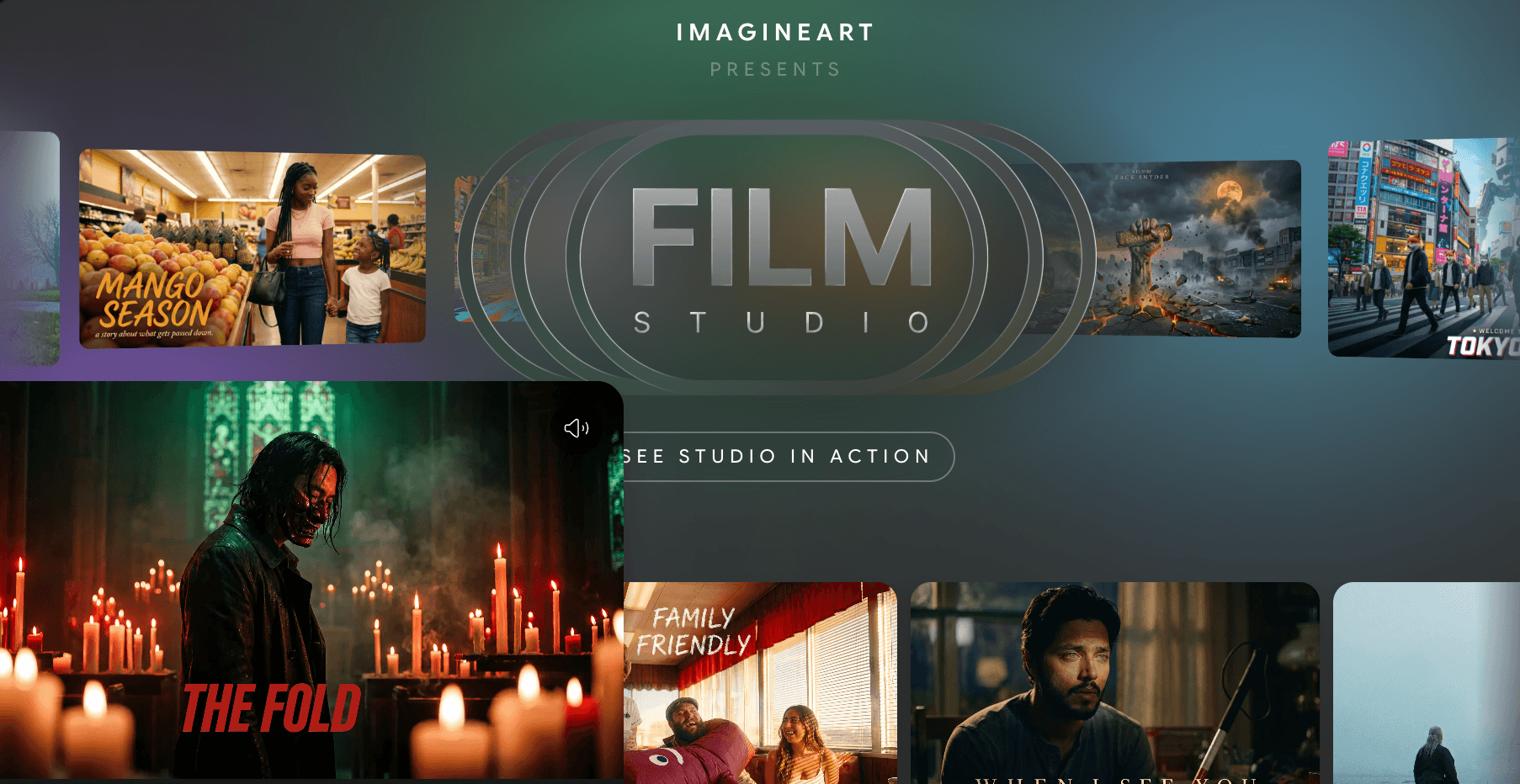 From content creators sourcing fast thumbnails and freelance designers building client concept art to marketing teams producing product mockups and small agencies managing shared team access — ImagineArt’s combined image, video, and editing toolkit gives a wide range of creative workflows a single subscription to work from.
Potential Limitations and Honest Considerations
ImagineArt is a strong platform for consolidating AI creative tools, but there are real limitations worth understanding before committing:
- Output Quality Can Be Inconsistent: Multiple independent reviews and user comments note that results vary generation to generation — some images look polished on the first try, while others require several attempts to fix issues with hands, faces, or small text. Budgeting extra credits for retries is a realistic part of using the platform rather than an edge case.
- Not the Top Choice for Ultra-Realistic Photography: Reviewers consistently note that for the absolute highest tier of photorealism, specialist tools like Midjourney still lead — ImagineArt is competitive at its price point but isn’t positioned as the best option when photorealism is the single overriding requirement.
- Credit System Requires Active Management: Because credits are assigned monthly and expire rather than rolling over, users with irregular or bursty usage patterns may find the subscription model less efficient than pay-per-generation alternatives — the platform rewards consistent, predictable monthly usage more than occasional heavy bursts.
- Customer Support Response Times Vary: Several review platforms and a documented Trustpilot case note that front-line customer support response times can be slow, with one detailed account describing a multi-day escalation process before a billing issue was resolved — though the same review noted that senior support ultimately resolved the matter fairly once escalated.
- Strict Content Filtering on Certain Themes: Some users report that content filters are strict on certain creative themes — a reasonable safety trade-off, but one that can be frustrating for legitimate creative work that brushes against filter boundaries.
- Iteration Controls Are Relatively Basic: Power users accustomed to granular seed control, timestep adjustment, or negative-prompt exposure in more technical tools may find ImagineArt’s iteration controls comparatively basic — this is consistent with the platform’s design priority of accessibility over maximum technical control.
- Limited Customization Compared to Specialist Tools: As an all-in-one suite, ImagineArt doesn’t match the depth of customization available in single-purpose specialist platforms for any one output type — users with highly specific technical requirements in one domain (e.g., advanced video compositing) may still need a dedicated tool alongside ImagineArt.
Future Outlook and Real-World Applications
ImagineArt sits within two converging market currents: the consolidation of fragmented AI creative tooling into unified workspaces, and the expansion of multi-modal generation where image, video, and audio increasingly need to work together rather than as separate disciplines. Both trends favor ImagineArt’s all-in-one positioning.
Use Cases Across Creative Disciplines and Business Sizes
- The Solo Creator Replacing Multiple Subscriptions: Independent creators who previously paid for a separate image generator, video tool, and background remover use ImagineArt to consolidate that spend into one subscription — useful for creators managing tight personal budgets across multiple recurring software costs.
- The E-Commerce Brand Producing Product Content: Online retailers use ImagineArt’s CGI product photo templates and image-to-video tools to generate lifestyle imagery and short product promo clips without commissioning new photography or video shoots for every listing or campaign.
- The Educator and Course Creator: Educational content creators use the Lipsync Studio and Audio tools to produce talking-avatar explainer content, alongside the Image Studio for diagrams and illustrative material that supports course content without a production team.
- The Game Developer and Character Designer: Indie developers and character designers use Personalize Character and the broader Image Studio to iterate quickly on character concepts and promotional art during early development, before committing to a final art direction with a human illustrator.
- The Agency Creative Director: Boutique agencies use Standard or Creator tier team seats to give the whole creative team shared access to Workflow templates and a common asset library — keeping client deliverables consistent across team members working from the same brand presets.
Expert prediction: As AI-generated content becomes a standard part of creative production rather than a novelty, platforms that combine multiple modalities — image, video, audio, and editing — under one consistent interface and credit system are positioned to capture creators who want to move fluidly between formats based on project need rather than managing separate tools for each. ImagineArt’s existing architecture (studios, Workflows, App Builder, MCP integration) suggests room to keep adding new modalities and models without restructuring the core platform, which favors continued breadth expansion over the next product cycle.
Conclusion
ImagineArt 2026 delivers one of the broadest all-in-one AI creative suites available at mid-tier pricing — with over 50 AI models spanning image, video, editing, upscaling, and audio in a single workspace, a node-based Workflow canvas for repeatable production pipelines, Personalize Character for consistent brand and character identity, lip-sync and voice tools for talking-portrait content, a genuinely free daily credit tier with no credit card required, and paid plans starting around $15/month that scale up to team and enterprise tiers. Output quality can be inconsistent generation to generation, ultra-realistic photography still favors specialist tools like Midjourney, and the credit system rewards predictable monthly usage over bursty habits. But for content creators sourcing fast social visuals, marketing teams producing product mockups and campaign content, freelance designers building client concept art, and small agencies that want one dashboard instead of five separate AI subscriptions — ImagineArt consolidates a meaningful share of the modern AI creative toolchain into a single, accessible workspace.
Ready to generate professional AI images, videos, and more from a single workspace? Start your free ImagineArt account today:
👉 Open ImagineArt Account: https://worldoftech.space/imagineart
👉 Our YouTube Channel: https://www.youtube.com/@world_tech79
👉 Our Facebook Fanpage: https://www.facebook.com/profile.php?id=61576258059614
👉 Our X (Twitter): https://x.com/worldoftech79





