
Most AI tools answer a question and stop there. CREAO is built around a different promise: describe a piece of recurring work, and it builds an agent that keeps doing that work, on a schedule, inside the tools you already use — Gmail, Slack, Notion, Google Sheets, Shopify and more — without you re-prompting it every time. A single conversation can turn into a “Quote responder” that drafts replies to inbound sales emails, an “Inventory snapshot” that checks stock every four hours, or an “SEO brief writer” that drafts content outlines on demand, and every one of those agents can run with full autonomy or pause for your sign-off on anything sensitive.
CREAO positions itself less as a chatbot and more as a “Super Agent” harness: it remembers how you work through daily “dream profiles,” reuses that context across every new agent you build, and layers in built-in video, image and voice generation plus real browser automation so agents can log into services and extract live data on their own. It’s a genuinely ambitious pitch, and one still working through the growing pains of a young platform. This 2026 review walks through what CREAO actually does, what it costs, how it stacks up against workflow tools like Zapier and n8n, and who should — and shouldn’t — build their operations on it yet.
Creao AI Review 2026: Can an AI Super Agent Really Run Your Business?
Overview and Background
CREAO (creao.ai) is an AI agent platform built around what the company calls a “Super Agent”: a conversational AI that executes complex, multi-step tasks end-to-end — researching, writing code, generating files, calling integrations, and browsing the live web — and then lets you save any session that worked into a reusable Agent App. From that point forward, the agent runs on its own schedule (daily, weekly, on a webhook, or whenever a trigger fires) without a human re-explaining the task each time. The company describes this as the shift from “AI-enabled productivity” to agents that run continuously in the background, freeing a person to spend their time on judgment calls rather than repetitive execution.
The platform is model-agnostic by design — CREAO lets users pick between Claude, ChatGPT, Gemini and MiniMax model families for any given agent, and states that new frontier releases land on the platform on day one. It plugs into more than 30 integrations out of the box (Gmail, Outlook, Slack, Microsoft Teams, Google Calendar, Notion, Asana, Google Sheets, Shopify, eBay, Google Ads, YouTube, Google Analytics, Search Console, Semrush, Firecrawl, X and others), and an “auto-API integration” feature can read an unfamiliar tool’s API documentation and build a reusable connector on the spot when no pre-built integration exists.
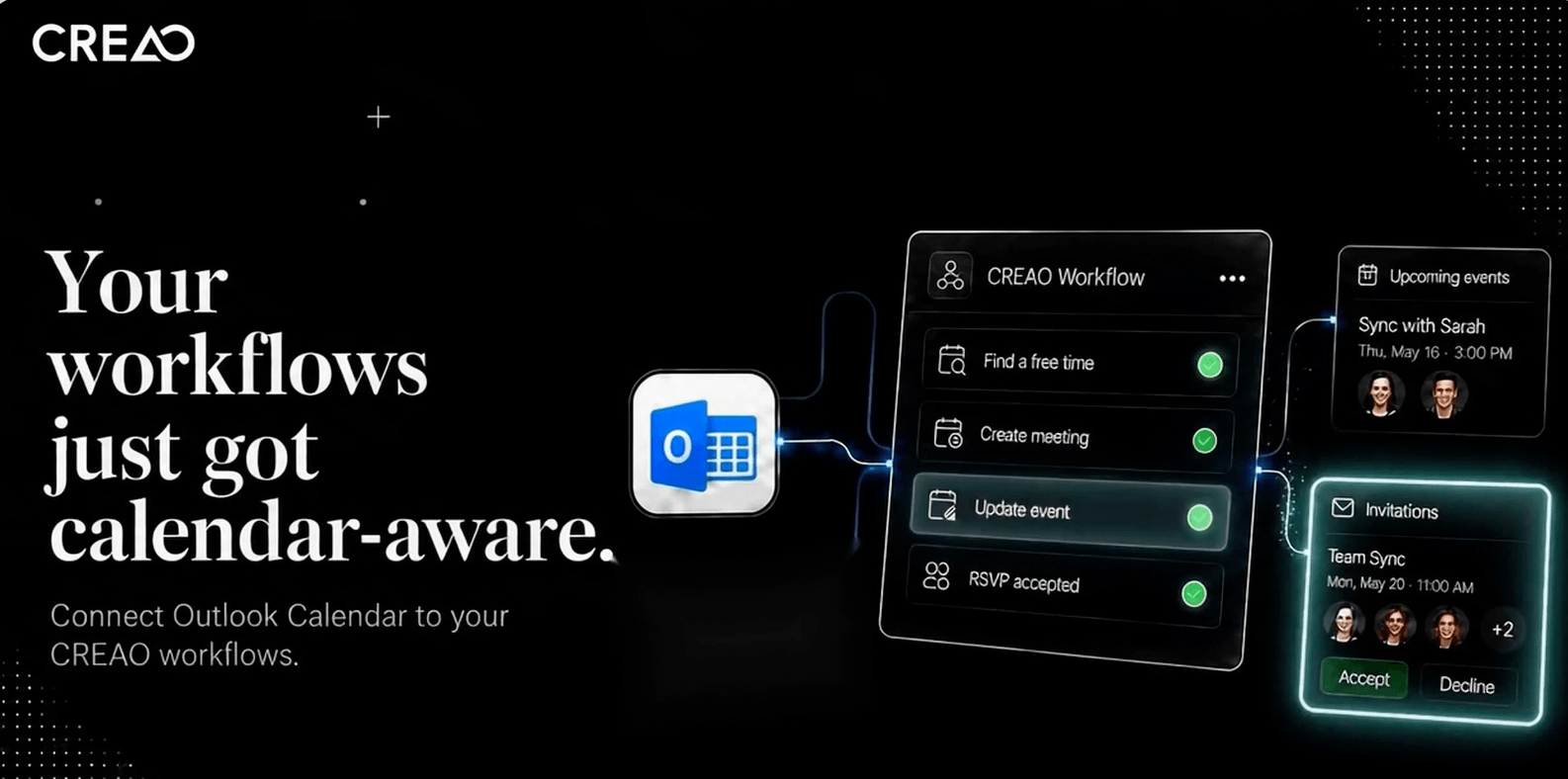
Creao’s dashboard: agents, schedules, and connected tools in one workspace.
Why Creao Stands Out in 2026
Chat first, automate second: most automation platforms make you design a workflow diagram before you see any output. CREAO flips that order — you get real, usable results from a single conversation, and only turn it into a scheduled agent once you’ve seen it work. That removes a lot of the upfront setup friction that keeps non-technical users away from tools like n8n.
Cross-session memory that compounds: CREAO builds a “dream profile” of how you operate — your voice, priorities, and stated preferences — and every new agent inherits it automatically. In practice this means you stop re-explaining “keep Slack updates short” or “quotes over $5k need my sign-off” to every new agent you spin up.
Granular autonomy controls: every agent can be set to full autopilot for routine, low-risk work, or gated behind an approval step for anything that writes data or sends something externally — an email reply, a posted message, a completed purchase. You choose the risk tolerance per agent, not platform-wide.
Multimodal output built in: agents aren’t limited to text and spreadsheet rows. CREAO bundles cinematic video generation (via Google Veo and BytePlus Seedance), photorealistic image generation up to 4K, and text-to-speech in 20+ voices directly into the same chat and agent runtime — so a marketing agent can research a topic, write the copy, and generate the accompanying video or ad creative in one pass.
Real browser automation: CREAO’s browser-use capability lets agents log into services, click through UIs, fill out forms, and extract live data with stealth rendering, persistent login sessions, and automatic CAPTCHA solving — useful for the countless business tools that don’t expose a clean API.
Auto-API integration for the long tail: when a tool isn’t in the pre-built connector library, you can hand the agent its API documentation or an endpoint, and it will build and save the integration as a reusable Skill that every future agent in the workspace can call — no developer ticket required.
Self-reported quality tracking: CREAO publishes an aggregate “quality” score derived from scored runs across the platform, claiming 95%+ high-quality responses as of mid-2026 — a transparency gesture worth noting, though it’s a platform-wide, company-reported figure rather than an independently audited benchmark.
Key Features and Technology
CREAO’s feature set breaks down into a handful of core building blocks that every agent draws on. Understanding these makes it much easier to judge whether the platform fits a given workflow.
The Super Agent Chat
This is the front door to the platform. You describe a task in plain language — “read incoming quote emails, check pricing in my Sheets, draft a reply” — and the Super Agent executes it live: searching the web, writing and running code, generating files, and calling any connected integration. Generated HTML, SVG, and PDF output opens in an interactive preview panel so you can click buttons, fill test forms, or download the result before deciding whether to keep it.
Agent Apps and Scheduled Runs
Once a chat session produces something worth repeating, one click locks it in as an Agent App with structured inputs, version control, and a defined schedule — every weekday at 8:00 AM, every four hours, on a webhook, or whenever a specific Slack message arrives. From that point the agent runs deterministically against the workflow it learned, rather than re-reasoning from scratch on every execution.
Memory and Operating Profile
Every conversation feeds a persistent operating profile covering sales priorities, brand voice, autonomy rules for specific correspondents, and thresholds like “quote review over $5k requires sign-off.” New agents inherit this profile automatically instead of starting from a blank slate, which is one of the platform’s clearer differentiators against one-off AI chat tools.
Connectors, Skills, and Auto-API Integration
Native connectors cover email and calendar, project and knowledge tools, e-commerce platforms, ad and analytics accounts, and developer tools like GitHub. Anything outside that list can potentially be handled through auto-API integration, where the platform reads documentation and builds the connection itself, saving it as a Skill any future agent can reuse.
Workspaces
Workspaces separate conversations, Skills, Connectors, Agents, and files by project or team, so a marketing workspace and a finance workspace don’t bleed context into each other. Agents can be assigned across multiple workspaces, so one well-built agent can serve several teams without being rebuilt.
Pricing, Plans, and Package Structure
CREAO runs on a credit-based subscription model with four published tiers. Credits are consumed by agent runs and Super Agent sessions rather than billed per integration or per seat, and every plan can be canceled or changed at any time.
| Plan | Price | What It Is | Best For |
|---|---|---|---|
| Free | $0/mo | 30 one-time credits, no credit card required, access to the Super Agent, connectors and skills | Testing the platform before committing |
| Pro | $20/mo | 200 credits/month, latest frontier models, custom agents, scheduled runs, all connectors, built-in/custom/open-source skills | Solopreneurs and freelancers running a handful of agents |
| Pro Plus (Recommended) | $50/mo | 600 credits/month, everything in Pro, priority support | Small teams running several scheduled agents in production |
| Max | $150/mo | 2,000 credits/month, everything in Pro Plus, dedicated support | Businesses running many concurrent agents across teams |
How Creao Compares to Alternatives
| Factor | Creao | Zapier | n8n |
|---|---|---|---|
| How you build | Natural-language chat, then “lock in” as an agent | Visual step-by-step Zap builder | Visual node-based canvas, plus AI workflow builder |
| Entry price | Free (30 credits) → $20/mo Pro | ~$19.99/mo for 750 tasks (approx.) | Free self-hosted; ~$20–24/mo Cloud Starter (approx.) |
| Billing unit | Credits per agent run / chat session | Per completed task (per step) | Per workflow execution (whole run) |
| Integration count | 30+ native, plus auto-API for the rest | 7,000+ pre-built apps | 1,700+ nodes, self-buildable via HTTP nodes |
| Multimodal generation | Built in: video, image, voice, browser use | Not built in; requires third-party app connections | Not built in; requires third-party app connections |
| Persistent memory | Yes — cross-agent operating profile | No native persistent memory layer | No native persistent memory layer |
| Track record / maturity | Young — public launch and rapid iteration through 2026 | Mature, established since 2011 | Mature open-source project with large community |
| Best for | Non-technical operators who want AI to build the workflow for them | Teams wanting the deepest app catalog with minimal setup | Technical teams wanting full control and self-hosting |
CREAO vs. Zapier: Zapier wins decisively on integration breadth and platform maturity — over a decade of reliability and an app catalog CREAO can’t currently match. CREAO’s edge is that it writes the workflow logic for you from a plain-language description and adds native video, image and voice generation that Zapier doesn’t offer out of the box, but it asks buyers to accept a much younger, less-tested platform in return.
CREAO vs. n8n: n8n is the better fit for technical teams who want granular, node-level control, self-hosting, and open-source transparency — and it’s typically cheaper at high execution volumes. CREAO trades that control for accessibility: no workflow canvas to learn, a conversational build process, and persistent memory across agents that n8n doesn’t natively provide. Teams with an engineer on staff and complex branching logic will likely find n8n more flexible; teams without dedicated automation staff will likely find CREAO faster to get real results from.
Pros and Cons
What Users Love
Genuinely low barrier to entry: Product Hunt reviewers consistently single out how gentle the learning curve is — non-technical users can describe a task in plain language and get a working result without touching a workflow canvas or writing code.
The built-in copilot adds real value: across independent write-ups, the AI copilot embedded in every generated app or agent is repeatedly called out as a meaningful productivity boost rather than a bolt-on gimmick.
Flexibility over rigid SaaS: early reviewers appreciate that CREAO lets a team build the exact tool their workflow needs instead of hacking around a generic app that almost-but-not-quite fits.
Fast, working infrastructure setup: reviewers note that database, backend, and hosting are handled automatically behind the scenes, so non-developers can go from an idea to a functioning tool without deployment steps.
Multimodal output in one place: being able to generate video, images and voice narration inside the same agent runtime, rather than stitching together three separate subscriptions, is a real time-saver for content and marketing use cases.
Limitations Worth Knowing
Thin independent review coverage: CREAO does not currently have an established Trustpilot presence, and G2/Capterra review volume is minimal at the time of writing. Third-party assessments that do exist (Product Hunt, Techreviewer.co) describe reviewers as “early observers” more often than long-term active users, so real-world depth and long-run reliability are still largely unproven at scale.
Multi-turn context still maturing: multiple early reviewers explicitly flagged uncertainty about whether the platform’s intent-handling and multi-turn context stay reliable in more complex, real-world workflows — a fair concern for any AI-authored automation.
Credit-based pricing needs monitoring: like execution-based competitors such as n8n, your real monthly cost is tied to usage volume, not the plan sticker price. A handful of frequently-firing scheduled agents can burn through a monthly credit allotment faster than expected.
Smaller integration catalog than incumbents: 30+ native connectors is respectable for a young platform, but it’s a fraction of Zapier’s catalog. Auto-API integration helps close the gap, but it depends on the target tool having clean, accessible API documentation.
Company-reported quality metrics: the platform’s “95%+ high-quality responses” figure is a self-published, aggregate metric from CREAO’s own scoring system, not an independently audited benchmark — treat it as a directional signal rather than a guarantee.
Who Should Use Creao
Solopreneurs and freelancers juggling client communication, proposals, and status updates will find real value in agents that draft quotes, send Friday recaps, and log billable hours without manual admin work eating into paid hours.
Small marketing and content teams get outsized value from CREAO’s bundled video, image, and voice generation, especially for repurposing one long-form piece into multiple channel formats automatically.
Small e-commerce and inventory operators can lean on scheduled agents for stock-level snapshots, reorder alerts, and quote responses that would otherwise require someone checking dashboards manually several times a day.
Non-technical operators who’ve been intimidated by node-based automation tools are exactly who CREAO’s conversational build process is designed for — no canvas, no branching logic diagrams to learn first.
Who should look elsewhere: teams that need deep, branching, conditional workflow logic, strict on-premise/self-hosting requirements, or an extremely mature integration catalog with proven enterprise-scale reliability are better served today by an established platform like n8n or Zapier. Highly regulated industries requiring audited compliance certifications should also wait for CREAO’s track record to lengthen before trusting it with sensitive, high-stakes processes.
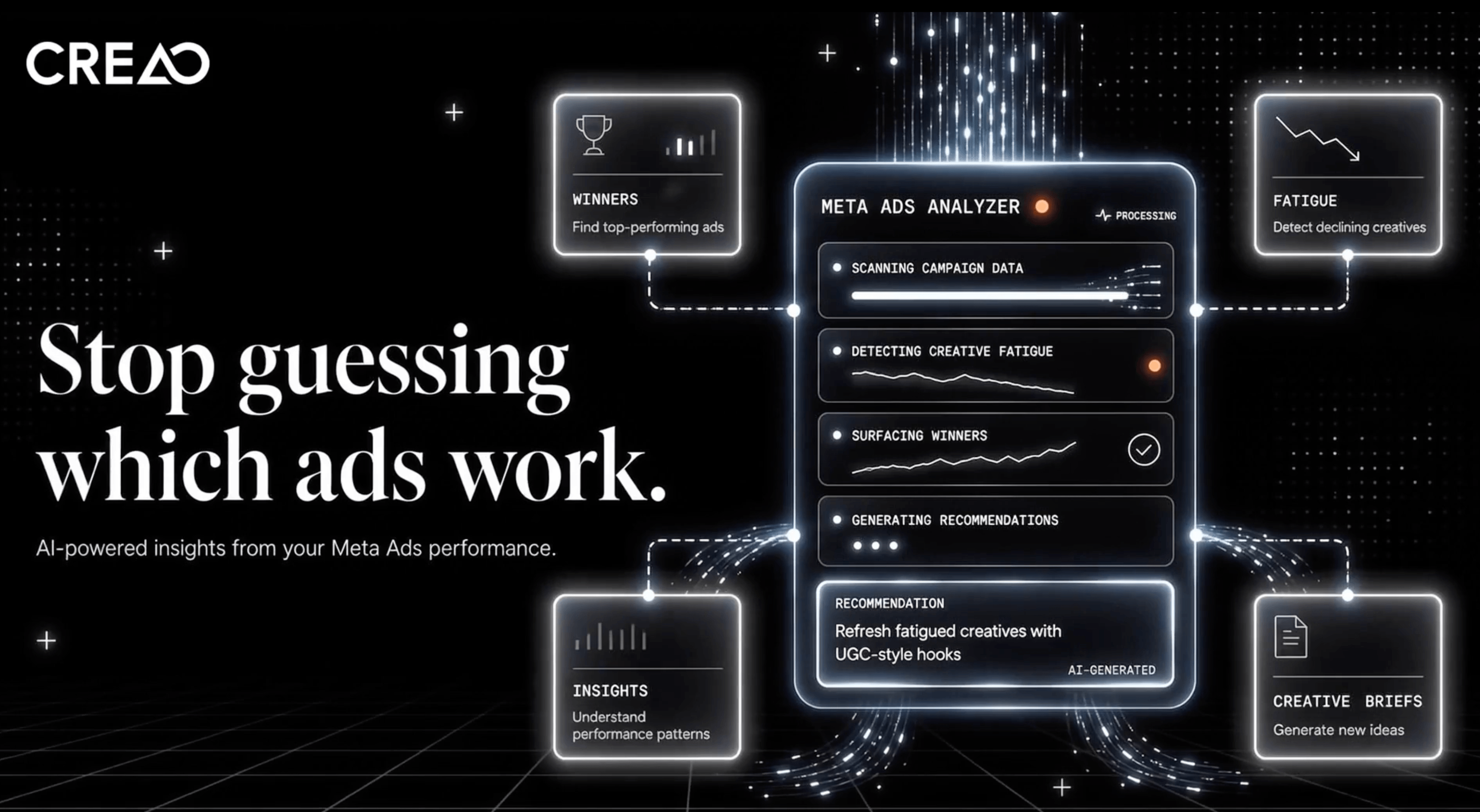
Approval gates let you keep a human in the loop on anything write or destructive.
Getting Started: Step by Step
- Sign up free. Create an account at agent.creao.ai with no credit card required; you start with 30 one-time credits to explore the Super Agent, connectors, and skills.
- Connect your core tools. Authorize the accounts you’ll actually automate against first — email, calendar, and the one or two apps central to your daily workflow — using OAuth or an API key.
- Describe your first task in plain language. Start with something low-risk and repetitive, like drafting a weekly summary or checking a spreadsheet for stale rows, and let the Super Agent execute it live.
- Review the output before saving it. Check the result in the interactive preview panel, adjust the prompt or instructions if needed, and only lock the session into a reusable Agent App once it’s genuinely reliable.
- Set the schedule and autonomy level. Choose how often the agent runs and decide, per agent, whether it acts fully autonomously or pauses for your approval on anything that writes or sends data externally.
- Let it compound. As you build more agents, they inherit your operating profile automatically — watch your credit usage for the first billing cycle and upgrade only once you know your real monthly run volume.
Tips for Getting Maximum Value
Get the most out of CREAO by treating the first two weeks as a deliberate pilot rather than a full migration: pick one or two genuinely repetitive tasks you already do manually, run them through the Super Agent chat several times before saving anything as a scheduled agent, and pay close attention to how often you need to correct the output — that correction rate tells you more about real reliability than any marketing claim. Keep approval gates turned on for anything that sends an email, posts publicly, or touches money until an agent has proven itself over dozens of runs, then relax the gate to full autonomy only for the routine, low-stakes steps. Because pricing is credit-based, audit your credit consumption weekly for the first month so you’re not caught off guard by a scheduled agent that polls too frequently — a lesson n8n users learned the hard way with execution-based billing. Finally, lean into the operating-profile memory feature early: the more consistently you correct an agent’s tone, priorities, and thresholds in the first few sessions, the less hand-holding every subsequent agent will need, which is where CREAO’s compounding promise actually starts to pay off.
Future Outlook and Final Assessment
CREAO is iterating quickly — the platform has already shipped a self-healing agent harness for detecting and auto-triaging production errors, day-one support for new frontier models like Claude Opus updates, and expanded auto-API integration since its public launch. That pace of shipping is encouraging for a young company, but it also means the product a reviewer tests today may look meaningfully different in six months, for better or worse. The bigger open question is whether CREAO’s integration catalog and independent review base grow fast enough to close the credibility gap with incumbents like Zapier and n8n, both of which have years of production reliability behind them.
For now, CREAO earns its strongest recommendation from operators who want AI to build the automation for them rather than learning a workflow tool themselves, and who are comfortable being early adopters of a platform that’s still proving itself in the wild. Teams that need audited enterprise reliability, deep branching logic, or a mature app catalog should watch CREAO’s trajectory but stick with established tools for anything mission-critical today.
Conclusion
Creao AI sets out to do something genuinely different from most automation tools: let you talk your way into a working, scheduled agent instead of designing one node by node. For solopreneurs, small marketing teams, and non-technical operators, that conversational build process — backed by persistent memory and built-in video, image, and voice generation — can turn hours of weekly admin into a background process you barely think about. Just go in with clear eyes: the platform is young, independent review coverage is thin, and teams with complex branching workflows or strict compliance needs will still find more proven ground with Zapier or n8n. Start on the free tier, pilot one real task, and let your own credit usage and output quality — not the marketing page — decide whether it’s worth scaling up.
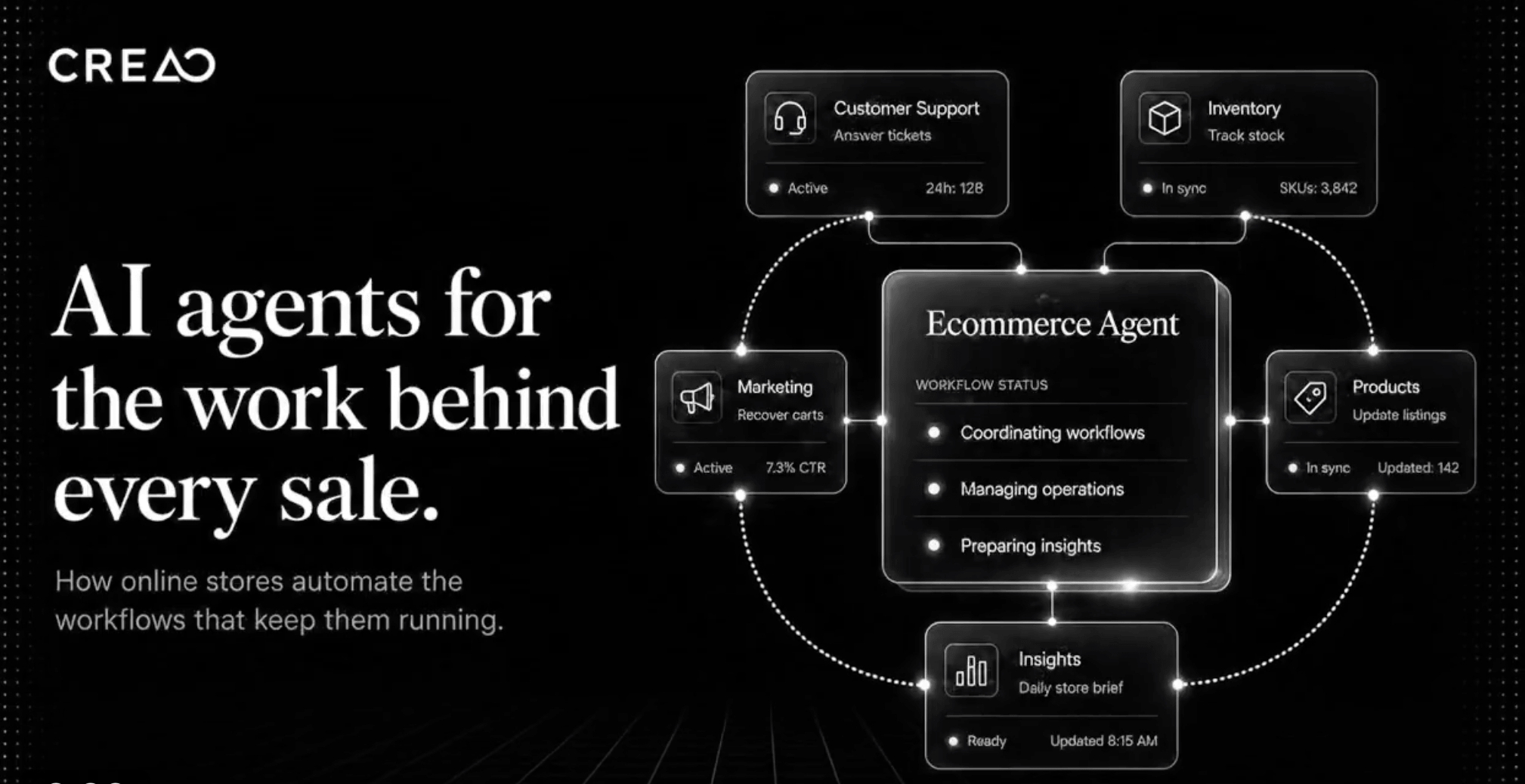
Built-in video, image, and voice generation inside the same agent runtime.
Ready to let AI run more of your recurring work?
Explore more honest reviews, tutorials and tech comparisons to find the right gear for the way you work, travel and live — at World Of Tech, where we make everything easy.
👉 Shop Creao AI: https://worldoftech.space/creao.ai
👉 Our YouTube Channel: youtube.com/@world_tech79
👉 Our Facebook Fanpage: Facebook
👉 Our X (Twitter): @worldoftech79
Pricing, specifications and policy details in this review were verified against creao.ai and independent review sources as of August 2026. SaaS pricing and features change frequently, so confirm current details on the official site before purchasing. Competitor prices for Zapier and n8n are approximate and subject to change.





