
If your PDF workflow still means juggling three or four different websites — one to convert, one to sign, another to compress, and a fourth just to summarize a report you don’t have time to read — LightPDF is built to collapse all of that into a single tab. It’s an AI-powered, cloud-based PDF platform that handles editing, conversion, OCR, e-signatures, watermark removal and page management, then layers on genuinely useful AI tools: a ChatPDF-style document assistant, an AI PDF generator, mind-map creation, PDF translation, and an “AI Agent” that can chain several of those tasks together. It runs in the browser, but also ships as Windows, Mac, iOS, Android and Chrome/Edge extension apps, all synced to one account.
Made by Apowersoft (also known as Wangxutech), LightPDF has been around long enough to accumulate a real user base — tens of thousands of Trustpilot-verified interactions, ISO/IEC 27001 and 27701 certification, and GDPR compliance for handling sensitive documents. It undercuts Adobe Acrobat significantly on price while packing in more AI features than budget rivals like iLovePDF. But it isn’t flawless: the free tier is capped, AI credits run out faster than some users expect, and a few editing quirks show up in day-to-day use. This 2026 review walks through what LightPDF actually does, its full pricing structure, how it stacks up against iLovePDF, Smallpdf and Adobe Acrobat, the honest pros and cons, and exactly who gets the most value from it.
LightPDF Review 2026: The AI-Powered PDF Toolkit That Does (Almost) Everything
Overview and Background
LightPDF positions itself as an “all-in-one AI-powered PDF solution” rather than a single-purpose converter. The pitch is simple: view, edit, convert, sign, annotate, merge and manage PDFs from any device, with AI layered on top to summarize, translate, generate, and even chat with the content of a document instead of reading it line by line. It supports a wide format range beyond PDF itself — Word, Excel, PowerPoint, images, HTML, EPUB, and even less common formats like OFD and CAJ — which matters if your files come from mixed sources like scanned contracts, exported reports or academic archives.
The company behind it, Apowersoft/Wangxutech, is headquartered in Hong Kong and has been building consumer productivity software for years, which shows in LightPDF’s polish — the interface is frequently compared favorably to Adobe Acrobat for everyday tasks, without Acrobat’s steep learning curve or price tag. Security is treated seriously on paper: LightPDF states it uses 256-bit SSL encryption in transit, automatically deletes uploaded files after processing, and holds ISO/IEC 27001 and ISO/IEC 27701 certifications alongside GDPR compliance — reasonable assurances for anyone uploading contracts, medical forms or financial statements.
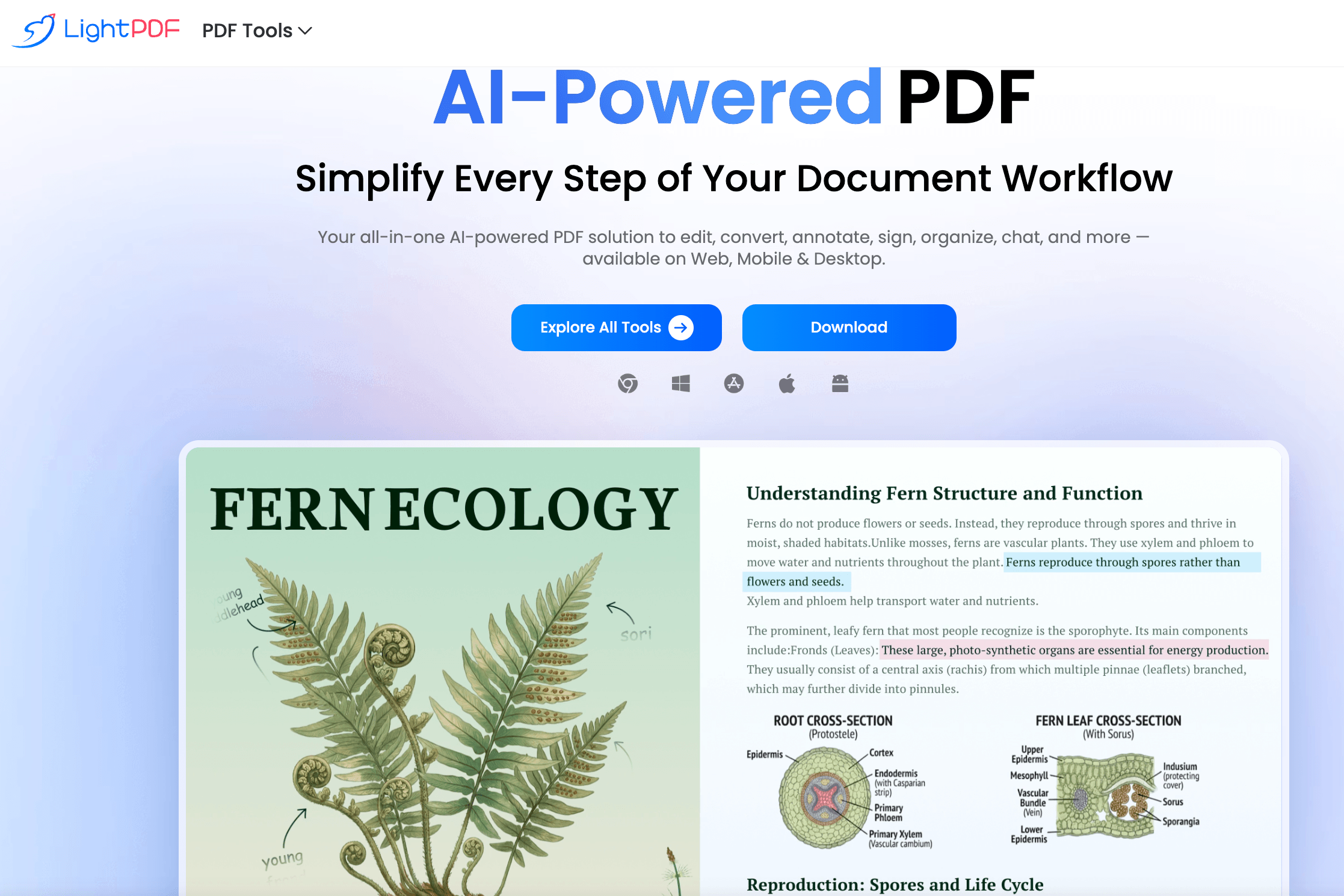
Where LightPDF differentiates itself from straightforward converters like iLovePDF is the AI layer: an AI PDF Agent that can execute multi-step requests, a ChatPDF-style summarizer with citation support, AI-generated mind maps and presentations from a document’s content, and PDF translation. These are the features most competitors either don’t have or charge a separate subscription for.
Why LightPDF Stands Out in 2026
A genuinely broad AI toolset, not a single gimmick: Most PDF apps bolt on one AI feature and call it a day. LightPDF ships an AI PDF Agent, an AI Summarizer with document chat, an AI PDF Generator, AI-created mind maps, an AI PPT Maker, and PDF translation — all inside the same account, working from the same uploaded file.
Half the price of Adobe Acrobat for comparable core tasks: LightPDF’s annual plan runs a fraction of Acrobat’s subscription cost while covering the editing, conversion, OCR and e-signature tasks most people actually need day to day.
One account across five platforms: Web, Windows, Mac, iOS and Android apps all sync under a single premium login, so a document you start editing on a laptop can be picked up on a phone without re-uploading it.
Unusually wide format support: Beyond the standard Office formats and images, LightPDF handles HTML, EPUB, SVG, HEIC, WebP, and regional formats like OFD and CAJ — useful for anyone dealing with scanned academic papers, ebooks or non-Western document standards.
A real watermark and object removal suite: AI Watermark Remover, AI Logo Remover, AI Sticker Remover and AI Text Remover go beyond basic redaction, letting users clean up scanned or downloaded documents without manual masking.
Flexible ownership models: Unlike most PDF SaaS tools that lock you into a recurring subscription, LightPDF offers a one-time perpetual (lifetime) license alongside its monthly and annual plans — a genuine option for buyers who dislike open-ended billing.
Enterprise-grade security posture on a consumer product: ISO/IEC 27001, ISO/IEC 27701 and GDPR compliance, plus stated auto-deletion of uploaded files, put LightPDF’s data handling closer to enterprise document platforms than to a typical free online converter.
Key Features and Technology
LightPDF’s toolkit is large enough that it helps to think of it in five groups: core editing, conversion, AI tools, security/organization, and cross-platform access.
Core Editing, Annotation and Signing
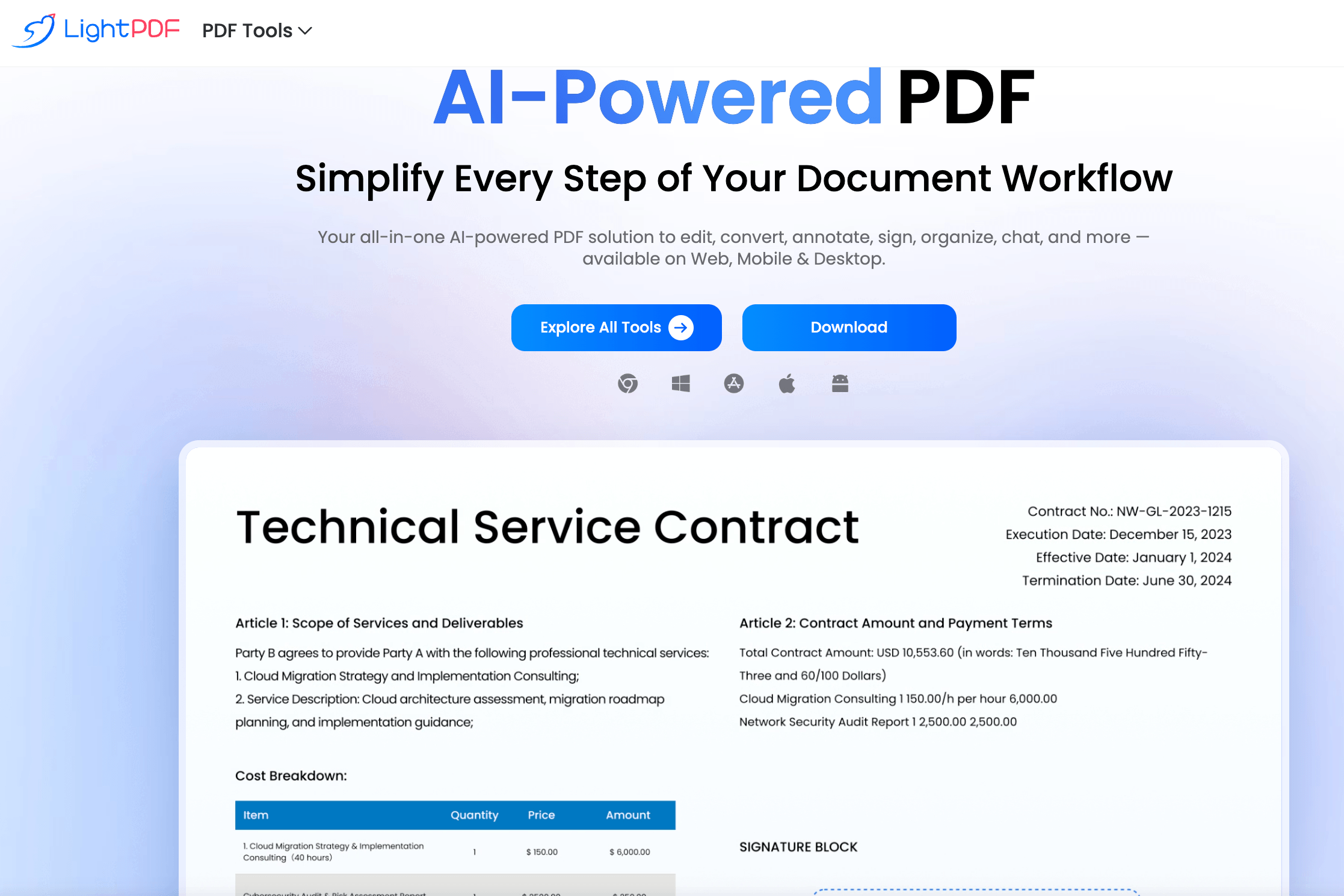
The base editor lets you add, replace or delete text and images directly on a PDF page, insert shapes, highlights and comments, and add electronic signatures — either drawn, typed or uploaded as an image. Reviewers generally describe the editing experience as clean and fast for straightforward changes, though some note it lacks a few conveniences power users expect, like multi-select page navigation with click-shift-click, and that heavily formatted or scanned pages sometimes render as flattened images rather than editable text until OCR is run first.
Conversion and OCR
LightPDF converts PDFs to and from Word, Excel, PowerPoint, JPG, PNG, TIFF, HTML, EPUB and more, with batch processing for handling multiple files at once. OCR (optical character recognition) turns scanned or image-based PDFs into searchable, editable text — a core requirement for anyone digitizing paper archives, contracts or receipts. Format fidelity in conversions is generally rated well by reviewers, particularly for straightforward text documents; complex layouts with heavy tables or mixed columns are the more common failure point across this entire product category, not just LightPDF.
AI Agent, ChatPDF and Document Generation
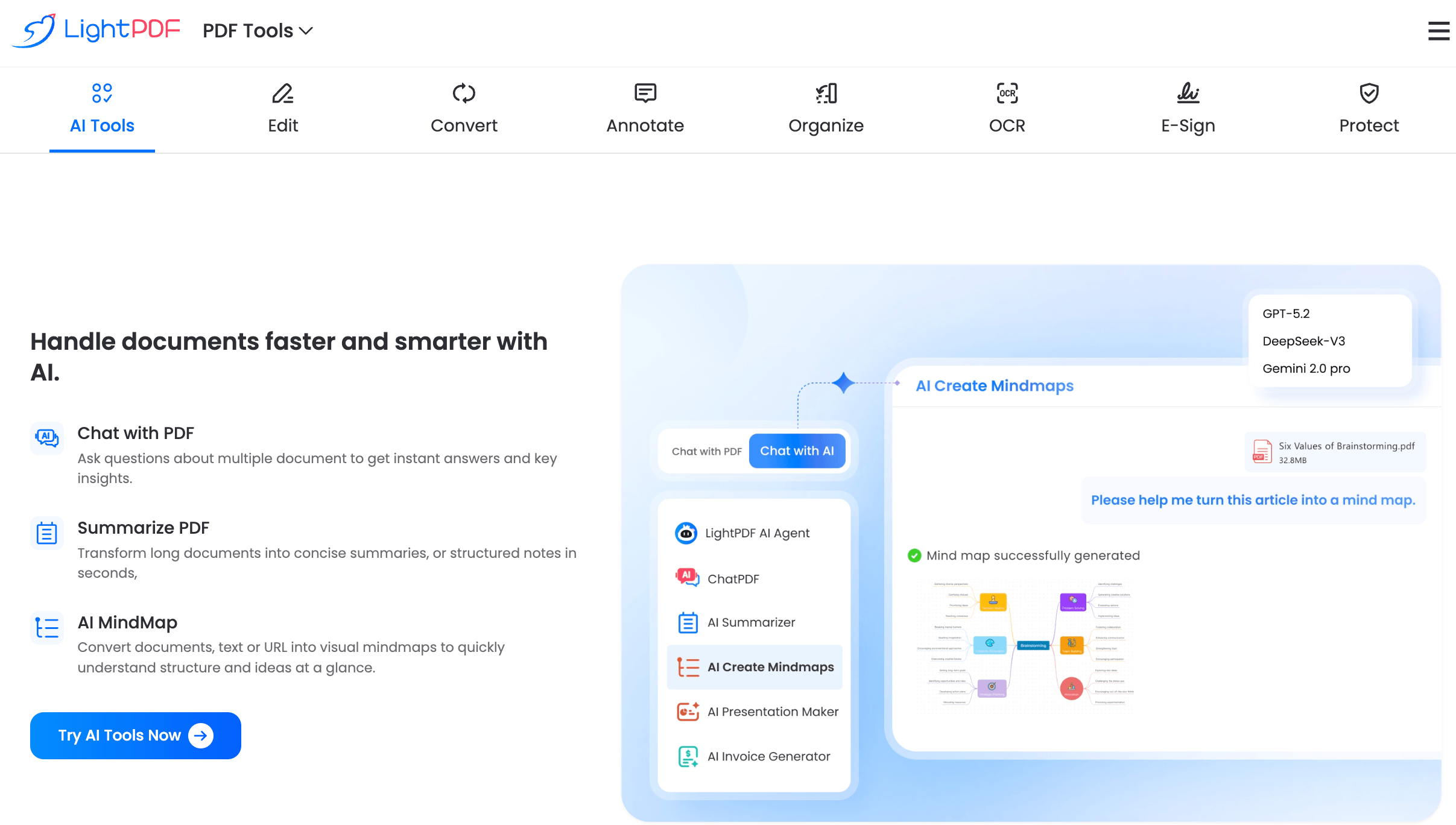
The AI Summarizer (ChatPDF-style) lets you upload a document and ask it questions in plain language, with citations pointing back to the relevant page — useful for research papers, long contracts or reports you need to interrogate rather than read cover to cover. The AI PDF Agent extends this into multi-step tasks, chaining together actions like extract-then-summarize-then-translate. The AI PDF Generator and AI PPT Maker create new documents or slide decks from a prompt or an existing file, and AI Create Mindmaps converts long documents into a visual outline. PDF Translation handles cross-language conversion while attempting to preserve original formatting.
Organization, Compression and Security Tools
Merge, split, reorder, rotate and delete pages cover basic document organization, while compression reduces file size for email or upload limits without a separate tool. Password protection and encryption secure sensitive files, and the watermark, logo, sticker and text remover tools use AI to clean up scanned or downloaded documents — a feature set that goes noticeably further than most budget PDF converters, which typically stop at merge/split/compress.
Cross-Platform Access
A single premium account carries across the web app, Windows and Mac desktop apps, iOS and Android mobile apps, and a Chrome/Edge browser extension. Desktop apps can handle many core PDF operations offline; AI features, OCR and translation require an internet connection regardless of platform. One security-driven limitation worth knowing: a premium account can only be signed in on one Windows device at a time, and signing in elsewhere logs the previous session out automatically.
Pricing, Plans, and Package Structure
LightPDF’s free tier covers the web app with a solid set of core tools but caps AI usage tightly — for example, the ChatPDF summarizer is limited to a small number of daily questions on the free plan. Paid plans unlock the full toolkit, unlimited file sizes and cross-platform sync, and come in three structures: monthly, annual, and a one-time perpetual license. A 3-day free trial is available on the yearly plan with no credit card required to start. Prices below are LightPDF’s standard published individual rates as of mid-2026; the brand runs periodic promotions, so confirm the live price before checkout.
| Plan | Price | What It Is | Best For |
|---|---|---|---|
| Free | $0 | Web app only, core PDF tools, capped AI usage | Occasional conversions or quick edits |
| Monthly Premium | $19.99/mo | Full toolkit, all platforms, 1,000 AI credits/mo | Short-term or trial-first buyers |
| Annual Premium | $49.99/yr (reg. ~$89.99) | Full toolkit, all platforms, 1,000 AI credits/mo, 3-day trial | Most individuals — best value tier |
| Perpetual (Lifetime) | $109.99 one-time (reg. ~$299.99) | Full toolkit forever, 40,000 AI credits (one-time, no refill) | Buyers who want to avoid recurring bills |
| Team Annual (2 users) | $143.98/yr | Shared team plan, centralized billing | Small teams standardizing on one tool |
| Team Perpetual (2 users) | $287.98 one-time | Lifetime license for 2 team seats | Teams avoiding long-term subscription costs |
How LightPDF Compares to Alternatives
| Factor | LightPDF | iLovePDF | Smallpdf |
|---|---|---|---|
| Entry paid price | $49.99/yr (annual) | ~$9/mo (~$4-7/mo annualized) | ~$9-12/mo annualized |
| One-time lifetime option | Yes — $109.99 | No | No |
| AI document chat / summarizer | Yes, plus AI Agent, generator, mind maps | Limited/none | Limited AI summary tools |
| Watermark/logo AI removal | Yes, dedicated AI tools | Basic watermark tool | Basic watermark tool |
| Platform coverage | Web, Windows, Mac, iOS, Android | Primarily web-based | Web, desktop apps, mobile |
| Third-party rating | ~4-star Trustpilot (small sample) | 4.7/5 (Capterra, ~1,700+ reviews) | 4.6-4.7/5 (Capterra, ~1,000 reviews) |
| Best for | AI-driven document work + ownership flexibility | Cheapest straightforward conversions | Polished UI, strong e-signature workflow |
vs. iLovePDF: iLovePDF is the budget champion of this category — cheaper on a monthly basis and well-regarded by reviewers (4.7/5 on Capterra across roughly 1,700 reviews) for straightforward conversion tasks. But it’s largely a conversion and organization tool without LightPDF’s AI layer; if you never need to summarize, chat with, or generate content from a document, iLovePDF’s lower price is hard to argue against.
vs. Smallpdf: Smallpdf competes closely on price and consistently earns strong reviews for its clean interface and e-signature reach, making it a favorite for teams that sign a lot of documents. It offers some AI summary features but nothing as deep as LightPDF’s AI Agent and mind-map generation. Smallpdf also has no one-time purchase option, which matters for buyers who want to avoid ongoing subscriptions.
vs. Adobe Acrobat: Acrobat remains the industry benchmark for advanced form design, accessibility remediation and enterprise document control, but it costs meaningfully more — plans commonly start near $20/month and climb well past that for business tiers. For the 80% of tasks that aren’t advanced form engineering — editing, converting, signing, organizing, and now AI summarization — LightPDF covers the same ground at a fraction of the ongoing cost, with a lifetime option Acrobat doesn’t offer at all.
Pros and Cons
What Users Love
A genuinely full toolkit in one place: The most consistent praise across reviews is convenience — converting, editing, merging and signing without bouncing between five different sites. Several reviewers specifically compare the workflow favorably to Adobe Acrobat for everyday tasks.
The AI watermark remover stands out: Users studying or working with downloaded reference materials specifically call out the watermark remover for preserving document layout and readability while cleaning up distracting marks in just a few clicks.
Fast, clean conversions: Multiple reviewers highlight quick processing times and reliable output quality across common conversion tasks, without the lag some competing tools show on larger batches.
ChatPDF is a real time-saver for research: Students and professionals working through long reports or research papers describe the document chat feature as effective for extracting key points without reading the entire file.
Approachable for non-technical users: The interface is repeatedly described as intuitive for casual users and professionals alike, without a steep learning curve.
Ownership flexibility: The perpetual license option draws praise from buyers who specifically want to avoid another recurring subscription in their toolstack.
Limitations Worth Knowing
AI credits run out faster than expected: The most common complaint about paid plans is that the monthly or lifetime AI credit allowance feels limiting for heavy users — several reviewers note they used less than half the available tools before credits or the plan year ran out, calling the unused-credit expiry frustrating.
Editing has real gaps for complex documents: At least one detailed hands-on review scored the editing tools only 3.5/5, citing that some scanned or heavily formatted pages appear as flat images that resist direct text editing until OCR is applied first, and the lack of multi-select page navigation.
Pricing on paid plans is not the cheapest: Compared head-to-head with iLovePDF’s roughly $9/month entry point, LightPDF’s monthly rate is noticeably higher — the annual plan closes most of that gap, but monthly subscribers pay a real premium.
AI results are inconsistent for structured output: At least one reviewer reported the AI resume/document generator produced overly long, poorly formatted output on a specific task — a reminder that AI-generated documents from any tool in this category still need a manual review pass before use.
Free-tier AI limits are tight: The free plan caps ChatPDF-style questions to a small daily number, which is enough to trial the feature but not enough for regular research use — expect to upgrade quickly if AI chat is your main draw.
Third-party rating sample is small: LightPDF’s Trustpilot profile carries roughly 75-80 reviews as of mid-2026 — enough to see a clear pattern (mostly positive, around 4 stars) but too small a sample to treat as statistically definitive compared to competitors with review counts in the thousands.
Who Should Use LightPDF
Students and researchers: The AI document chat, summarizer and mind-map tools are a real fit for working through long PDFs, research papers or reference materials with watermarks — several reviews specifically mention academic use cases.
Freelancers and small businesses: Consolidating editing, conversion, e-signature and organization into one subscription is cheaper and simpler than piecing together several single-purpose tools, especially on the annual plan.
Anyone who wants to avoid subscription creep: The perpetual license is a genuine option for people who track their recurring software spend closely and would rather pay once, provided they’re realistic about the 40,000-credit AI cap.
Multi-device users: If you regularly switch between a work laptop, home Mac and a phone, LightPDF’s cross-platform sync under one login is a meaningful convenience over web-only tools.
Who should look elsewhere: Heavy daily AI users who’ll blow through 1,000 monthly credits fast should model their expected usage against LightPDF’s credit tables before buying, or consider whether a cheaper conversion-only tool like iLovePDF covers their actual needs. Teams that live inside complex forms, accessibility remediation or advanced redaction workflows are better served by Adobe Acrobat’s deeper feature set, even at the higher price.
Getting Started: Step by Step
- Try the free web tools first. Head to LightPDF’s tools page and run a real task — a conversion, a merge, or a couple of ChatPDF questions on an actual document — before paying anything. No credit card is required to start.
- Estimate your AI usage. Check the credit-cost breakdown on the pricing page for the AI features you’ll actually use (ChatPDF, translation, summarization) and compare that against the 1,000 monthly or 40,000 lifetime credit allowances before choosing a plan.
- Pick monthly, annual, or perpetual. Choose monthly only if you need it for a single short project; annual is the best value for ongoing individual use; perpetual suits buyers confident they’ll use it for years and won’t outgrow the one-time AI credit pool.
- Install the apps you’ll actually use. Download the desktop app for offline-capable editing, the mobile app for on-the-go signing and reviewing, and the browser extension for quick access from Gmail or Google Drive attachments.
- Run OCR before editing scanned files. If a document appears as an image rather than editable text, run OCR first — attempting to edit an unrecognized scan directly is the most common source of frustration reviewers report.
- Set a credit-tracking habit. Since unused AI credits expire monthly (or don’t refill on the perpetual plan), check your remaining balance periodically so you’re not caught short mid-project.
Tips for Getting Maximum Value
Reserve your AI credits for tasks that genuinely need them — summarizing a 40-page report or translating a document is worth the spend, but a simple format conversion doesn’t need AI at all and won’t touch your credit balance. Run OCR proactively on any scanned document the moment you upload it, rather than discovering mid-edit that the text isn’t selectable. If you’re on a team plan, assign one person to monitor the shared credit pool so a single heavy AI session doesn’t leave the rest of the team short before the billing cycle resets. And because LightPDF runs periodic promotions on the annual and perpetual plans, it’s worth checking the pricing page for an active discount before paying full price — the standard sale format brings the annual plan in well under $50 and the perpetual license under $110.
Future Outlook and Final Assessment
The PDF-tools category is consolidating around AI as the real differentiator, and LightPDF is ahead of most of the field on that front — it already offers document chat, generation, translation and mind-mapping in one place, while rivals like iLovePDF and Smallpdf still lean primarily on conversion and e-signature strength. As AI credit systems mature industry-wide, expect pricing and allowance structures like LightPDF’s to become the norm rather than the exception, which makes understanding the credit economics now a genuinely useful skill for buyers.
The honest caveats remain real: the free tier’s AI limits are tight, paid-plan AI credits can run out faster than expected for heavy users, and the core editor has a few rough edges on complex or scanned documents that a dedicated document-editing specialist like Adobe Acrobat still handles more gracefully. But for the large majority of everyday PDF work — converting, editing, signing, organizing, and now genuinely useful AI-assisted reading and summarizing — LightPDF delivers a complete, well-priced toolkit that closes most of the gap to Acrobat at a fraction of the cost.
Conclusion
LightPDF isn’t trying to be the cheapest PDF converter on the market, and it isn’t trying to out-engineer Adobe Acrobat’s most advanced document-control features either. What it does well is sit in the middle, covering the core editing, conversion, signing and organizing tasks most people need while adding a genuinely useful AI layer most competitors haven’t built yet — document chat, generation, translation and mind-mapping, all under one account that follows you across five platforms. The AI credit system and a few editing rough edges are worth going in with clear eyes about, but for anyone who wants one tool instead of five for their PDF workflow, LightPDF earns its place. Confirm the current promotional price, start with the free tier to test it on your own files, and it can genuinely simplify the way you work with documents.
Ready to simplify every PDF task into one tool?
Explore more honest reviews, tutorials and tech comparisons to find the right gear for the way you work, travel and live — at World Of Tech, where we make everything easy.
👉 Try LightPDF: https://worldoftech.space/lightpdf
👉 Our YouTube Channel: youtube.com/@world_tech79
👉 Our Facebook Fanpage: Facebook
👉 Our X (Twitter): @worldoftech79
Pricing, specifications and policy details in this review were verified against lightpdf.com and independent review sources (including Trustpilot, Capterra and hands-on reviewer testing) as of August 2026. PDF software pricing, credit allowances and promotions change frequently, so confirm current details on the official site before purchasing. Competitor prices are approximate and subject to change.





