
Cheap VPNs are everywhere, but most of them cut corners you only discover after you’ve paid. IceVPN is the newest privacy product from IcePrivacy, the same company behind the well-regarded cloud storage service Icedrive, and it’s trying to win budget-conscious users with a rock-bottom monthly price, a genuinely useful cybersecurity toolkit, and server coverage in regions that bigger VPNs often skip. It’s also a first-generation product, and that shows in a few rough edges independent testers have flagged.
In this 2026 review, we dig into what IceVPN actually offers, how its pricing stacks up against established names like NordVPN and Surfshark, where it genuinely competes, and where it still needs to mature. Whether you’re chasing an affordable everyday VPN or you just want to know what you’re getting into before you subscribe, this review walks through everything worth knowing before you buy.
IceVPN Review 2026: A Budget VPN With Real Potential and Real Growing Pains
Overview and Background
IceVPN is operated by Ice Privacy LTD, registered out of the World Trade Center in Gibraltar, and it’s the sister product to Icedrive, an established cloud storage brand with a solid industry reputation. That family connection matters: IceVPN inherited some brand trust before writing a single line of its own code, but it also means the service is being judged against expectations Icedrive built up over years, and it’s still a genuinely new entrant to VPN territory.
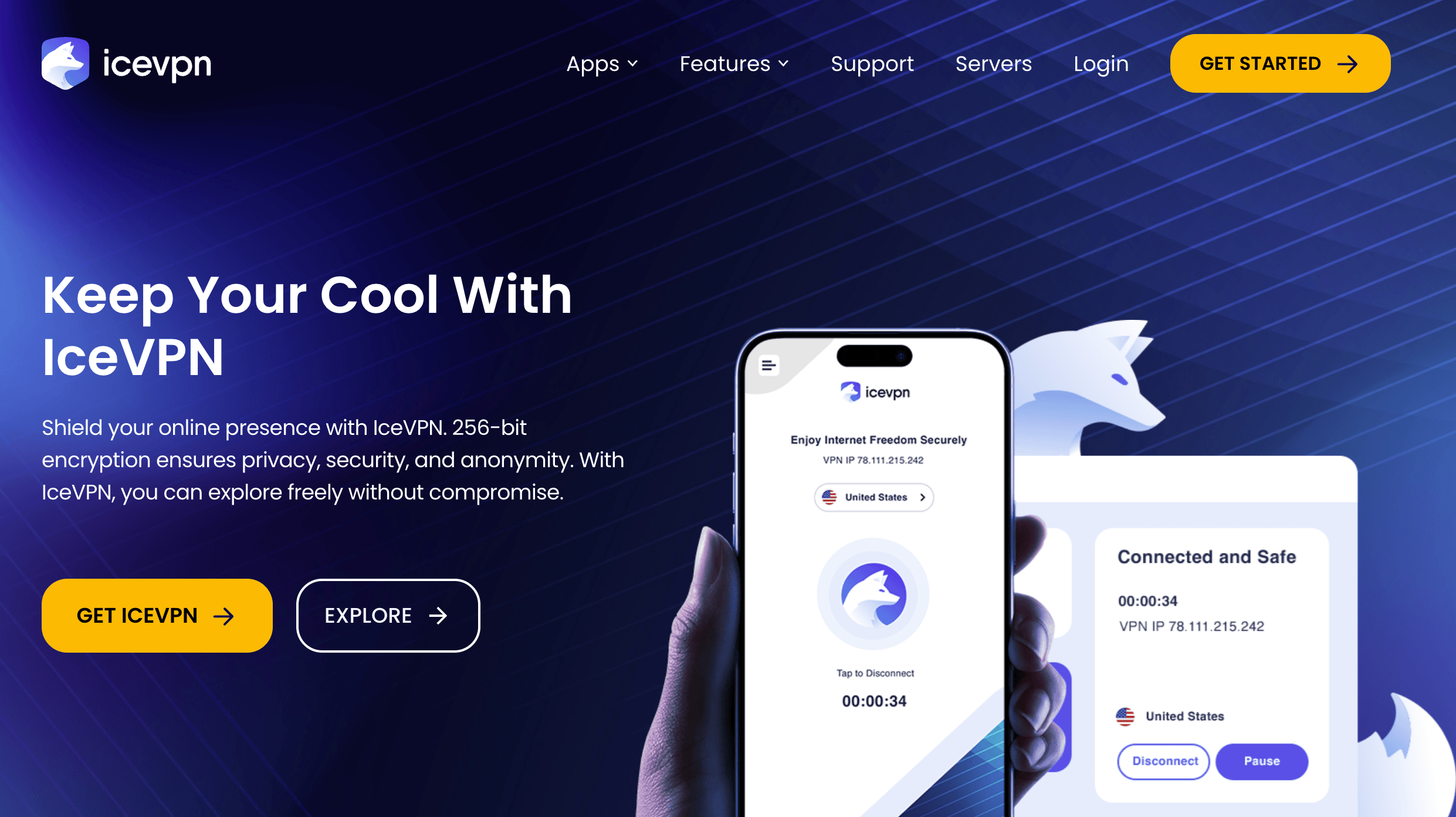
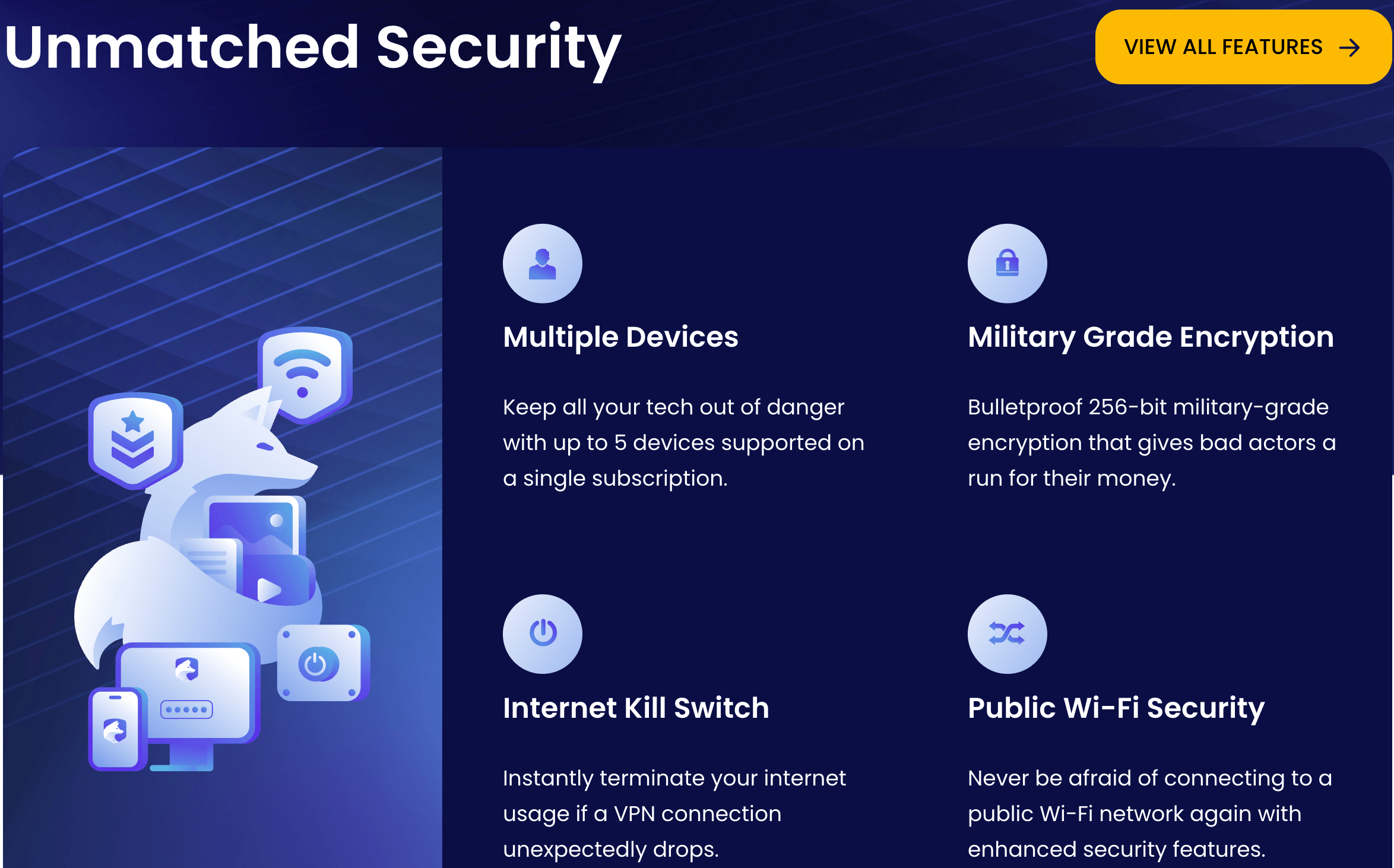
The core pitch is simple: 256-bit encryption, a strict no-logs policy, an internet kill switch, split tunneling, and apps for Windows, macOS, Android and iOS, all wrapped in a pricing structure that undercuts most of the established players. The network has grown quickly since launch — IceVPN’s own server-location page currently lists 70+ countries, 90+ locations and 6,350+ servers, a meaningful expansion from the smaller network independent reviewers measured shortly after release.
Third-party sentiment on IceVPN is still thin, which is normal for a service this young. Trustpilot listings for icevpn.com have shown scores fluctuating between roughly 3.3 and 4.2 out of 5 across a small handful of reviews — usually well under 20 total — so treat any single snapshot of that score with caution rather than as a settled verdict. Scam-detection services like ScamAdviser rate icevpn.com as legitimate and safe based on automated site analysis, which at least rules out the “outright scam” concern, even if it says nothing about day-to-day service quality. For a more grounded read on real-world performance, independent hands-on testing from established VPN review outlets is currently the more reliable source, and we lean on that testing throughout this review.
Why IceVPN Stands Out in 2026
Aggressive monthly pricing: At $4.99 for a straight month-to-month plan, IceVPN undercuts most premium competitors’ monthly rate by a wide margin, which makes it appealing for anyone who wants VPN protection for a single trip or short-term project without committing to a year.
A built-in cybersecurity toolkit: Beyond the VPN app, IceVPN’s account dashboard includes a data breach checker, a malicious website lookup tool, an email reputation checker, and IP geolocation and reputation lookups. This kind of bundled security utility isn’t standard among budget VPNs, and it’s a genuinely useful extra for anyone who wants a quick way to check whether an email or link looks suspicious.
Underserved region coverage: IceVPN offers more server locations in South America, Africa and the Caribbean than a lot of similarly priced competitors, which is a real point in its favor for travelers or expats in those regions who often get left with thin server options elsewhere.
Rapidly growing network: Going from roughly 80 locations in 68 countries shortly after launch to more than 90 locations in 70-plus countries today suggests the team is actively investing in infrastructure rather than letting the network stagnate, which is a good sign for a first-year product.
A flexible free tier: Free users get 3GB of data per month across a handful of server locations, enough to test connection speed and app behavior before committing any money, though it comes without the kill switch or split tunneling.
Strong nearby-server speeds: Independent lab testing recorded fast download speeds on servers geographically close to the tester, which suggests the underlying infrastructure is capable — the challenge, as we cover below, is consistency at distance.
Backing from an established parent brand: Icedrive’s reputation for treating user data responsibly gives IceVPN a credibility head start that brand-new, unaffiliated VPN startups don’t get, even though the VPN itself still needs to earn that trust independently.
Key Features and Technology
IceVPN covers the fundamentals that most people look for in a VPN, though not every feature is available on every platform yet — an important nuance we’ll flag throughout this section.
Encryption and VPN Protocols
IceVPN supports WireGuard (ChaCha20 encryption), OpenVPN (AES-256, TCP and UDP), and IKEv2/IPsec (AES-128 and AES-256), which covers the industry-standard bases. On Windows you can choose your protocol manually; on macOS, independent testing found the app doesn’t let you select a protocol at all, it simply connects using whichever one it decides on. That’s a meaningful gap if you’re a more advanced user who likes control over your connection.
Internet Kill Switch and Split Tunneling
Both features are marketed on the homepage as core parts of the service, and both work as expected on the Windows app: the kill switch cuts your internet the moment the VPN connection drops, and split tunneling lets you choose which apps route through the VPN tunnel while everything else uses your normal connection. According to independent hands-on testing, however, neither feature was functioning on the macOS app at the time of review, and the website doesn’t clearly disclose that platform gap. If you’re a Mac user, it’s worth confirming current macOS feature parity directly with IceVPN before you rely on the kill switch for anything sensitive.
DNS and IPv6 Leak Protection
IceVPN routes DNS requests through its own servers and disables IPv6 by default to prevent leaks. In independent leak testing, IceVPN passed DNS and WebRTC checks on multiple servers without exposing the tester’s real IP address, which is a solid result for a first-generation product. Leak protection features are reportedly not extended to free-tier users, so if privacy is your main reason for using a VPN, the paid plans are the ones actually built for that purpose.
Cybersecurity Tools Dashboard
This is IceVPN’s most distinctive feature. Logging into the account dashboard reveals a “cybersecurity tools” tab with a data breach checker, malicious website lookup, email reputation checker, IP geolocation lookup, IP reputation lookup, and a report history log. These tools run on a credit system — new accounts start with 20 credits, and additional credits cost around $4.99 for 10, even on paid VPN plans. It’s a genuinely useful addition, but budget for the fact that heavy use of these extras isn’t included free with your subscription.
Server Network
The current network spans 70+ countries, 90+ locations and 6,350+ servers, with above-average coverage in South America, Africa and the Caribbean. It isn’t publicly confirmed whether every server location uses fully virtual routing, so if you specifically need to avoid connecting through jurisdictions with strict data-retention laws, it’s worth double-checking a given location’s setup before relying on it for sensitive traffic.
Simultaneous device support is capped at five connections per account, which covers most individual users comfortably — a laptop, a phone, and a tablet or two — but won’t stretch as far for larger households compared to VPNs that offer unlimited connections. If you’re planning to share one subscription across an entire family’s devices, factor that ceiling into your decision before you commit to a longer billing cycle.
Pricing, Plans, and Package Structure
IceVPN offers four tiers: a free plan, a monthly plan, an annual plan (marked as its most popular), and a lifetime one-time-payment option. All paid tiers include the full feature set — five simultaneous devices, split tunneling, kill switch, IPv6 and DNS leak protection, and access to the full 67+ country server list — while the free tier is a stripped-down trial experience.
| Plan | Price | What It Is | Best For |
|---|---|---|---|
| Free | $0 | 3GB/month, limited server locations, no kill switch or split tunneling | Testing app speed and behavior before buying |
| Monthly | $4.99/month, no long-term commitment | Full feature set billed month to month | Short trips or occasional VPN needs |
| Yearly (Popular) | $2.99/month, billed $35.88 annually | Full feature set at a lower effective monthly rate | Most users wanting the best value without a huge upfront cost |
| Lifetime | $249 one-time payment | Permanent access with a single upfront payment | Users comfortable committing early to a newer provider |
Payments run through Stripe and accept card, Google Wallet and Apple Pay, with support for USD, EUR, GBP and INR. Every paid plan is backed by a 30-day money-back guarantee, which effectively functions as a risk-free trial if you want to stress-test the service on your own network before deciding whether to stick with it.
How IceVPN Compares to Alternatives
| Factor | IceVPN | NordVPN | Surfshark |
|---|---|---|---|
| Starting price | $2.99/mo (yearly plan) | ~$3.09–3.49/mo (approx., 2-year plan) | ~$2.29–2.49/mo (approx., promo rate) |
| Server network | 90+ locations, 70+ countries | 8,000+ servers (approx.), 100+ countries | 4,500+ servers (approx.), 100 countries |
| Simultaneous devices | 5 | 10 (approx.) | Unlimited |
| Independent no-logs audits | None published yet | Multiple completed audits (approx., ongoing cycle) | Independently audited no-logs policy |
| Netflix / major streaming | Inconsistent — Netflix, Hulu and Disney+ failed in independent testing | Generally reliable | Generally reliable |
| Best for | Budget users, testers, coverage in South America/Africa | Speed, audits and established reliability | Unlimited devices at a competitive price |
IceVPN vs. NordVPN comes down to trust versus price. NordVPN carries years of independent audits, a much larger server footprint, and consistently reliable streaming access, at a moderately higher monthly cost. IceVPN is cheaper and growing fast, but it hasn’t yet accumulated the audit history or track record that makes NordVPN the safer default for anyone whose top priority is verified privacy.
IceVPN vs. Surfshark is a similar trade-off, with Surfshark’s unlimited device count being the standout difference for households or power users who need to cover many devices under one plan — something IceVPN’s five-device cap doesn’t match. If device count and years of independent audits matter more to you than shaving a dollar or two off your monthly bill, Surfshark is the stronger pick today.
Where IceVPN can still win a head-to-head comparison is regional coverage and price sensitivity. Someone traveling through Africa or South America who mainly needs basic browsing protection and doesn’t care about Netflix compatibility may genuinely find IceVPN’s local server options and lower price point more useful day-to-day than a bigger name’s broader-but-less-locally-focused network. It’s a narrower use case than either NordVPN or Surfshark target, but it’s a real one.
Pros and Cons
What Users Love
Genuinely low monthly price: The $4.99 month-to-month rate and $2.99/month annual rate undercut most of the established competition, making it an easy entry point for cost-conscious users.
Useful cybersecurity dashboard: The data breach checker, malicious website lookup and IP reputation tools are a rare bonus in the budget VPN category.
Solid coverage in underserved regions: Server locations in South America, Africa and the Caribbean go beyond what many similarly priced VPNs offer.
Passed independent leak testing: DNS and WebRTC tests came back clean across multiple servers in third-party lab testing, with the real IP address never exposed.
Fast on nearby servers: Local connections showed strong download speeds in independent speed tests, suggesting solid underlying server hardware.
Limitations Worth Knowing
Feature gaps on macOS: The kill switch, split tunneling, and manual protocol selection were reportedly working on Windows but not on macOS in independent testing, and this limitation isn’t clearly disclosed on the website.
Privacy policy needs work: Independent reviewers flagged unclear language around data collection, unopt-outable performance and crash reporting, IP exposure through live chat, and vague third-party data-sharing clauses — none of which are dealbreakers on their own, but together they warrant a careful read before you sign up if privacy is your main concern.
Inconsistent speeds at distance: While nearby servers performed well, independent testing found significant speed and latency swings on longer-distance connections, which can be frustrating for streaming or video calls to far-off regions.
Limited streaming unblocking: Independent testing found IceVPN could not reliably unblock Netflix, Hulu or Disney+, though it did work with BBC iPlayer, HBO Max and Amazon Prime Video at the time of testing.
Thin customer support: The knowledgebase is limited, live chat has reportedly gone offline for extended periods, and support ticket responses have taken roughly a week in independent testing — not ideal if you need help fast.
No independent audits yet: As a new provider, IceVPN hasn’t yet published a third-party audit of its no-logs claims, unlike more established competitors with multi-year audit histories.
Who Should Use IceVPN
Budget-focused everyday users: If your main goal is basic encryption for public Wi-Fi and general browsing privacy without a big monthly outlay, IceVPN’s pricing is hard to beat.
Travelers to South America, Africa or the Caribbean: The above-average server coverage in these regions can be genuinely useful where other budget VPNs leave you with few or no local options.
Windows-first users: Since the full feature set — kill switch, split tunneling, protocol choice — is most reliably available on the Windows app, Windows users get the most complete IceVPN experience today.
Early adopters comfortable with newer products: If you don’t mind trying a first-generation product and reporting bugs as you find them, IceVPN’s rapid server growth suggests active development that could pay off for early subscribers.
On the other hand, if you’re a macOS user who needs the full feature set today, a streaming-first user who depends on unblocking Netflix or Disney+, or someone whose top priority is a fully independently audited no-logs policy, IceVPN isn’t yet the strongest match — an established alternative like NordVPN or Surfshark will likely serve you better right now.
Getting Started: Step by Step
- Pick a plan. Visit the IceVPN pricing page and choose free, monthly, yearly or lifetime based on how long you plan to use the service.
- Create your account. Enter your details and complete payment through Stripe using card, Google Wallet or Apple Pay if you’re on a paid tier.
- Download the app. From your account dashboard’s “apps” tab, or the main website’s apps menu, download the client for your device — Windows, macOS, Android or iOS.
- Install and log in. Open the downloaded installer, follow the prompts, and sign in with the credentials you created at signup.
- Configure your settings. In the app’s settings panel, turn on the kill switch and configure split tunneling if you need it (Windows currently offers the fullest control here), and enable auto-connect if you want protection to start automatically.
- Connect to a server. Choose a location from the map or the searchable server list, click connect, and confirm your new IP address before browsing.
Tips for Getting Maximum Value
Start with the monthly plan or the free tier rather than committing to the lifetime option right away, and use the 30-day money-back guarantee as a genuine trial period on your own devices and network before deciding to renew. If you’re a Mac user, test the kill switch and split tunneling yourself early on rather than assuming they’ll work exactly as advertised, since feature parity with Windows has been inconsistent in independent testing. Stick to servers geographically closer to you when speed matters most, since that’s where IceVPN has shown its most reliable performance, and treat long-distance connections as a “your mileage may vary” situation until you’ve tested your specific route. If you plan to use the cybersecurity tools dashboard regularly, budget for extra credits beyond the 20 that come with your account, since heavy use will exhaust the free allotment quickly. Finally, read through the privacy policy yourself rather than relying solely on the marketing copy if you’re using IceVPN for anything privacy-sensitive, given the ambiguities independent reviewers have flagged in its current wording.

Future Outlook and Final Assessment
IceVPN’s trajectory since launch is encouraging — the server network has grown noticeably, and a company with Icedrive’s track record has real incentive to fix the rough edges independent reviewers have identified rather than let them linger. If the team closes the macOS feature gap, tightens up the privacy policy language, improves support responsiveness, and stabilizes speeds at distance, IceVPN could become a genuinely strong budget option within the next year or two.
Right now, though, it’s a product still finding its footing. The pricing is legitimately attractive and the cybersecurity dashboard is a nice differentiator, but the platform inconsistencies and thin support experience mean it’s best approached as a budget-conscious, lower-stakes choice rather than your primary line of defense for sensitive privacy needs.
Conclusion
IceVPN earns points for affordability, a genuinely useful bundled cybersecurity toolkit, and server coverage that fills real gaps in South America, Africa and the Caribbean, backed by a parent company with a strong reputation in cloud storage. But it’s still a young product, and the platform inconsistencies, privacy policy ambiguities, and support response times mean it isn’t yet ready to replace an established, independently audited VPN for anyone whose top priority is airtight privacy or dependable streaming access. For budget-focused users on Windows who want a low-cost way to encrypt everyday browsing, it’s a reasonable pick worth testing through the free plan or the money-back guarantee — just go in with clear eyes about where it still has work to do.
Ready to see if IceVPN fits your budget and your privacy needs?
Explore more honest reviews, tutorials and tech comparisons to find the right gear for the way you work, travel and live — at World Of Tech, where we make everything easy.
👉 Shop IceVPN: https://worldoftech.space/icevpn
👉 Our YouTube Channel: youtube.com/@world_tech79
👉 Our Facebook Fanpage: Facebook
👉 Our X (Twitter): @worldoftech79
Pricing, specifications and policy details in this review were verified against icevpn.com and independent review sources as of August 2026. VPN pricing and features change frequently, so confirm current details on the official site before purchasing. Competitor prices are approximate and subject to change.





