
AI video generation has turned into a crowded, confusing market — Runway, Sora, Kling, Pika and a dozen newer names all promising cinematic clips from a text prompt. Vidu, built by the Beijing-based startup Shengshu Technology, has carved out a very different pitch: instead of chasing photorealism at a premium price, it leans into speed, affordability, and — with its newest Vidu Q3 model — the ability to generate synchronized audio and video in a single pass, something none of the bigger-name platforms do natively. Backed by Tsinghua University researchers and investors including Baidu and Ant Group, Vidu has grown to more than 10 million users across 200+ countries, with particular strength in anime-style and stylized content.
For creators making social clips, product animations or stylized short films on a tight budget, the value proposition is real: a usable paid plan starting around $10 a month, a genuinely generous free tier, and a model that ships dialogue and sound effects without a separate editing pass. But Vidu is not without friction — failed renders still burn credits, there is no refund policy, and its third-party reputation on customer support is rough. This 2026 review walks through Vidu’s Q3 model and full feature set, real pricing across every tier, how it stacks up against Runway, Kling and Sora, the honest pros and cons, and exactly who should — and shouldn’t — build their video workflow around it.
Vidu Review 2026: The Budget AI Video Generator That Adds Sound to the Shot
Overview and Background
Vidu is an AI video generator developed by Shengshu Technology, a startup founded by researchers out of Tsinghua University and backed by major investors including Baidu and Ant Group. The platform turns text prompts, still images, or multiple reference images into short AI-generated video clips, and it markets itself on three pillars: speed (clips generate in roughly 10 seconds), affordability compared to Western competitors, and a feature it calls Multi-Entity Consistency — the ability to keep characters, objects and scenes visually consistent across a generation by uploading 3–7 reference images.
The current flagship model, Vidu Q3, launched in January 2026 and is notable for being the first mainstream AI video model to generate audio and video in the same pass — dialogue, background music and sound effects render alongside the visuals rather than requiring a separate voiceover or sound-design step afterward. According to Shengshu, independent benchmark Artificial Analysis has ranked Q3 highly among global video models, though as with any vendor-cited benchmark, that’s worth treating as a starting point rather than the full picture.
Vidu isn’t chasing the same audience as Runway or Sora. It has built a genuine following among anime and stylized-content creators, civitai-style prompt communities, and social media producers who need volume over photorealism. It also runs a Creative Partner Program and an API platform for developers and enterprise teams who want to build Vidu generation into their own products.
The product has moved fast through several model generations in a short window — creators in prompt-sharing communities often reference specific versions the way photographers talk about camera bodies, comparing how each release handled reference blending or motion smoothness. That rapid release cadence is part of what’s built Vidu’s reputation for staying competitive on capability while undercutting rivals on price, though it also means workflows and credit costs can shift from one model generation to the next, so it’s worth checking the current model version before planning a large batch of paid generations.
Why Vidu Stands Out in 2026
Native audio-video generation is a genuine first: Every other mainstream video generator hands you silent footage that then needs a separate voiceover, sound-effect layering and music pass. Vidu Q3 produces dialogue, background music and sound effects in the same generation as the visuals, which can save real time for short-form content that would otherwise need a separate audio workflow.
Multi-Entity Consistency keeps characters intact: Upload 3–7 reference images of a character, object or scene, and Vidu is built to hold those elements consistent throughout the generated clip rather than letting faces or objects drift between frames — a common failure point on cheaper video models.
One of the most generous free tiers in AI video: New users get 80 free credits (roughly 20 standard clips) plus unlimited generation in Off-Peak Mode, with no credit card required. That’s enough to genuinely evaluate output quality before spending anything.
Real price advantage over the big names: The Standard plan runs about $10/month for 800 credits — roughly 200 short clips — which undercuts Runway’s Standard plan and accessing Sora through a ChatGPT Plus subscription, and lands well below Enterprise-tier pricing entirely.
Fast turnaround: Clips generate in roughly 10 seconds under normal load, which matters when you’re iterating on a prompt through several attempts rather than waiting minutes per render.
Strong anime and stylized output: Where Vidu consistently earns praise — including from independent reviewers comparing it against Kling and other rivals — is anime-style and stylized 2D-adjacent animation, where its motion and character coherence hold up noticeably better than in photorealistic scenes.
A built-in template library for viral formats: Vidu ships ready-made templates — hugging, kissing, “Bloom Magic” and others — for the short, trend-driven clips that circulate widely on social platforms, letting creators skip prompt-engineering for popular formats entirely.
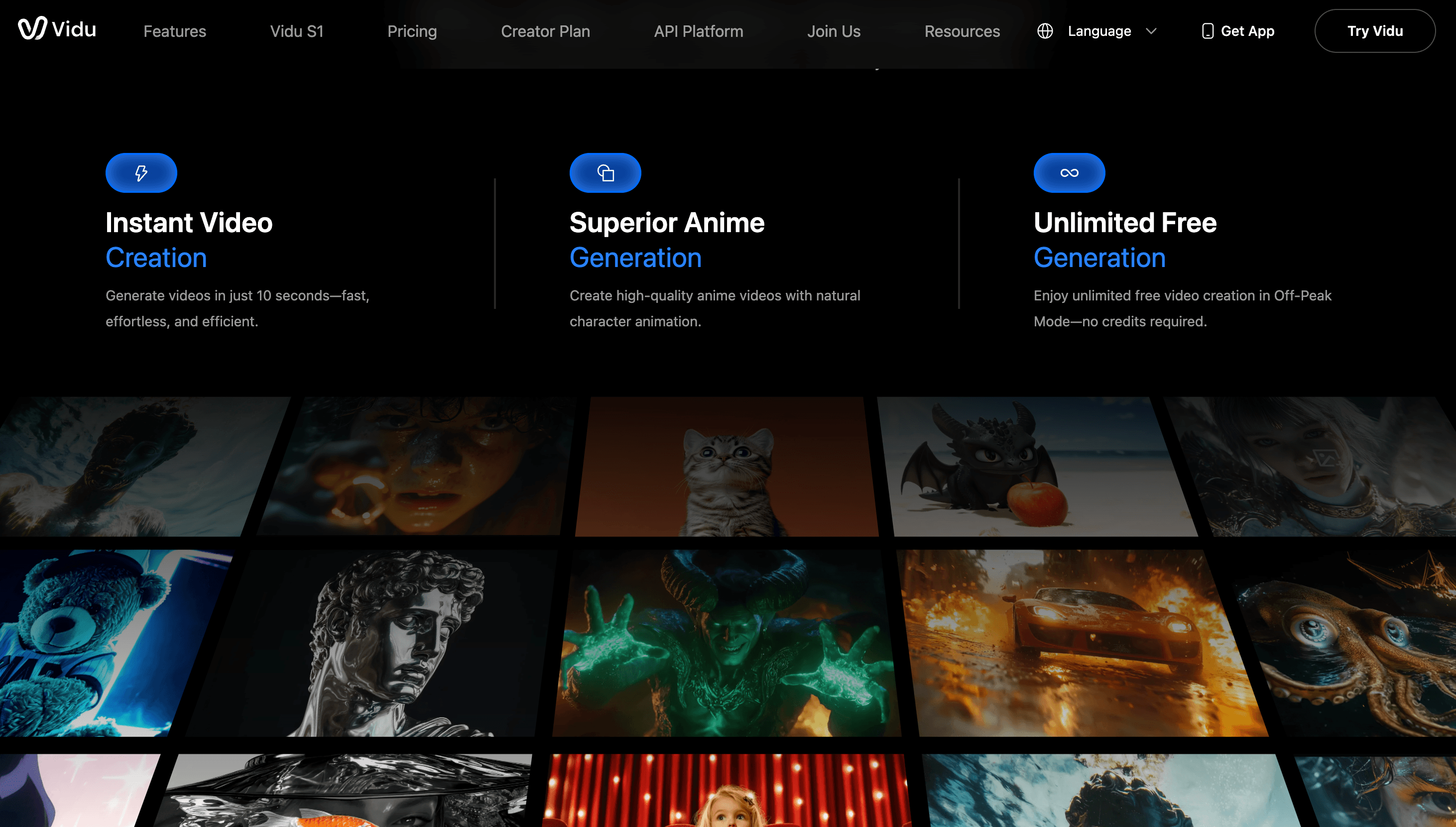
Vidu Q3 generates synchronized dialogue, music and sound effects alongside the visuals in a single pass — no separate voiceover or sound-editing step required.
Key Features and Technology
Vidu’s platform is built around three generation modes plus a growing set of supporting tools. Here’s how it actually breaks down, along with the practical trade-offs that only show up once you’re generating clips rather than reading a feature list.
Native Audio-Video Generation (Vidu Q3)
Vidu Q3 produces up to 16 seconds of 1080p video with dialogue, background music and sound effects generated at the model level rather than stitched on afterward. This is Vidu’s headline differentiator against Runway, Sora and Kling, none of which currently ship native audio in the base generation. The trade-off: prompts are capped at 1,500 characters, which can feel tight if you’re trying to specify camera movement, dialogue, lighting and character action all in one instruction — Sora, by comparison, accepts prompts up to roughly 10,000 characters.
Reference to Video and Multi-Reference Consistency
Upload three or more images of a character, object or scene, and Vidu blends them into a single coherent video based on your prompt while keeping those visual elements consistent — including support for uploading different angles of the same subject. The “My References” library lets you save characters, props and scenes for reuse, so a character built once can be dropped into new scenes without re-uploading source images each time. This is the feature most reviewers single out as Vidu’s strongest technical claim.
Image to Video and Text to Video
Image-to-Video animates a still image with motion, including first-and-last-frame control so you can define the start and end points and let Vidu generate the transition — useful for product shots or turning anime art into fluid animation. Text-to-Video works from a written prompt alone. Clip length on standard settings runs roughly 4–8 seconds, extending up to 16 seconds on Q3 and up to 32 seconds on higher tiers, all with variable credit cost depending on duration and resolution. In practice, most creators settle into a rhythm of generating short 4-to-8-second clips for exploration and reserving the longer, more expensive durations for a final, already-validated concept — a workflow the credit system effectively nudges you toward, since a single failed 32-second render costs several times what a failed 4-second one does.
Off-Peak Mode and Free Generation
Off-Peak Mode allows unlimited generation at no credit cost, at roughly half the priority of paid queue processing — reviewers consistently note the quality difference versus standard-speed generation is minimal, just slower wait times during high-traffic periods. It’s one of the more genuinely useful free allowances in the AI video space and a good way to test prompts before spending credits on faster processing.
API Platform and Enterprise Access
Developers can integrate Vidu generation directly through the API platform, billed at roughly $0.005 per credit with volume pricing available for high-usage accounts. Enterprise plans add custom model access, team workspaces, SLA guarantees and negotiated bulk credit pools, aimed at agencies and production studios generating at scale rather than individual creators.
Templates for Trend-Driven Content
Beyond open-ended prompting, Vidu maintains a library of pre-built templates for formats that regularly go viral on social platforms — hugging, kissing, “Bloom Magic” transformation effects, AI outfit changes and more. These are updated on an ongoing basis as new trends emerge, and the credit consumption for each template is calculated separately from standard text- or image-to-video generation, so it’s worth checking a template’s listed cost before running it at scale. For creators who don’t want to reverse-engineer a trending effect through trial-and-error prompting, this is one of the fastest paths to a usable, on-trend clip.
Pricing, Plans, and Package Structure
Vidu runs a four-tier structure — Free, Standard, Premium and Ultimate — plus negotiated Enterprise pricing. Every paid tier is credit-based rather than a flat unlimited plan, and annual billing consistently runs 20–25% cheaper per month than paying monthly. Credit consumption scales with clip duration, resolution and whether audio is included, so the “videos per month” figures below are approximate. There are three types of credits in Vidu’s system worth understanding: subscription credits that renew monthly and expire after 30 days, purchased top-up credits that stay valid for two years, and bonus credits earned through events or the Creative Partner Program, also valid for two years — so if you burn through your monthly allotment early, a top-up pack doesn’t disappear at the end of the billing cycle the way subscription credits do.
| Plan | Price (USD) | What It Is | Best For |
|---|---|---|---|
| Free | $0 | 80 credits (~20 clips) + unlimited Off-Peak Mode, no card required | Testing prompt quality before paying |
| Standard | ~$10/mo monthly · ~$8/mo billed yearly | 800 credits/month, ~200 short clips, no watermark, commercial use | Solo creators, small business social content |
| Premium | ~$35/mo monthly · ~$28/mo billed yearly | 4,000 credits/month, priority rendering, longer clip durations | Regular content creators and marketers |
| Ultimate | ~$99/mo monthly · ~$79/mo billed yearly | 8,000 credits/month, full model access, top-tier priority | High-volume creators and small studios |
| Enterprise | Custom (approximate, negotiated) | Bulk credit pools, API, team workspaces, SLA support | Agencies and production studios at scale |
How Vidu Compares to Alternatives
| Factor | Vidu | Runway (approx.) | Kling AI (approx.) |
|---|---|---|---|
| Entry price | ~$10/month | ~$12/month, tighter limits | ~$5/month starting tier |
| Native audio + video | Yes, single-pass (Q3) | No, separate audio step | No, separate audio step |
| Realistic human motion | Weaker, prone to artifacts | Stronger, industry-leading | Competitive, less consistency control |
| Anime / stylized output | Strong, a standout use case | Not a focus area | Decent, less specialized |
| Free tier | Generous — 80 credits + unlimited off-peak | Limited trial credits | Limited trial credits |
| Best for | Budget high-volume, anime, social clips | Photorealistic, professional production | Budget realistic motion |
Vidu vs. Runway: Runway remains the stronger choice for photorealistic footage, professional camera control and production-grade output, but it costs more and doesn’t generate native audio. Vidu wins on price and speed for stylized, high-volume content, but falls short of Runway’s realism ceiling.
Vidu vs. Kling AI: Kling starts even cheaper than Vidu and holds up reasonably well on realistic motion, but it lacks Vidu’s multi-reference consistency controls and native audio generation. If sound is part of your deliverable, Vidu’s single-pass workflow saves a real production step Kling doesn’t replace.
Vidu vs. Sora (via ChatGPT Plus): Sora accepts far longer, more detailed prompts (up to ~10,000 characters versus Vidu’s 1,500) and generally produces more coherent complex scenes, but bundling it through a $20/month ChatGPT Plus subscription costs double Vidu’s entry tier and still ships silent video.
Across all three comparisons, the pattern holds: Vidu wins on cost and on the audio-video-in-one-pass workflow, competitors win on realism, prompt depth, and — based on third-party review data — customer support reliability. Which side of that trade-off matters more depends entirely on whether your output needs to survive close scrutiny from a client or just needs to land well on a social feed.
Vidu’s Multi-Entity Consistency lets creators upload up to seven reference images to keep characters, props and scenes visually stable across a generated video.
Pros and Cons
What Users Love
Genuinely low cost per clip: Reviewers consistently cite Vidu as one of the cheapest ways to produce AI video, with a Standard plan that undercuts Runway and Sora-via-ChatGPT-Plus at similar output volumes.
Native audio generation saves real editing time: Users creating short-form dialogue or narrated clips specifically call out not needing a separate voiceover and sound-mixing pass as a meaningful workflow improvement.
Strong anime and character consistency: On G2, where Vidu holds a 4.7 out of 5 rating from 61 reviews, users specifically praise generation speed and anime-style output quality.
A free tier that’s actually usable: 80 free credits plus unlimited off-peak generation lets creators properly test the platform before spending money — rare in a market where most free tiers are token gestures.
Fast iteration speed: Roughly 10-second generation times make it practical to run multiple prompt variations quickly rather than waiting minutes per attempt.
Limitations Worth Knowing
Rating divergence signals a real support problem: While G2 shows a strong 4.7/5 from 61 reviews, Vidu’s Trustpilot scores tell a very different story — 2.2/5 (15 reviews) on the vidu.com domain and 2.1/5 (18 reviews, 78% one-star) on the vidu.studio domain. The pattern across negative reviews is consistent: unresponsive customer support, no refunds for failed generations, and extended service outages for paying subscribers.
Failed renders still cost credits: This is the most cited functional complaint. If a generation misinterprets your prompt or produces an unusable artifact-heavy clip, the credits are gone — there’s no automatic redo or partial refund, and Vidu’s stated policy explicitly rules out subscription refunds.
Weak at photorealistic human motion: Complex actions, multi-person scenes and hand gestures frequently produce visible artifacts. Creators needing realistic human footage consistently get better, more predictable results from Runway or Sora, even at a higher price.
Short prompt limit: A 1,500-character cap makes it hard to fully specify camera movement, lighting, dialogue and action in a single instruction for more ambitious cinematic shots.
Confusing published pricing: Vidu’s own blog and third-party review sites regularly show different numbers for the same plans (yearly vs. monthly rates presented inconsistently), which makes it easy to misjudge the actual monthly cost without checking the live checkout.
Who Should Use Vidu
Social media and short-form creators: If you’re producing TikToks, Reels or YouTube Shorts in volume and need speed and low cost over photorealism, Vidu’s price-per-clip is hard to beat.
Anime and stylized content creators: Vidu’s strongest technical results are consistently in anime and stylized motion, making it a natural fit for this niche specifically.
Creators who need dialogue or sound baked in: If your output needs synchronized speech, music or sound effects, Vidu Q3’s single-pass audio generation removes a genuine production step other platforms still require.
Budget-conscious marketers testing AI video: The free tier and low entry price make Vidu a reasonable first step for businesses experimenting with AI-generated product or ad content before committing to a pricier platform.
Developers building video generation into a product: The API platform’s per-credit pricing gives teams a straightforward way to add AI video generation to their own apps without negotiating an enterprise contract up front, making it approachable for smaller dev teams testing an integration.
Who should look elsewhere: if you need photorealistic human footage, complex multi-person scenes, or long, detailed prompts for cinematic control, Runway or Sora will get you there with fewer artifacts — at a higher price. And if reliable customer support is a hard requirement for your workflow — say, a client-facing agency that can’t afford downtime with no one to call — Vidu’s Trustpilot record is a legitimate red flag worth weighing before you commit budget beyond the free tier. Businesses with compliance or SLA requirements should also lean toward the negotiated Enterprise tier rather than the self-serve plans, where support responsiveness has been the most consistent point of complaint.
Getting Started: Step by Step
- Create a free account. Sign up at vidu.com with no credit card required and claim your 80 sign-up credits.
- Test with Off-Peak Mode first. Run several prompt variations for free in Off-Peak Mode to gauge output quality before spending paid credits.
- Pick your generation mode. Choose Text to Video for a written prompt, Image to Video to animate a still, or Reference to Video for character/scene consistency.
- Keep prompts tight and specific. Stay well under the 1,500-character cap by front-loading the most important visual and action details first.
- Start with short clips to conserve credits. Generate 4-second clips to evaluate composition and style before committing credits to longer, more expensive renders.
- Upgrade only once you know your volume. Match Standard, Premium or Ultimate to your actual monthly clip count, and consider yearly billing once your usage is predictable.
Tips for Getting Maximum Value
Because failed renders consume credits with no refund, the single biggest lever for getting value out of Vidu is disciplined prompt iteration: draft and refine your idea using free Off-Peak generations, and only spend paid credits once you’re confident the prompt structure works. When you need a specific character or object to persist across multiple videos, build it once in My References rather than re-describing it in every prompt — it improves consistency and saves credits on retries. Save your longest, most expensive generations (16–32 seconds) for final production clips rather than early exploration, and lean on the built-in templates for trend-driven formats like hugging or kissing clips instead of hand-writing prompts for effects Vidu has already optimized. Finally, if you’re on a yearly plan, keep an eye on the 30-day credit expiration window on subscription credits so unused allocation doesn’t quietly lapse each month.
Future Outlook and Final Assessment
Vidu Q3’s native audio-video generation puts real pressure on competitors that still treat sound as a bolt-on feature, and if Shengshu keeps that lead while improving realistic human motion, Vidu could move from “budget alternative” to a genuine first choice for a wider range of creators. The company’s backing from Baidu and Ant Group, plus its rapid user growth, suggests it has the runway to keep iterating quickly.
The open question is whether Vidu fixes its support and refund reputation before that erodes trust further. A 4.7/5 G2 score sitting alongside a sub-2.5 Trustpilot rating is a wide enough gap that it points to a real operational gap, not just a handful of unlucky customers — and for any business considering a paid plan, that’s worth weighing as seriously as the feature set itself.
Conclusion
Vidu earns its place in the conversation on price and on a genuinely useful technical first — native audio-video generation — that bigger, pricier competitors haven’t matched yet. For anime creators, social-first marketers and anyone producing high volumes of short, stylized clips on a budget, it’s a strong candidate worth testing through the generous free tier. Just go in with realistic expectations about photorealism, prompt length, and support responsiveness, and treat every paid credit as non-refundable from the start.
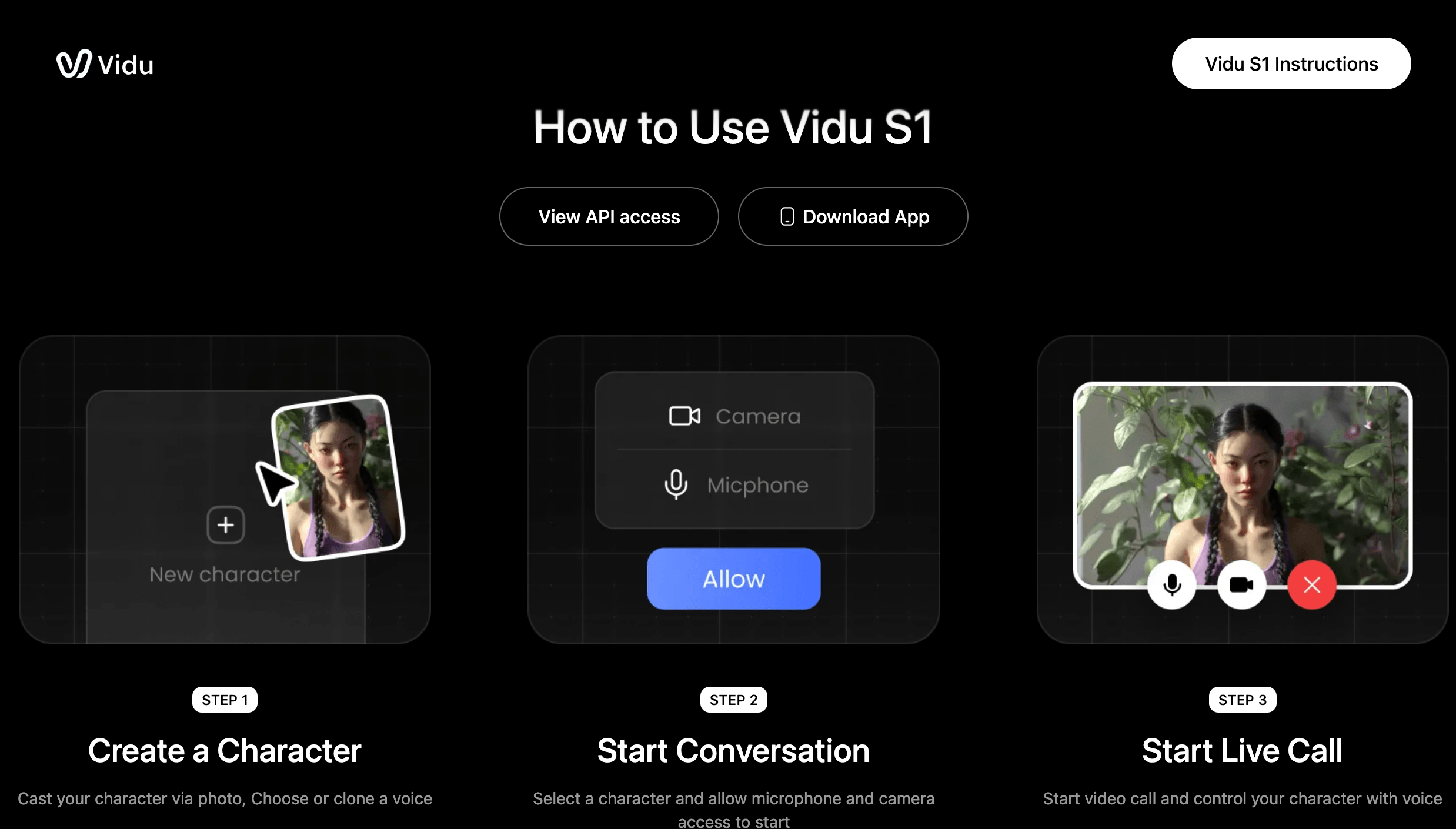
Vidu’s credit-based pricing runs from a free tier up through Ultimate at roughly $79–99/month, with annual billing consistently cheaper than paying month to month.
Ready to see if Vidu’s AI video generation fits your workflow?
Explore more honest reviews, tutorials and tech comparisons to find the right gear for the way you work, travel and live — at World Of Tech, where we make everything easy.
👉 Shop Vidu: https://vidu.pxf.io/enJN4Q
👉 Our YouTube Channel: youtube.com/@world_tech79
👉 Our Facebook Fanpage: Facebook
👉 Our X (Twitter): @worldoftech79
Pricing, specifications and policy details in this review were verified against vidu.com and independent review sources including G2 and Trustpilot as of July 2026. AI video generation pricing and features change frequently, so confirm current details on the official site before purchasing. Competitor prices are approximate and subject to change.





