
LightPDF 2026 has emerged as one of the most powerful AI-driven PDF and document management platforms on the market, consolidating document workflows that used to require expensive desktop software or fragmented online tools into a seamless, browser-based experience accessible from any device. Before diving into the detailed feature breakdown and pricing analysis ahead, it’s worth highlighting that LightPDF’s leap forward in 2026 — AI-powered document chat, intelligent PDF editing, OCR text recognition, batch file conversion, electronic signatures, document summarization, and a comprehensive API for developers — has redefined what individuals and business teams can accomplish with digital documents. Whether you’re a legal professional reviewing contracts, a student extracting insights from research papers, an office manager handling form workflows, or a developer building document automation pipelines, this comprehensive resource walks you through every major capability, plan, and update of LightPDF in 2026.
LightPDF 2026 Review: The Ultimate AI-Powered PDF and Document Platform for Individuals and Teams
Overview and Major Updates of LightPDF in 2026
LightPDF has evolved from a simple online PDF converter into a full AI-powered document intelligence platform used by millions of individuals and businesses worldwide. Available via web browser, desktop apps (Windows and Mac), and mobile (iOS and Android), LightPDF combines core PDF editing and conversion tools with cutting-edge AI capabilities that allow users to interact with, analyze, and transform documents in ways that were previously only possible with expensive enterprise software. With a clean interface designed for non-technical users and a powerful API for developers, LightPDF serves a remarkably wide audience in 2026.
Major 2026 Updates
- AI Chat with PDF (Enhanced): LightPDF’s AI document chat now supports multi-document conversations — ask questions across multiple PDFs simultaneously and receive synthesized, citation-backed answers.
- AI Document Summarization (Upgraded): One-click intelligent summaries now include structured outlines, key takeaways, and action items — ideal for long reports, legal documents, and academic papers.
- Advanced OCR Engine (v4.0): The latest OCR update delivers near-human accuracy for scanned documents in 200+ languages, including handwritten text recognition for printed forms.
- Batch Processing (Expanded): Convert, compress, merge, or apply OCR to up to 100 files simultaneously — a massive productivity unlock for office and legal teams handling high document volumes.
- AI Form Recognition: LightPDF can now automatically detect form fields in scanned PDFs and convert them into fillable, interactive digital forms without manual setup.
- Electronic Signature Workflow: Full e-signature capabilities with audit trails, multi-party signing sequences, and legally binding signature certificates now built natively into the platform.
- LightPDF API (v3): Developers gain access to an expanded REST API covering AI summarization, OCR, conversion, compression, and signature endpoints — enabling seamless document automation in any application stack.
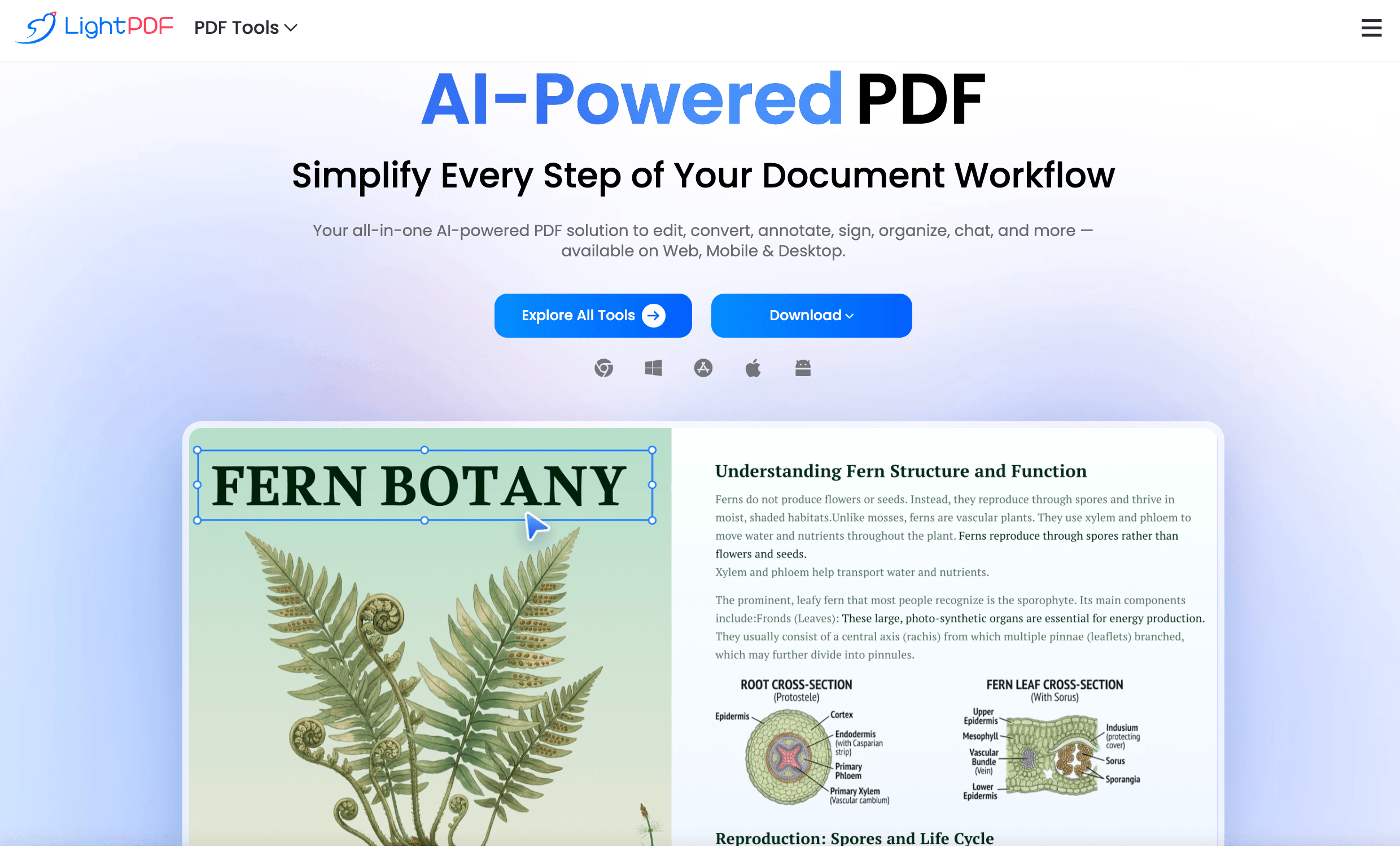
LightPDF 2026 transforms static documents into interactive, intelligent assets — combining AI chat, OCR, editing, conversion, and e-signatures in one unified platform.
Key Features and AI Capabilities
LightPDF’s strongest competitive advantage in 2026 isn’t any single feature — it’s the AI-first document intelligence layer that makes every file smarter, from the moment it’s uploaded to the moment it’s shared or archived.
Core Document Capabilities
- PDF Editor: Edit text, images, links, and annotations directly inside any PDF — no conversion to Word required. Add, delete, reorder, or rotate pages with a drag-and-drop interface.
- PDF Converter: Convert PDFs to and from Word, Excel, PowerPoint, JPG, PNG, HTML, and more — with formatting preservation that outperforms most competing tools.
- PDF Merger and Splitter: Combine multiple PDFs into one document or split a large PDF into individual pages or custom page ranges — in seconds.
- PDF Compressor: Reduce file size significantly without visible quality loss — essential for email attachments, web uploads, and storage management.
- PDF Protector: Add password encryption, permission restrictions (no printing, no copying), and digital watermarks to sensitive documents.
AI-Powered Features in 2026
LightPDF’s AI toolkit transforms passive documents into interactive knowledge sources:
- Chat with PDF (AI Q&A): Upload any PDF — a legal contract, research paper, financial report, or user manual — and ask questions in plain language. LightPDF’s AI reads the document and returns precise, cited answers in seconds.
- Multi-Document AI Chat: The upgraded 2026 feature allows simultaneous Q&A across multiple uploaded documents — ideal for comparing contracts, synthesizing research across multiple papers, or cross-referencing reports.
- AI Summarizer: Generate executive summaries, bullet-point key takeaways, or structured outlines from any document in one click — dramatically cutting research and review time.
- AI Translation: Translate entire PDFs into 100+ languages while preserving the original document layout, fonts, and formatting structure.
- AI Rewriter and Paraphraser: Rewrite selected passages for clarity, formality, or length — built directly into the PDF editor for seamless in-document improvements.
OCR (Optical Character Recognition)
LightPDF’s OCR engine is one of the most accurate available in a browser-based tool:
- 200+ Languages Supported: Recognize and extract text from documents in virtually any language, including right-to-left scripts (Arabic, Hebrew) and Asian character sets (Chinese, Japanese, Korean).
- Handwriting Recognition: The 2026 OCR v4.0 update extends recognition to printed handwritten forms — a major advancement for healthcare, legal, and government document workflows.
- Searchable PDF Creation: Convert scanned PDFs into fully searchable, copy-paste-enabled documents — making archived scans as usable as native digital files.
- Table and Form Extraction: OCR intelligently identifies table structures and form fields in scanned documents, reconstructing them as editable data in Word or Excel.
Electronic Signature Tools
- Draw, Type, or Upload Signatures: Sign documents using a drawn, typed, or image-uploaded signature — all legally binding with embedded metadata and timestamp certificates.
- Multi-Party Signing Workflow: Send documents to multiple signers in a defined sequence, with automated reminders and real-time status tracking from your dashboard.
- Audit Trail and Certificate: Every signed document includes a tamper-evident audit trail recording all signer actions, timestamps, and IP addresses — compliant with eIDAS and ESIGN Act standards.
- Fillable Form Creation: Convert any PDF into a fillable form with drag-and-drop field placement — text fields, checkboxes, dropdowns, date pickers, and signature fields.
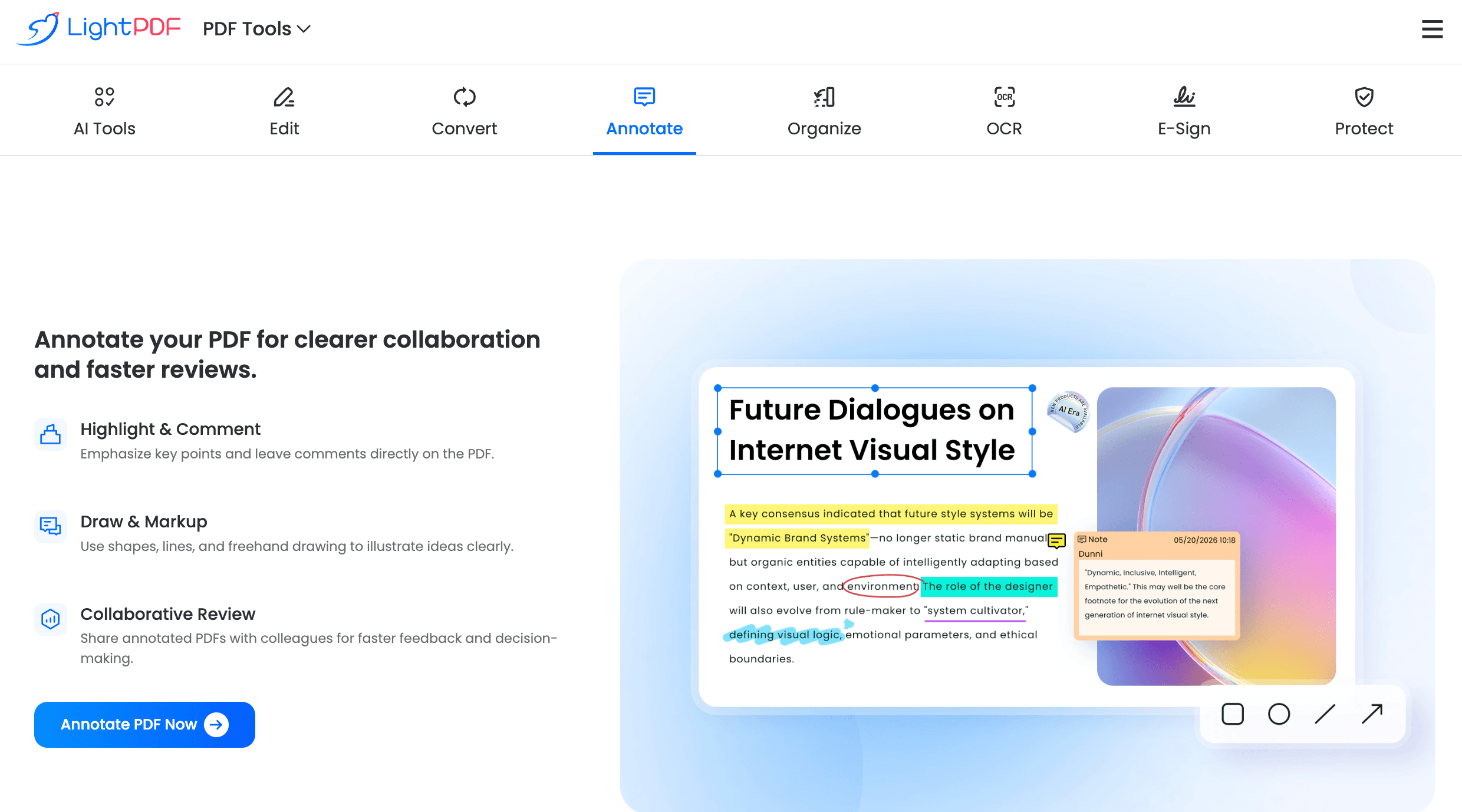
LightPDF’s electronic signature workflow supports multi-party signing, audit trails, and fillable forms — delivering legally compliant e-signature capabilities without enterprise pricing.
Pricing, Accessibility, and User Experience
LightPDF offers a freemium model with clearly defined free tier limits and affordable paid plans for individuals and teams — making it accessible to users at every budget level.
LightPDF Pricing Breakdown for 2026
| Plan | Price (USD) | Best For | Key Limits / Features |
|---|---|---|---|
| Free | $0 | Occasional users, students | Limited conversions/day, basic editing, 2 AI chats/day, watermarks on some exports |
| Monthly (Individual) | ~$9.99/month | Freelancers, individual professionals | Unlimited conversions, full OCR, AI summarization, no watermarks, e-signatures |
| Annual (Individual) | ~$6.99/month (billed annually) | Regular users, best value | All monthly features at ~30% savings; most recommended plan for solo users |
| Team Plan | ~$14.99/user/month | Small to medium teams | Centralized admin, shared document workspace, team usage reporting, priority support |
| Enterprise / API | Custom pricing | Large organizations, developers | API access, custom integrations, SSO, dedicated account manager, SLA |
Pricing transparency note: LightPDF’s free tier is genuinely useful for light, infrequent document tasks — not a crippled teaser. However, the daily conversion limits and AI query caps make it impractical for regular professional use. The annual individual plan at ~$7/month is exceptional value given the breadth of tools included.
Pro tip: LightPDF periodically offers promotional discounts of 20–40% on annual plans. If you’re evaluating the platform, start with the free tier to test OCR accuracy and AI chat quality on your specific document types before upgrading. The AI chat and summarization features in particular vary significantly in quality depending on document complexity.
Free vs. Paid: Is the Upgrade Worth It?
The free tier covers occasional personal use — but upgrade to a paid plan when you need:
- Unlimited daily conversions for consistent office or professional document workflows.
- Full OCR capabilities without page limits — essential for processing large scanned document archives.
- Unrestricted AI chat and summarization for research, legal review, or ongoing report analysis.
- Watermark-free exports for all professional deliverables shared with clients or colleagues.
- Electronic signature workflow with multi-party signing and legally valid audit certificates.
- Batch processing for high-volume document operations — converting or compressing dozens of files simultaneously.
Cost-saving math: Adobe Acrobat Pro — the traditional market leader — costs ~$19.99/month for a single user. LightPDF’s annual individual plan delivers comparable core PDF editing and conversion capabilities, plus AI features Acrobat doesn’t match, at roughly one-third the price. For teams, the savings compound significantly.
Interface and Usability: Beginners vs. Power Users
- Beginners: LightPDF’s web interface requires no installation — open a browser, upload a file, and the tool set is immediately accessible. Task-based navigation (Convert, Edit, Compress, Sign, AI Tools) makes it intuitive for first-time users.
- Power Users: Batch processing, API access, custom workflow automation, and the full AI toolkit provide serious depth for high-volume document professionals.
- Mobile Users: iOS and Android apps support core conversion, editing, signing, and AI chat features — with cloud sync across all devices.
- Teams: The Team Plan includes a centralized admin console for managing user licenses, monitoring usage, and controlling document access policies across the organization.
Comparisons: LightPDF vs. Competitors in 2026
The online PDF and document management space is crowded in 2026 — but LightPDF’s combination of AI-native features, OCR quality, conversion breadth, and accessible pricing puts it in a uniquely strong position.
LightPDF Strengths vs. Adobe Acrobat, Smallpdf, PDF Filler, and iLovePDF
| LightPDF 2026 | Adobe Acrobat | Smallpdf | PDF Filler | iLovePDF | |
|---|---|---|---|---|---|
| AI Chat with PDF | Yes (multi-doc) | Yes (limited) | No | No | No |
| AI Summarization | Yes (structured) | Limited | No | No | No |
| OCR Quality | Excellent (200+ languages) | Excellent | Good | Good | Basic |
| E-Signature Workflow | Yes (multi-party + audit) | Yes (premium) | Yes (basic) | Yes (core feature) | No |
| Batch Processing | Yes (up to 100 files) | Yes | Yes (limited) | No | Yes |
| Developer API | Yes (v3, comprehensive) | Yes (enterprise) | Yes (limited) | Yes | Yes (basic) |
| Individual Plan Price | ~$6.99/month (annual) | ~$19.99/month | ~$9/month | ~$8/month | ~$4/month |
| Target User | Professionals, teams, developers | Enterprise, power users | SMBs, individuals | Form-heavy workflows | Budget users, students |
LightPDF’s edge: No competitor in this price range matches LightPDF’s combination of multi-document AI chat, structured summarization, high-accuracy multilingual OCR, full e-signature workflow, batch processing, and a comprehensive developer API. Adobe Acrobat remains the gold standard for complex PDF editing but charges nearly triple LightPDF’s price. Smallpdf and iLovePDF are strong for simple conversions but lack LightPDF’s AI depth. For professionals who need AI-powered document intelligence plus full PDF management at an accessible price, LightPDF is the clear 2026 leader.
Getting Started: Tutorials and Common Use Cases
LightPDF requires no installation for most use cases — just a browser and a document. Here’s how to get productive immediately.
Step-by-Step Guide for New Users
- Convert a PDF to Word (or Vice Versa):
- Visit LightPDF.com and click “PDF to Word” from the tool menu.
- Upload your PDF via drag-and-drop or cloud storage (Google Drive, Dropbox).
- Click “Convert” — LightPDF processes the file and delivers a formatted .docx in seconds.
- Download directly or save back to your cloud storage.
- Chat with a PDF Using AI:
- Select “Chat with PDF” from the AI Tools menu.
- Upload your document — a contract, report, academic paper, or manual.
- Type your question in the chat interface: “What are the key payment terms?” or “Summarize the methodology section.”
- LightPDF’s AI returns a cited, accurate answer with references to the relevant pages.
- OCR a Scanned Document:
- Select “OCR PDF” from the tools menu.
- Upload your scanned PDF or image file.
- Select your document language and output format (searchable PDF, Word, or Excel).
- LightPDF’s OCR engine processes the file and returns a fully editable, searchable document.
- Send a Document for Electronic Signature:
- Upload your PDF to LightPDF and open the E-Signature tool.
- Place signature fields, date fields, and initials fields at the correct document positions.
- Add recipient email addresses and set the signing order for multi-party workflows.
- Send — recipients receive an email link and can sign from any device without creating an account. You receive a completion notification and a certificate-embedded signed PDF.
Tips for Faster Workflows and Better Results
- For best AI chat results, use clearly structured documents — PDFs with proper headings and consistent formatting yield more accurate responses than poorly scanned or unstructured files.
- Use the batch compression tool to reduce large PDF archives before uploading to cloud storage — typical compression rates of 60–80% without visible quality loss.
- Combine OCR + AI Summarization for maximum efficiency on long scanned reports: OCR first to make the text readable, then summarize to extract key insights without reading every page.
- Developers: test LightPDF’s API endpoints using the free API tier before committing to a paid API plan — the documentation is comprehensive and the sandbox environment is functional.
- Teams: use the centralized admin console to set document access policies and monitor which team members are consuming the most API or AI credits — useful for cost forecasting at scale.
Advanced Use Cases and Expert Analysis
For legal professionals, researchers, enterprise teams, and developers, LightPDF 2026 delivers document automation capabilities that go far beyond basic PDF management.
Expert Reviews on Productivity and Efficiency
- Legal Document Review: Law firms and legal operations teams use LightPDF’s AI chat to query large contract sets and due diligence document packs — extracting key clauses, identifying liability terms, and flagging risk provisions in minutes instead of hours of manual review.
- Academic and Research Workflows: Researchers upload multiple papers, reports, or datasets and use multi-document AI chat to synthesize findings, identify contradictions, and extract citations — dramatically accelerating literature reviews.
- Finance and Accounting: Finance teams use OCR + Excel conversion to extract tabular data from scanned invoices, bank statements, and financial reports — feeding clean structured data directly into analysis workflows.
- HR and Onboarding: HR teams build fillable PDF onboarding forms, send them for e-signature, and collect completed documents in a centralized dashboard — replacing paper-based processes entirely.
- Developer Document Pipelines: Engineering teams integrate LightPDF’s API into SaaS applications, CRM platforms, and document management systems — automating OCR, conversion, compression, and signing at scale without building in-house document processing infrastructure.
Community feedback: LightPDF consistently earns 4.6–4.8 out of 5 stars across major review platforms including G2, Capterra, and the App Store — with particular praise for OCR accuracy, AI chat quality on complex documents, and the value delivered by the annual individual plan. Users frequently highlight the multi-document AI chat as a standout feature that competitors haven’t matched at this price point.
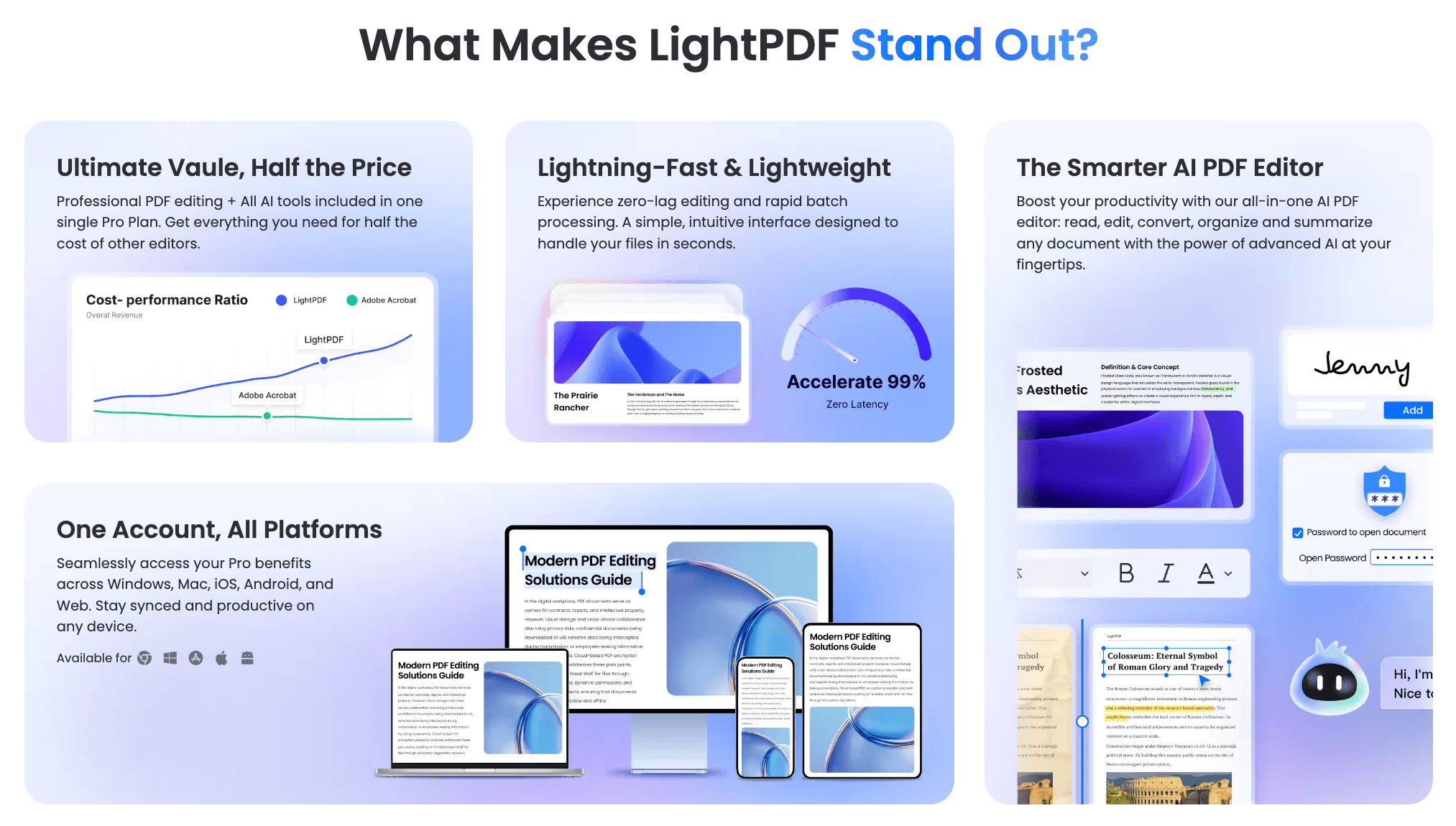
Legal teams, researchers, finance professionals, and developers use LightPDF to transform document-heavy workflows into automated, AI-accelerated processes.
Potential Limitations and Community Feedback
Despite its strengths, LightPDF 2026 has clear limitations worth understanding before committing:
- AI Chat Accuracy on Complex Layouts: Documents with complex multi-column layouts, embedded tables, or heavily formatted designs occasionally produce less accurate AI responses — plain text documents yield best results.
- Free Tier Restrictions: Daily limits on conversions and AI queries make the free tier impractical for any regular professional workflow — meaningful use requires a paid subscription.
- Large File Handling: Files above 50 MB or very long documents (500+ pages) may experience slower processing times, particularly for OCR and AI chat operations.
- Offline Functionality Limited: The web-based platform requires an internet connection for all core operations — offline PDF editing requires the desktop app, which has a narrower feature set than the web version.
- E-Signature Compliance Nuances: While LightPDF’s e-signatures are eIDAS and ESIGN Act compliant, users in highly regulated industries (healthcare, financial services) should verify compliance requirements with their legal counsel before replacing certified document workflows.
- Customer Support Response Times: Some users on lower-tier plans report slower support ticket response times — priority support is reserved for Team and Enterprise plan customers.
The LightPDF development team ships regular updates and the AI features in particular have improved substantially throughout 2025–2026 — but OCR handling of low-quality scans and AI accuracy on non-standard document formats remain areas of ongoing improvement.
Future Outlook and Real-World Applications
LightPDF isn’t just a PDF tool anymore — it’s becoming an AI document intelligence hub that connects the information locked inside documents to the workflows and decisions that depend on that information.
Use Cases Across Legal, Finance, Research, HR, and Development
- Legal Professionals: Accelerate contract review, due diligence, and compliance document analysis with AI-powered query and summarization tools that read dense legal language as fast as any associate.
- Finance and Accounting Teams: Extract structured financial data from scanned invoices, receipts, and reports at scale — eliminate manual data entry from document-heavy accounting workflows.
- Academic Researchers: Synthesize insights across dozens of research papers in a single AI chat session — compress weeks of literature review into hours.
- HR and Operations Teams: Automate form creation, document distribution, e-signature collection, and record archiving — building paperless workflows for onboarding, compliance, and policy acknowledgment.
- Developers and SaaS Builders: Integrate enterprise-grade document processing — OCR, AI chat, conversion, and e-signature — into any application via LightPDF’s REST API, without building infrastructure from scratch.
- Small Businesses and Freelancers: Access professional document management capabilities — PDF editing, conversion, signing, and AI tools — at a fraction of the cost of enterprise software like Adobe Acrobat or Nitro.
Expert prediction: As AI becomes deeply embedded in professional workflows, document intelligence platforms like LightPDF that combine traditional PDF utility with AI-powered understanding are positioned to become foundational tools in every knowledge worker’s stack. The ability to ask questions of documents — rather than simply view or edit them — represents a fundamental shift in how organizations extract value from their document archives. With a competitive price point, continuously improving AI capabilities, and a growing developer ecosystem, LightPDF is well-positioned to become the default document intelligence platform for individuals and teams through 2026 and beyond.
Conclusion
LightPDF 2026 delivers one of the most complete, AI-powered, and genuinely accessible document management experiences available at its price point. With multi-document AI chat and summarization, high-accuracy OCR in 200+ languages, comprehensive PDF editing and conversion, multi-party electronic signature workflows, batch processing for up to 100 files, a full developer API, and apps across web, desktop, and mobile — all at a fraction of Adobe Acrobat’s cost — it has become the clear choice for professionals, researchers, and teams who need serious document intelligence without enterprise-tier pricing. Casual users who only occasionally convert a PDF will find the free tier adequate, but for any knowledge worker, legal team, finance department, or developer building document workflows, LightPDF belongs in your toolkit.
Ready to unlock the full power of AI-driven document management? Get started with LightPDF today:
👉 Open LightPDF Account: https://worldoftech.space/lightpdf
👉 Our YouTube Channel: https://www.youtube.com/@world_tech79
👉 Our Facebook Fanpage: https://www.facebook.com/profile.php?id=61576258059614
👉 Our X (Twitter): https://x.com/worldoftech79





