
Text-to-video AI has gone from novelty to genuine production tool in under two years, and Vidu is one of the platforms pushing that shift the hardest. Built by Beijing-based Shengshu Technology — a team of Tsinghua University researchers backed by Baidu and Ant Group — Vidu turns text prompts, still images, or up to seven reference images into short AI-generated clips in roughly ten seconds, with native audio-and-video generation baked into its newest Q3 model. It has grown into a genuinely large platform, claiming more than 10 million users across 200-plus countries, and it sits at one of the most aggressive price points in the category: full commercial video generation starting around $10 a month.
That low price is the headline, but it isn’t the whole story. Vidu’s app-store ratings are strong, its feature set is genuinely broad — anime animation, character consistency, sound effects, an image generator, and a “Claw” tool for marketing content — and its Q3 model has real claims to technical firsts. At the same time, its Trustpilot presence tells a rougher story, with a cluster of low-star reviews centered on a strict no-refund policy, credits lost to failed renders, and slow support responses. This 2026 review walks through what Vidu actually does, its full pricing structure, how it stacks up against Runway and Kling AI, the honest pros and cons, and exactly who should — and shouldn’t — build a workflow around it.
Vidu Review 2026: The Budget AI Video Generator That Trades Polish for Price
Overview and Background
Vidu is the flagship consumer product of Shengshu Technology, an AI startup founded by researchers with a Tsinghua University background and backed by investors including Baidu and Ant Group. The platform’s core idea is simple: give it a text prompt, a still image, or a handful of reference images, and it renders a short video clip — typically a few seconds up to around 16 seconds — using its own foundation video models. It isn’t a timeline-based video editor in the traditional sense; it’s a generation engine that produces individual clips, which creators then assemble, caption, and polish elsewhere if they need a finished, multi-shot video.
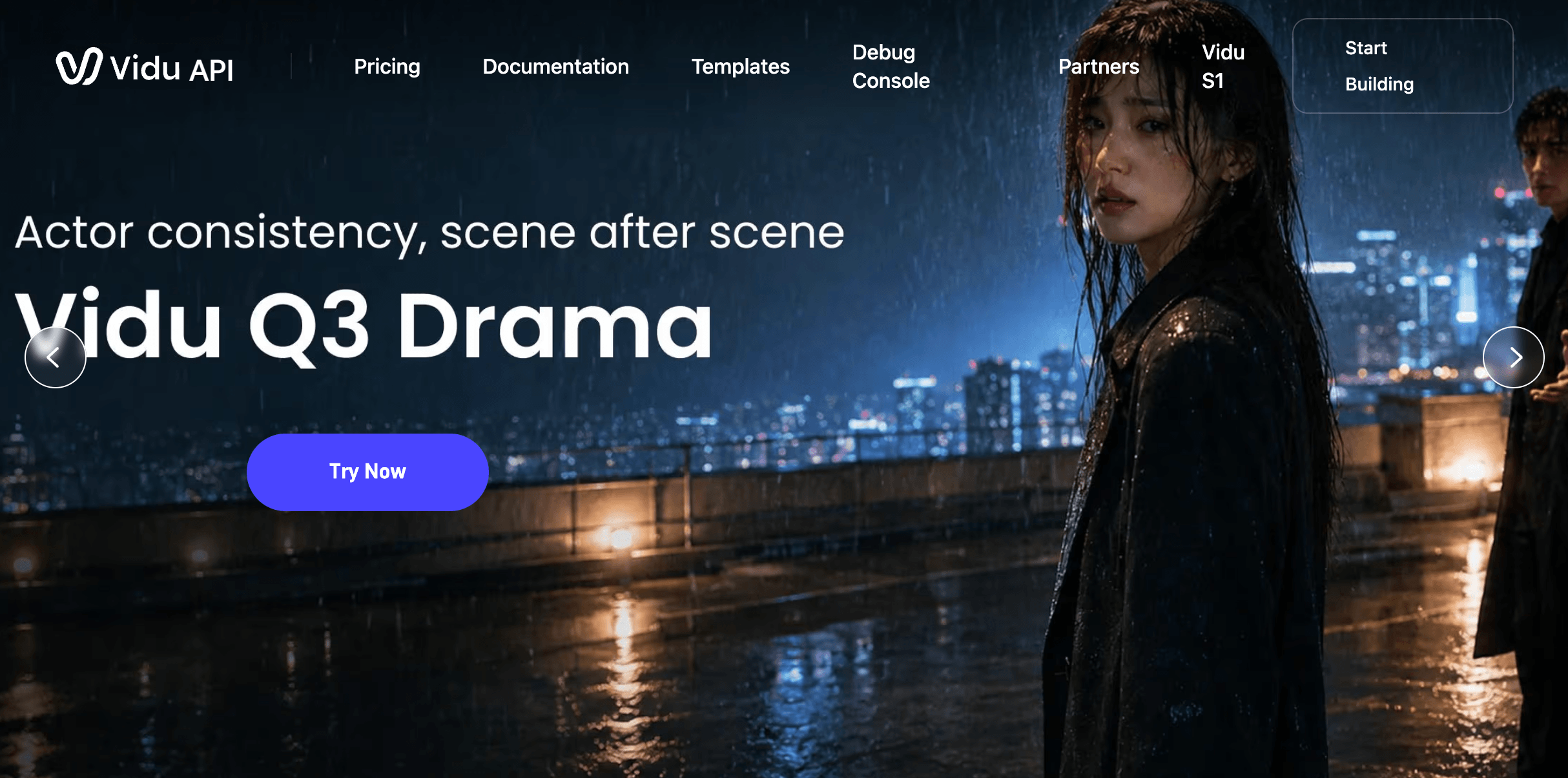
The product has evolved quickly. Vidu now spans three core creation modes — Text to Video, Image to Video, and Reference to Video — plus a dedicated Vidu Q3 model, which Shengshu markets as the first AI video model to generate synchronized audio and video in a single pass rather than stitching a separate voiceover or sound layer on afterward. Around that core sit an AI Sound Effect Generator, an AI Image Generator, a library of one-click templates for viral formats (hugging, kissing, outfit changes, and similar effects), a “My References” library for reusing consistent characters and props, and Vidu Claw, a tool aimed at turning product photos into marketing video content.
Shengshu positions Vidu as competing directly with Western tools like Runway and OpenAI’s Sora, as well as fellow Chinese platforms like Kling AI and Hailuo. The company has cited third-party benchmark rankings from Artificial Analysis placing Vidu near the top of the field globally and first among Chinese competitors — a self-reported claim worth treating as marketing rather than independently confirmed fact until verified directly against the benchmark. What’s independently verifiable is Vidu’s mobile footprint: its app carries a strong 4.8 out of 5 on the Apple App Store from roughly 1,900 reviews and 4.7 out of 5 on Google Play from more than 27,000 reviews, alongside a 4.7 out of 5 rating on G2 from 61 reviews — all considerably warmer than its web-based Trustpilot presence, which we break down later in this review.
Vidu’s release cadence has also been notably fast for a company of its size. Where many video-generation startups ship one major model update a year, Shengshu has pushed through multiple Q-series iterations plus the Stream-focused S1 model in a compressed window, chasing feature parity with better-funded Western labs while undercutting them on price. That pace is part of why Vidu shows up so often in side-by-side comparisons with Runway, Kling, and Google’s Veo line — it’s iterating in public, in the same competitive cycle, rather than releasing on a slower annual schedule.
Why Vidu Stands Out in 2026
Aggressive entry pricing: at $10 a month for the Standard plan (or roughly $8 a month billed annually), Vidu undercuts most Western AI video platforms while still delivering 1080p output and hundreds of monthly credits — a real draw for creators testing AI video without committing to a $30-plus subscription.
Native audio-and-video generation with Q3: Vidu’s Q3 model generates dialogue, sound effects, and visuals together in one pass rather than requiring a separate voiceover and sound-mixing step, which is a genuine workflow shortcut compared with most video-only generators.
Multi-reference character consistency: uploading up to seven reference images lets Vidu hold a character, prop, or scene consistent across multiple generations — a feature that matters enormously for anyone building a recurring character or brand mascot rather than one-off clips.
Genuinely strong anime output: reviewers and creators consistently single out Vidu’s anime-style generation as a standout, with smoother character motion and fewer of the warping artifacts that plague other generalist video models when pushed toward stylized art.
Unlimited off-peak generation: the free tier’s off-peak mode lets users generate without burning credits during lower-traffic hours, which is an unusually generous on-ramp compared with competitors that cap free usage strictly by credit count.
Broad creation toolkit under one login: text-to-video, image-to-video, reference-to-video, an image generator, sound effects, and template-driven social formats all live in one account, which reduces the need to juggle separate subscriptions for adjacent creative tasks.
Fast turnaround: Vidu markets roughly 10-second generation times for standard clips, which — even accounting for queue delays at peak hours — keeps iteration cycles short compared with slower render pipelines elsewhere in the category.
Key Features and Technology
Vidu’s toolkit is organized around three generation modes, a growing set of specialized models, and a handful of supporting tools that round out the workflow. Here’s what each piece actually does.
Text to Video, Image to Video, and Reference to Video
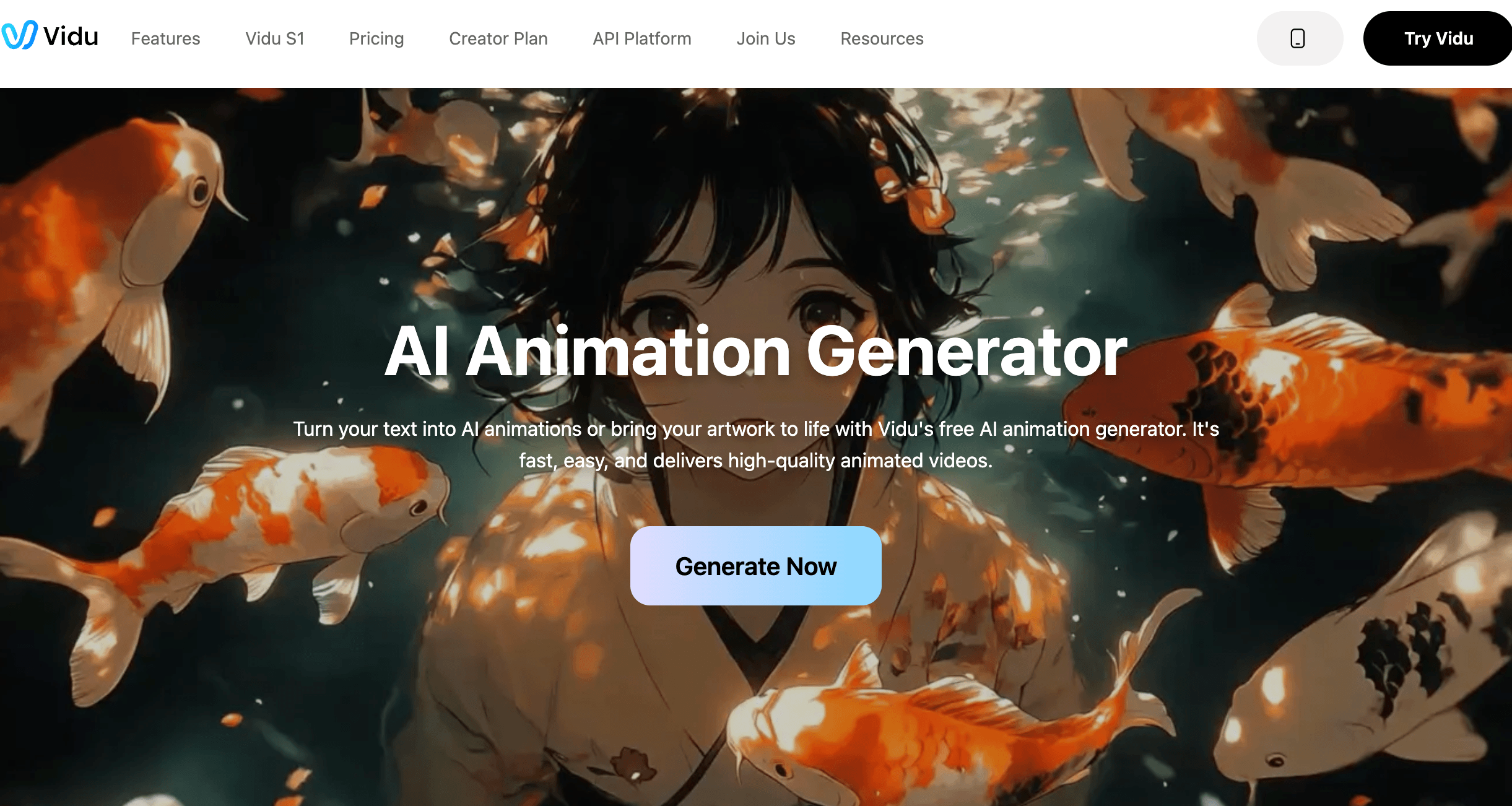
Text to Video generates a clip from a written prompt alone, with support for detailed cinematic direction — camera moves, lighting cues, pacing — if the user writes it into the prompt. Image to Video animates a static image, including first-and-last-frame control so users can define the start and end states and let Vidu fill in the motion between them, which is particularly useful for product shots that need to go from a static hero image to a subtle rotating or zooming reveal. Reference to Video is the more advanced mode: upload multiple images of a character, object, or scene, and Vidu blends those references into a new video guided by a text prompt, aiming to keep faces, outfits, and props consistent across shots.
In practice, the three modes are best thought of as different entry points into the same underlying engine rather than separate products. A creator building a recurring social series might start every batch with Reference to Video to lock in a character, then switch to Text to Video for standalone establishing shots that don’t need that same character present. Because all three modes draw from the same credit pool, mixing and matching across a project doesn’t carry any pricing penalty beyond the usual duration- and resolution-based credit cost.
Vidu Q3 and the Model Lineup
Q3 is Vidu’s current flagship model, notable for generating video and synchronized audio — dialogue, ambient sound, effects — in a single generation pass rather than layering audio on afterward. That matters more than it might sound: most competing platforms still treat audio as a bolt-on step, either requiring a separate voice-cloning or sound-design tool or offering only generic background music. A single-pass model that gets lip sync and ambient sound roughly aligned to the visuals out of the gate can save real editing time, even when the audio quality itself still benefits from a manual pass afterward.
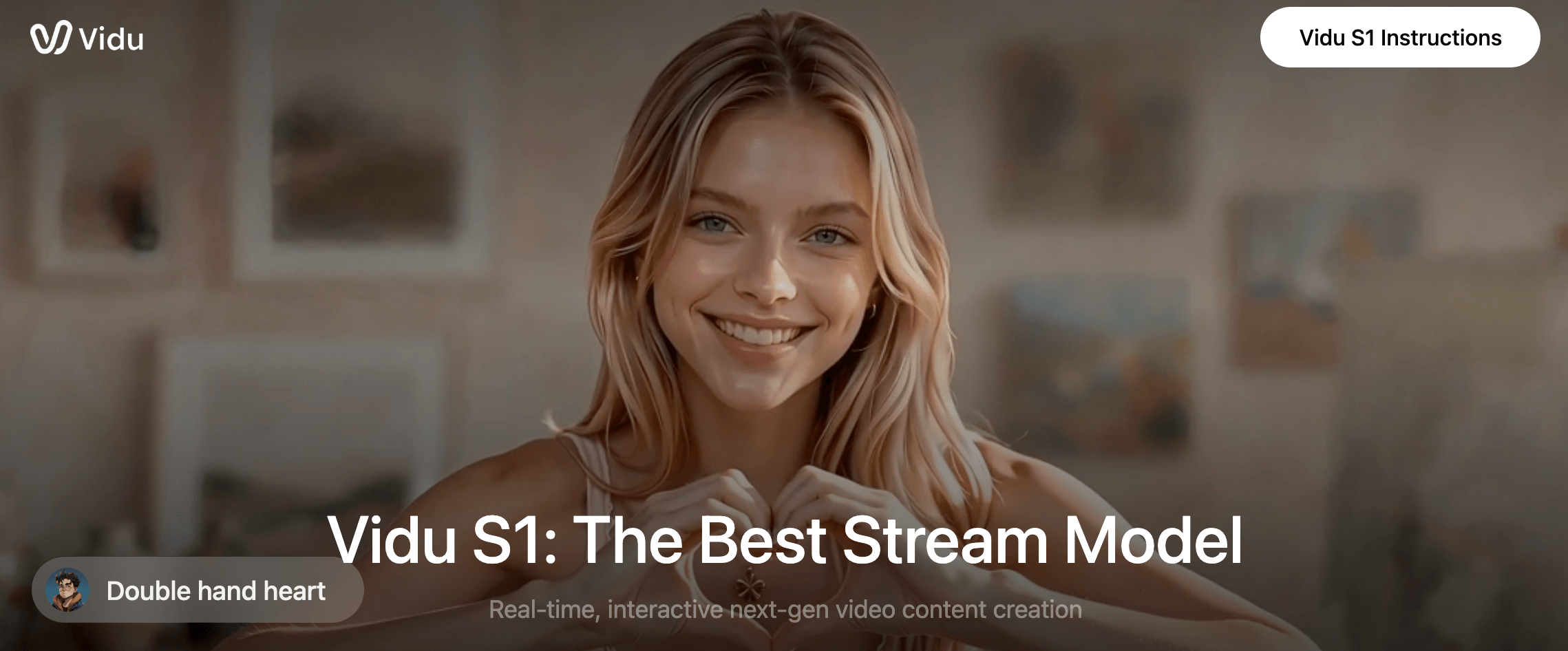
Alongside Q3, Vidu maintains its S1 Stream model line — oriented toward faster, lighter-weight generation for creators prioritizing speed over maximum fidelity — and continues to update earlier Q-series models rather than retiring them outright. Users generally pick a model based on the trade-off between output quality, credit cost, and generation speed for a given project; a rough storyboard pass might run on a cheaper, faster model, while the final hero shot gets rendered on Q3 at full resolution once the concept is locked.
My References and Templates
My References is a saved library of characters, props, and scenes that creators can reuse across projects without re-uploading source images every time — useful for anyone producing an ongoing series with a recurring cast. Vidu’s template library covers viral social formats like hugging, kissing, and outfit-change effects, letting users drop in their own images and generate on-trend clips without writing a prompt from scratch.
AI Sound Effect Generator, Image Generator, and Vidu Claw
The AI Sound Effect Generator produces standalone sound layers for clips made outside Q3’s native audio pipeline. The AI Image Generator handles still-image creation for use as source material in Image to Video or Reference to Video projects. Vidu Claw is the platform’s marketing-focused tool, designed to turn product photography into short promotional video content — the most directly commercial of Vidu’s feature set, and the one most likely to interest small e-commerce sellers and affiliate marketers.
Pricing, Plans, and Package Structure
Vidu runs on a credit system layered under four tiers: Free, Standard, Premium, and Ultimate, plus custom Enterprise pricing for teams. Annual billing brings a meaningful discount over month-to-month pricing on every paid tier. Credits from a subscription expire after 30 days, while separately purchased or bonus credits stay valid for two years. Note that published third-party pricing pages sometimes list slightly different monthly figures than Vidu’s own site — always check the live pricing page before subscribing.
| Plan | Price | What It Is | Best For |
|---|---|---|---|
| Free | $0 | 80 sign-up credits plus unlimited off-peak generation | First-time testing before committing to a subscription |
| Standard | ~$10/mo (~$8/mo billed annually) | 800 monthly credits, watermark removal, commercial use rights | Hobbyists and part-time creators posting a few clips a week |
| Premium | ~$35/mo (~$28/mo billed annually) | 4,000 monthly credits, priority server access | Regular creators publishing across multiple platforms |
| Ultimate | ~$99/mo (~$79/mo billed annually) | 8,000 monthly credits, highest generation priority | Heavy solo producers and small agencies |
| Enterprise | From ~$2,999/year (custom) | Shared team credit pool, role-based collaboration, API access | Marketing agencies and production teams, not solo creators |
How Vidu Compares to Alternatives
| Factor | Vidu | Runway | Kling AI |
|---|---|---|---|
| Entry paid price | ~$10/mo (800 credits) | ~$12–15/mo (625 credits) *approx. | ~$10/mo (660 credits) *approx. |
| Standout strength | Anime quality, native audio+video (Q3), price | Editing UI, motion brush, multi-model access | Photorealistic motion, long-form clips |
| Max clip length | Up to ~16 seconds per clip | Varies by model, generally similar range | Up to several minutes on select modes |
| Editing tools built in | Minimal — generation only, no timeline editor | Strong — motion brush, Director Mode, in-app editor | Minimal — generation-focused, like Vidu |
| Refund policy | Explicitly no refunds | Standard SaaS cancellation, refunds limited | Standard SaaS cancellation, refunds limited |
| Independent rating signal | G2 4.7/5 (61); App stores 4.7–4.8/5; Trustpilot ~2.0–3.1/5 (small sample) | Mixed; Trustpilot around 1.2/5 in some listings | Mixed; Trustpilot around 1.3/5 in some listings |
| Best for | Budget-conscious creators, anime and social clips | Teams wanting a polished all-in-one editing workflow | Realism-focused, longer narrative shots |
Vidu vs. Runway comes down to workflow depth versus price. Runway’s Standard plan costs more per month but bundles an actual editing environment — motion brush, Director Mode, multi-model access to Kling and Veo alongside Runway’s own models — that can replace several separate subscriptions. Vidu is cheaper and faster to start with, but it hands you raw clips and expects you to finish the job elsewhere.
Vidu vs. Kling AI is the closer fight, since both are Chinese-developed, credit-based, generation-only platforms at similar entry price points. Kling tends to edge ahead on photorealistic motion and longer clip lengths, while Vidu’s reputation leans harder into anime-style output and its Q3 model’s native audio generation — a feature Kling has not matched in the same single-pass form as of this review.
On raw value for money, Vidu and Kling both undercut Runway meaningfully at the entry tier, and both carry the same trade-off: lower price in exchange for a generation-only tool rather than a full editing suite. Notably, independent listings show Kling’s own Trustpilot presence sitting even lower than Vidu’s in some snapshots, which suggests the billing-friction and no-refund pattern showing up in Vidu’s reviews is not unique to Vidu — it may be closer to an industry norm among low-cost, credit-based AI video platforms than a Vidu-specific problem. That context doesn’t erase the risk for a Vidu subscriber, but it does mean shopping purely on Trustpilot score across this category can be misleading without reading what the negative reviews are actually about.
Pros and Cons
What Users Love
Genuinely low cost of entry: at roughly $8–10 a month for a plan that includes 800 monthly credits, watermark-free 1080p output, and commercial rights, Vidu is one of the cheapest ways into serious AI video generation.
Strong anime and stylized output: reviewers and forum communities repeatedly single out Vidu’s handling of anime-style motion and character expression as ahead of most generalist competitors.
Fast, mostly reliable mobile app: the App Store (4.8/5, ~1,900 reviews) and Google Play (4.7/5, 27,700+ reviews) ratings both point to a smooth day-to-day mobile experience that a lot of everyday creators are happy with.
Useful character consistency tools: Reference to Video and My References give creators a real path to building a recurring character or mascot without re-uploading source material for every clip.
Limitations Worth Knowing
Strict, explicit no-refund policy: Vidu’s pricing page states plainly that refunds are not available, and this is the single most common complaint driving its low Trustpilot scores — subscribers who are unhappy or hit billing mistakes have limited recourse beyond canceling future renewals.
Failed generations still cost credits: multiple independent reviews and user reports describe credits being consumed by generations that fail or produce unusable output, which effectively raises the real cost per finished clip above the advertised rate.
Support response times draw criticism: a recurring theme in negative reviews, particularly around service outages and premium-tier billing issues, is slow or unhelpful customer support.
Not a finished-video tool: Vidu outputs individual clips rather than an edited, sequenced production, so anyone needing a complete video with transitions, mixed audio, and scripting still needs a separate editing step.
Trustpilot vs. app-store rating gap: Vidu’s web-facing Trustpilot listings run noticeably lower than its mobile-app-store scores — a divergence worth taking seriously rather than dismissing, since it likely reflects harsher web-subscriber billing experiences against a generally smoother app-based creation experience.
Who Should Use Vidu
Social content creators on a budget generating short-form clips for TikTok, Reels, or Shorts will get real value from Vidu’s low entry price and quick turnaround, especially if stylized or anime-adjacent visuals fit their niche.
Anime and 2D-animation hobbyists exploring AI-assisted animation will find Vidu’s character-motion handling among the stronger options at this price tier.
Small e-commerce sellers and affiliate marketers looking for a fast way to animate product photos into ad-style clips will find Vidu Claw and Image to Video useful for lightweight marketing content, though it’s worth testing quality on real product images before scaling spend.
Casual experimenters who just want to try AI video without spending money can lean on the free tier’s 80 credits and unlimited off-peak generation before ever entering a card number.
Who should look elsewhere: agencies and teams that need a polished, editable end-to-end workflow — motion brush, in-app sequencing, multi-model access — will likely get more done per dollar on Runway, despite its higher sticker price. Anyone who has been burned by non-refundable subscriptions before, or who needs guaranteed customer support responsiveness for business-critical output, should weigh Vidu’s Trustpilot pattern carefully before committing to an annual plan.
Getting Started: Step by Step
- Create a free account. Sign up on vidu.com or the mobile app to claim your 80 sign-up credits and unlock unlimited off-peak generation.
- Pick a creation mode. Choose Text to Video for a prompt-only clip, Image to Video to animate a still, or Reference to Video if you’re building around a consistent character or product.
- Run test generations before upgrading. Use free credits to test your typical prompt style, resolution, and model choice so you understand your real credit burn rate.
- Save recurring assets to My References. If you’re producing a series with the same character or product, build out your reference library early to save re-uploading time later.
- Choose the right paid tier for your volume. Match Standard, Premium, or Ultimate to your realistic monthly clip count — and consider annual billing once you’re confident in the workflow, since there’s no refund path if you change your mind mid-year.
- Export and finish elsewhere if needed. Pull finished clips into CapCut, Premiere, or another editor for sequencing, transitions, and any audio mixing Q3’s native generation doesn’t already cover.
Tips for Getting Maximum Value
Write detailed, specific prompts rather than short ones — Vidu, like most generation models, rewards explicit camera direction, lighting cues, and pacing notes over vague descriptions, and tighter prompts also reduce the odds of a failed generation that still costs you credits. Lean into off-peak hours for free or lower-priority testing before spending subscription credits on a final take, and treat your first few paid-tier generations as calibration runs so you learn the real credit cost of your typical clip length and resolution before committing to an annual plan. If you’re building character-driven content, invest time up front in a clean, well-lit reference set in My References — the consistency payoff compounds across every future generation using that character, saving you from re-shooting or re-uploading reference material every time you start a new clip. Keep a running note of which prompt structures and which model (Q3 versus an earlier, cheaper model) produced usable results for your specific style, since credit costs vary enough by model that a little bit of documentation pays for itself within a few weeks of regular use. Finally, budget for a separate editing tool from day one rather than treating it as an afterthought; Vidu is a clip generator, and planning your assembly workflow alongside your generation workflow — deciding upfront where clips will be sequenced, captioned, and exported — will save real time later once you’re producing at volume.
Future Outlook and Final Assessment
Vidu is moving fast on the model side — Q3’s native audio-and-video generation puts it ahead of many competitors on a specific technical capability, and Shengshu’s backing from Baidu and Ant Group suggests it has the resources to keep iterating quickly. The AI video category as a whole is still consolidating around a handful of leaders, and Vidu’s low price point gives it a durable niche among budget-conscious and anime-focused creators even as premium players like Runway and Google’s Veo push toward more expensive, editing-integrated workflows.
The open question is whether Shengshu addresses the billing and support friction showing up in its Trustpilot reviews. A strict no-refund policy paired with credits lost to failed generations is a combination that will keep generating complaints as the user base scales, regardless of how good the underlying model gets — and it’s the kind of trust gap that can cap growth among higher-spending business customers even if casual creators keep signing up.
Conclusion
Vidu earns its place in the AI video conversation on price and capability, not on customer-service polish. If you’re a budget-conscious creator, an anime hobbyist, or a small marketer who just needs raw, generated clips to work with, its combination of a generous free tier, a sub-$10 entry plan, and genuinely strong stylized output makes it worth testing. If your business depends on predictable support and the ability to walk back a billing mistake, weigh the Trustpilot pattern carefully and consider starting on the free tier — or a monthly rather than annual plan — until you’re confident the platform fits how you actually work.
Ready to see if Vidu fits your content workflow?
Explore more honest reviews, tutorials and tech comparisons to find the right gear for the way you work, travel and live — at World Of Tech, where we make everything easy.
👉 Shop Vidu: https://worldoftech.space/vidu
👉 Our YouTube Channel: youtube.com/@world_tech79
👉 Our Facebook Fanpage: Facebook
👉 Our X (Twitter): @worldoftech79
Pricing, specifications and policy details in this review were verified against vidu.com and independent review sources as of July 2026. AI video tool pricing and features change frequently, so confirm current details on the official site before purchasing. Competitor prices are approximate and subject to change.





