
Most AI image tools ask you to pick a side. You subscribe to Midjourney for its look, Kling or Sora for video, another service for upscaling, another for voiceover — then spend your week moving files between them. OpenArt was built on the opposite bet: rather than training one model and defending it, it aggregates more than 100 premium image, video and audio models behind a single credit balance, then layers production tooling on top — Character Builder for visual consistency, One-Click Story for multi-scene sequences, Director for conversational “vibe directing,” custom model training and a full in-browser editing suite. Founded in 2022 by ex-Google engineers Coco Mao and John Qiao, the Redwood City company has raised $35 million to date, including a $30 million Series A led by Canaan Partners in January 2026.
The pitch is genuinely compelling for anyone producing series work — comics, storyboards, AI-influencer content, product video, serialized shorts — where the same character has to look like the same character across fifty frames. But OpenArt is also one of the most polarizing platforms in the category, with a Trustpilot profile that has climbed from 3.0 to 3.9 over 2026 while still carrying a heavy cluster of one-star reviews about expiring credits, failed generations that still cost money, and post-cancellation billing. This 2026 review walks through what OpenArt actually does well, the full credit-based pricing structure and the commercial-rights trap buried inside it, how it stacks up against Midjourney and Leonardo AI, the documented complaints worth taking seriously, and exactly who should — and shouldn’t — put a card down.
OpenArt Review 2026: The 100-Model AI Studio Built Around Character Consistency
Overview and Background
OpenArt is a browser-based AI creative studio operated by OpenArt Inc., headquartered in Redwood City, California. It is not a model lab. It builds almost none of the generation engines it sells access to. What it builds instead is the layer above them: a workspace where you choose a model per generation, keep your assets and characters in one place, and run production workflows that would otherwise require three or four separate subscriptions. Image models available inside the platform include Flux, Stable Diffusion, GPT Image, Nano Banana and Nano Banana Pro, Seedream and Qwen Image; video models include Sora 2, Kling 3.0, Seedance and MiniMax. Audio generation and AI voiceover with lip sync round out the stack.
The company started in 2022 as something much smaller — essentially a Pinterest for AI-generated images and prompts. Product-market fit arrived when it pivoted to a canvas-based creation and editing platform for hobbyists and small businesses making tabletop RPG art, book illustrations, posters and concept art, then expanded into video, audio and story workflows. A $5 million seed round in 2023 was followed by the $30 million Series A in January 2026, with Basis Set Ventures, DCM Ventures and Felix Capital among the backers. Third-party trackers put headcount at roughly 204 as of mid-2026, so this is a real company with real engineering capacity, not a two-person wrapper.
The aggregation bet explains both the strengths and the weaknesses. OpenArt can add a new frontier model within days of its release and pass that access straight to subscribers — something a single-model competitor structurally cannot do. But it also pays upstream providers per generation, which is why everything runs on credits rather than flat-rate unlimited access. That credit system is the most common source of frustration in user reviews, and it deserves attention before you subscribe.
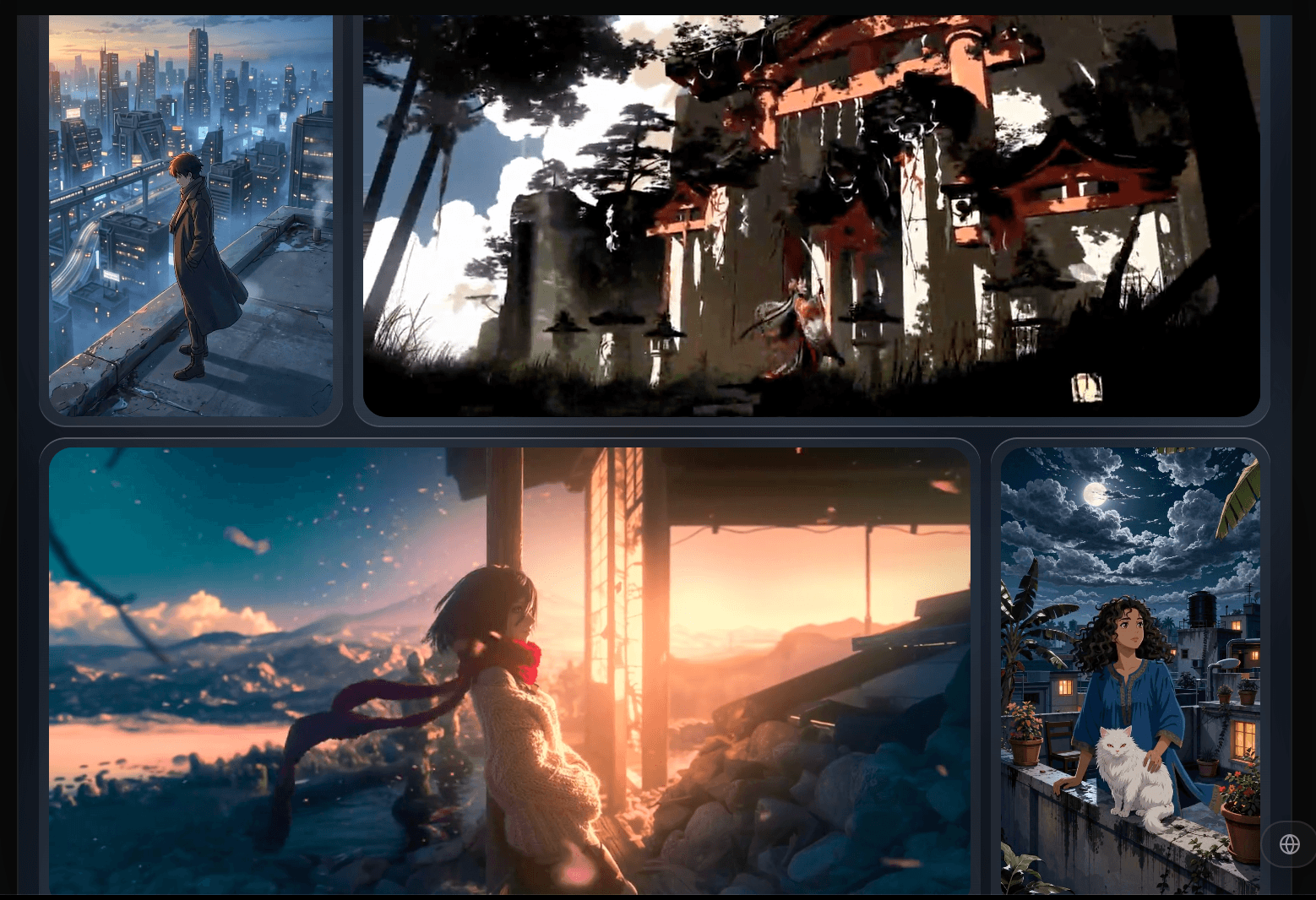
OpenArt consolidates 100+ image, video and audio models behind a single credit balance.
Why OpenArt Stands Out in 2026
Character consistency is the reason most people arrive. The hard problem in AI visual work has never been making one good image — it is making the same person appear recognizably across scene two, scene twelve and scene forty. Character Builder lets you define a subject from reference images or a description, then generate it across new poses, scenes and lighting. Reviewers report that facial structure and build carry through reliably while fine details — accessories, garment patterns, occasionally eyes — still drift and need touch-up. One illustrator described keeping a visual-novel protagonist coherent across more than twenty scenes. Not perfect, but meaningfully better than stitching independent generations together and hoping.
One subscription replaces a stack of them. Running Midjourney, a video subscription, an upscaler and a voiceover tool separately can clear $80 a month before you produce anything. OpenArt puts image, video, audio, editing, upscaling and custom model training under one credit pool you allocate however the project demands — stills one month, video the next. That flexibility is its most underrated practical advantage.
Director turns prompting into conversation. Featured on Product Hunt in mid-2026, Director is a conversational front end sitting on top of the whole model catalogue. Instead of prompting, generating, adjusting and repeating shot by shot, you describe an intention — the story, who is in it, how it should feel — and Director builds a sequence, then adapts as you keep talking. Change a character or shift the pacing and it revises while holding the rest intact. Drift still happens, but pacing control is what separates a string of clips from something cinematic.
New models arrive fast. Because OpenArt is an aggregator, its catalogue tracks the frontier closely: when a new image or video engine lands, it tends to appear inside OpenArt within days rather than months. For creators who need to test whether the newest release actually improves their output, that access is worth real money.
The editing suite means you rarely leave the app. Inpainting, outpainting, object removal, background replacement, relighting, face enhancement, sketch-to-image and one-click upscaling are all built in, so most commercial cleanup finishes inside OpenArt rather than in Photoshop. Layer blending and prompt templating support repeatable production rather than one-off experimentation.
Custom model training runs in the browser. Train personalized models on your own images to lock in a style, product or face — no GPU, no local install, no command line, typically around twenty minutes. For a brand applying one visual identity across hundreds of assets, this is what turns OpenArt from a toy into infrastructure.
Support, when it lands well, lands very well. A striking pattern in positive Trustpilot reviews is that individual agents get thanked by name repeatedly for fixing billing errors and accidental plan changes within a day. This is genuinely part of the value — and part of why the review distribution is so split: those who reach a good agent report an excellent experience, and those who don’t report the opposite.
Key Features and Technology
OpenArt’s feature set is broad enough that new users often miss half of it. The tools below are the ones that actually change how you work, rather than the long tail of style filters and presets.
Character Builder and Consistent Characters
You define a character once — from reference photos or a written description — then invoke it in any future generation, with identity maintained across new scenes, poses, outfits and lighting. Plan tiers cap how many characters you can hold: roughly thirteen on the entry tier, scaling up substantially higher. This is what pulls in comic artists, visual novelists, storyboard illustrators and creators building recurring AI personas. It is imperfect on fine detail — treat it as strong continuity that still needs a review pass, not photographic identity locking.
Director and One-Click Stories
Director is the conversational sequencing layer described above. One-Click Story is the more automated cousin: give it a narrative and it produces a multi-scene visual sequence without shot-by-shot direction. Entry plans cap Director output length and story count, so heavy narrative users hit those ceilings quickly. Neither is a full video pipeline — final assembly, trimming and sound mixing still happen in an external editor like CapCut or Premiere.
The 100+ Model Catalogue
Every paid tier advertises access to 100+ premium image, video and audio models, selected per generation. What differs between tiers is not which models you can touch but how many credits you have to spend, how many generations run in parallel (8, 16 or 32), and — on higher tiers — unlimited generation on a named subset. As of the most recent pricing capture that list includes Nano Banana 2 Lite, Qwen Image 3.0, MiniMax H3 and FLUX 3, with the top tier adding Seedance 2.5. The list changes, so verify it before buying a plan for one specific model.
Editing Suite, Model Training and Motion Sync
The editor covers inpainting, outpainting, object removal, background replacement, relighting, face enhancement and upscaling. Custom model training fine-tunes on your own dataset for brand or style lock-in, with per-tier limits on personalized model slots. Motion Sync retargets a reference video’s motion onto your own character, useful for animating a persona without motion-capture tooling. AI voiceover covers 30+ languages with lip sync, plus music and sound effects. An OpenArt MCP integration, available from the entry tier, connects the platform to compatible AI assistants.
Pricing, Plans, and Package Structure
OpenArt runs a credit-based subscription with four individual tiers plus a free entry point and a separate set of per-seat Business plans. The figures below reflect the most recent independent captures of the live pricing page (August–September 2026). OpenArt’s pricing page is JavaScript-rendered and the company revises tiers and credit allocations relatively often, so treat these as verified-as-of-capture rather than permanent, and confirm on the official site before you subscribe. Prices are per seat, per month.
| Plan | Price (annual / monthly) | What You Get | Best For |
|---|---|---|---|
| Free | $0 | Roughly 40 one-time trial credits (plus a small bonus for joining the Discord). Not a recurring monthly allowance. | Checking output quality before paying |
| Starter | $13 / $14 | 4,000 credits (~4,000 images or ~50 videos), 100+ models, Director access, OpenArt MCP, ~13 characters, 8 parallel generations, watermark-free. No commercial rights. | Learning the tool, personal projects only |
| Plus | $27 / $34 | 12,000 credits (~12,000 images or ~150 videos), 16 parallel generations, roughly triple the character and custom-model allowances, extra-credit purchases unlocked, commercial use rights. | The real entry point for any paid or client work |
| Pro (most popular) | $44 / $56 | 24,000 credits (~24,000 images or ~300 videos), 32 parallel generations, priority support, commercial rights, unlimited generation on a named model set. | Working creators producing commercially every week |
| Wonder | $175 / $240 | 106,000 credits (~106,000 images or ~1,300 videos), Unlimited Creation, unlimited model list extended to Seedance 2.5, commercial rights. | Studios and high-volume agencies |
| Extra Credit add-on | $15 / month | 5,000 extra credits per month, adjustable with a multiplier, available from Plus upward. | One-off spikes only — see the pro tip below |
Two structural details matter more than the headline prices. First, the annual discount is not flat — it scales with the tier, roughly 10% on Starter, 20% on Plus, 22% on Pro and 27% on Wonder. That makes annual commitment far more attractive at the top (on Wonder it saves around $780 a year) and barely worth the lost flexibility at the bottom. Second, credits per dollar improve as you climb: about 308 on Starter, 444 on Plus, 545 on Pro and 606 on Wonder, on annual billing. Starter to Plus is a 44% improvement; Wonder improves on Pro by only about 11% while costing four times as much, making it a capability purchase for Unlimited Creation and Seedance 2.5 rather than a value purchase.
Credits per dollar improve as you climb, but commercial rights start only at Plus.
How OpenArt Compares to Alternatives
| Factor | OpenArt | Midjourney | Leonardo AI |
|---|---|---|---|
| Entry paid price | $13–$14/mo (Starter) | ~$10/mo (Basic), approximate | ~$12/mo (Apprentice), approximate |
| Model approach | Aggregator — 100+ third-party image, video and audio models | Single proprietary model family, image-only | Own models (Phoenix, Lucid Origin) plus some third-party |
| Free tier | ~40 one-time credits, not recurring | None | 150 tokens per day, resets daily |
| Commercial rights | From Plus ($27) upward — not on Starter | Included on every paid tier from ~$10 | From the first paid tier; free-tier output is public |
| Video generation | Yes — Sora 2, Kling 3.0, Seedance, MiniMax, plus Director | Limited; primarily an image platform | Yes, but token-intensive per clip |
| Character consistency | Category-leading; Character Builder is the flagship feature | Reference tools available but less production-oriented | Custom LoRA training gives good but less packaged consistency |
| Trustpilot standing | 3.9/5 across ~1,428 reviews, polarized distribution | Limited Trustpilot presence; reputation carried by community | 4.6/5 across roughly 1,000 reviews |
| Best for | Series work with recurring characters across image and video | Maximum aesthetic ceiling on still images | Budget-conscious creators wanting a real free tier |
vs. Midjourney: these solve different problems. Midjourney remains the benchmark for aesthetic quality on stills, its Relax mode on higher tiers offers effectively uncapped generation no credit system can match, and it grants commercial rights on every paid tier from around $10. OpenArt wins on breadth — video, audio, editing, training and character tooling in one subscription — and on model recency. Pick Midjourney if the image itself is the product; pick OpenArt if you are producing sequences, need video, or want to stop juggling subscriptions. Midjourney pricing is approximate and subject to change.
vs. Leonardo AI: Leonardo is the more forgiving entry point thanks to a genuinely useful free tier of 150 tokens per day that resets daily, where OpenArt’s free allowance is a one-time trial that runs out in an afternoon. Leonardo also carries a notably stronger Trustpilot standing at around 4.6/5. OpenArt pulls ahead on the packaged production layer — Character Builder, Director and One-Click Story are more purpose-built for serialized output — and on video model depth. Unsure whether AI generation fits your workflow at all? Start on Leonardo’s free tier. Already producing series content? OpenArt is the more capable tool. Leonardo pricing is approximate and subject to change.
Pros and Cons
What Users Love
Character consistency that actually holds. This is the single most praised feature across every review platform. Illustrators, comic creators and video makers describe keeping a subject recognizable across dozens of scenes with far less rework than manual approaches require.
One workspace instead of five subscriptions. Reviewers repeatedly note the relief of not searching for separate solutions and not managing multiple billing relationships. Image, video, audio and editing under one credit pool is a real workflow simplification.
Genuinely beginner-friendly interface. Users with no design or photo-editing background consistently describe the learning curve as gentle, and G2’s small sample echoes that.
Model breadth. Long-term subscribers cite testing Nano Banana Pro, Seedream, GPT Image and others side by side without extra subscriptions as the reason they stay.
Support that resolves billing errors quickly. Named agents appear repeatedly in five-star reviews for fixing accidental upgrades and access glitches within a day, and the company states typical reply times inside 24 hours.
Limitations Worth Knowing
Credits expire and do not roll over. This is the most frequent complaint from otherwise-satisfied users. Multiple reviewers explicitly flag the absence of monthly rollover as below industry norm, with one calling it close to a deal-breaker. OpenArt’s own pricing FAQ addresses rollover with conditions rather than a simple yes, so read the current terms rather than assuming.
Failed generations still cost you. Users have documented credits being deducted for generations that failed on the platform’s side, and reported difficulty getting those credits restored. One reviewer described burning 2,000 credits attempting two images because the model repeatedly ignored an explicit negative instruction. OpenArt’s public response to such reports is to contact support with account details for investigation, but resolution is not guaranteed.
Billing and cancellation complaints are documented and serious. Negative feedback clusters heavily around charges continuing after cancellation and refusals to refund, and several users have filed Better Business Bureau complaints on that basis — including one alleging 27 unauthorized transactions of $240 each inside a ten-minute window. These are user-reported patterns rather than established findings of wrongdoing, but significant enough that anyone subscribing should verify cancellation in writing, screenshot it, and check their statement the following month.
Reported mid-cycle credit devaluation. Users on Product Hunt have documented reduced credit allocations and increased per-action costs within a single billing period. Combined with a strict no-refund posture, that makes an annual commitment riskier than the headline discount suggests.
The Starter plan has no commercial rights — and it is easy to miss. Starter includes watermark-free output, which many buyers reasonably read as permission to use the images commercially. It is not the same thing. If output goes onto a product page, into an ad, into client work or anywhere a licensing question could later arise, Plus at $27 is the minimum viable plan.
Output bias reported on face and gender transformations. A detailed public review describes photo-to-stylized conversions producing inaccurate results across ethnicity and gender — African-American subjects rendered with lighter skin, female subjects rendered as male. This is a known failure mode across the generative image field rather than unique to OpenArt, but a real limitation for portrait work with diverse subjects.
Not a complete video pipeline. Character consistency across video clips still requires workarounds, and final assembly, trimming and audio mixing generally happen in an external editor. Treat OpenArt as an asset factory that feeds your edit, not as the edit itself.
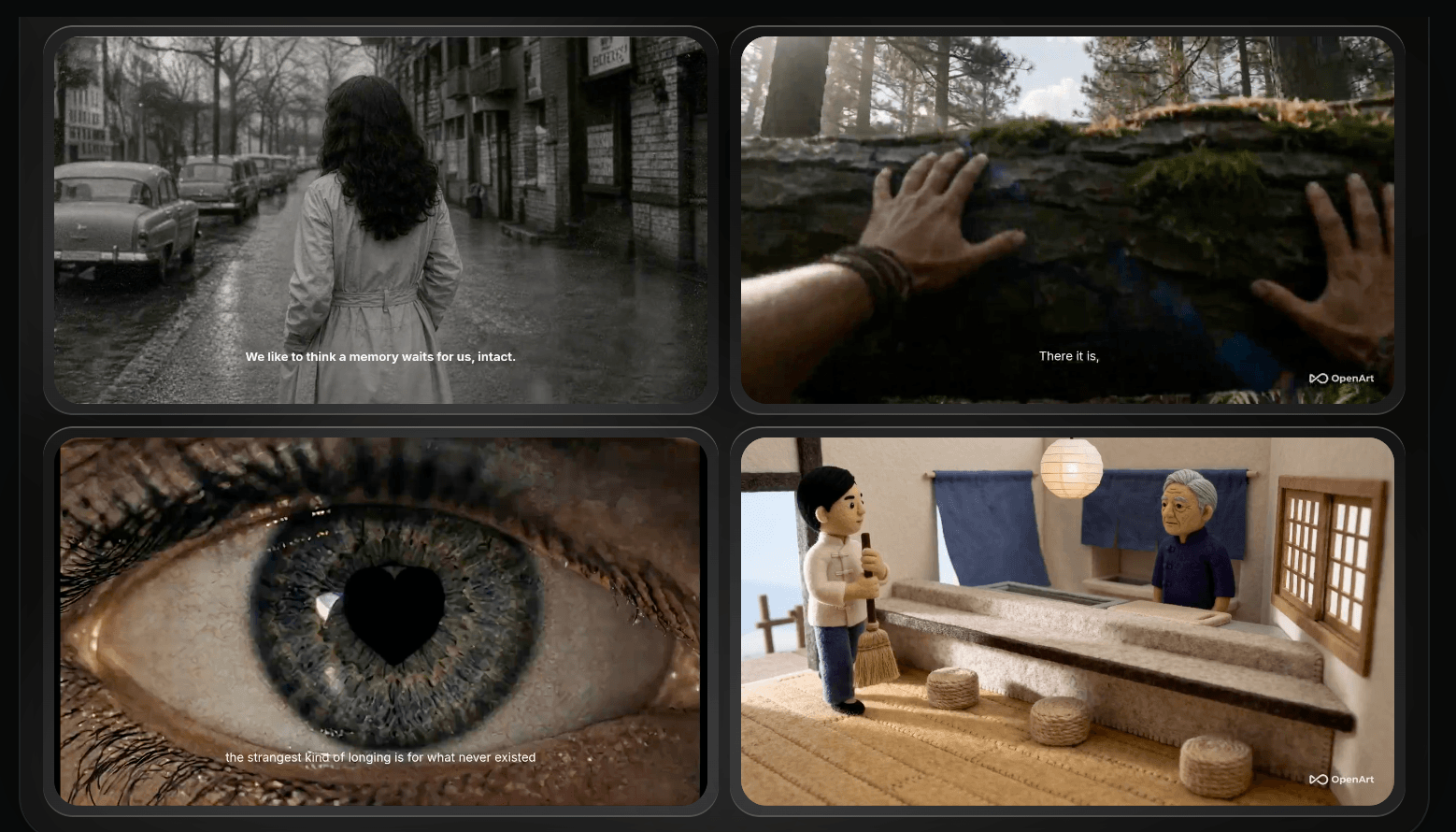
Character continuity across scenes is the feature most users subscribe for.
Who Should Use OpenArt
Creators producing serialized visual content. Comics, webtoons, visual novels, storyboards, children’s books, recurring AI personas — anywhere the same character appears repeatedly, Character Builder is the strongest packaged solution in 2026 and the clearest reason to choose OpenArt.
Small teams tired of subscription sprawl. If you pay for an image tool, a video tool and an upscaler separately, consolidating into Plus or Pro usually costs less and removes the file-shuffling entirely.
Model-curious creators. If part of your job is knowing whether the newest release improves your output, one subscription covering a hundred models is straightforwardly better economics than subscribing individually.
Brands needing on-model visuals at volume. Custom model training plus character tooling locks a visual identity once and applies it across hundreds of assets without briefing a designer each time.
Who should look elsewhere: if you generate a handful of stills a month and want the highest possible artistic ceiling, Midjourney will serve you better for less. If you need a genuinely generous free tier to evaluate whether AI generation fits your work at all, Leonardo AI’s 150 daily tokens are far more useful than OpenArt’s one-time trial. If you require fully predictable per-asset billing — a fixed cost you can quote to a client — a credit system that can shift mid-cycle is the wrong shape, and a direct subscription to the single model you actually use will be easier to budget. And if you are risk-averse about subscription billing disputes, the documented pattern of post-cancellation charge complaints is a legitimate reason to stay on monthly billing or choose a different vendor entirely.
Getting Started: Step by Step
- Start on the free tier and spend the trial credits deliberately. You get roughly 40 one-time credits plus a small Discord bonus. Use them on the specific thing you care about — a character from your own reference photos, or one generation on the model you would actually use in production.
- Pick your tier by rights, not by credits. If any output will touch client work, ads, product pages or your employer’s marketing, Plus at $27 is your floor because Starter carries no commercial rights. If you produce commercially every week, Pro at $44 is the plan most working creators land on.
- Bill monthly for the first cycle. The annual discount is real, but so is the lock-in and the strict refund posture. One month of monthly billing tells you your actual burn rate before you commit twelve.
- Build your characters first. Upload clean, well-lit references and define each recurring subject properly. Everything downstream — stories, Director sequences, video — inherits that definition, so time spent here saves credits later.
- Learn credit costs before running anything expensive. Check the in-app credit display and run a few generations at your normal settings to see what image versus video versus training actually costs. Video is dramatically more expensive than stills and drains a plan faster than headline numbers suggest.
- Document your subscription state. Screenshot your plan confirmation, and if you ever cancel, screenshot the cancellation confirmation and check your payment method the following month. Given the volume of post-cancellation billing complaints on public record, this takes thirty seconds and is the cheapest insurance available.
Tips for Getting Maximum Value
Front-load your month rather than back-loading it, because credits generally do not roll over — an unused balance on the last day of the cycle is money you gave away. Match the model to the job instead of defaulting to the most powerful one: cheaper models are perfectly adequate for exploration passes before you commit credits to a final render. Watch for the promotional unlimited-generation windows OpenArt runs periodically for Pro and Wonder subscribers, since timing an upgrade to one is worth materially more than the same upgrade a week later. Never treat the extra-credit add-on as a standing arrangement — if you top up twice, upgrade instead. Invest effort in character definitions and prompt templates rather than re-prompting from scratch, because regenerations are where credit budgets quietly die. And if you are on Starter doing anything commercial, regenerate your key assets after upgrading to Plus rather than assuming the upgrade retroactively licenses earlier work.
Future Outlook and Final Assessment
The direction of travel looks positive on the metrics that matter. A $30 million Series A gives OpenArt real runway, headcount has scaled to roughly 200, and — most tellingly — its Trustpilot score climbed from around 3.0 in January to 3.9 by early September across a review base that grew from a few hundred to nearly 1,500. That is not the shape of a company ignoring its critics. Director also signals where the product is heading: away from prompt-level control and toward conversational orchestration across a whole sequence, which is where AI video tooling appears to be converging.
The unresolved risks are structural. As an aggregator, OpenArt’s margins depend on upstream model pricing it does not control — the most plausible explanation for the credit devaluations users have documented, and a reason the same pressure could recur. The billing complaints on the Better Business Bureau and Trustpilot are not trivial and have not been comprehensively addressed in public. Competition is intensifying from both directions: Midjourney above on quality, Leonardo and others below on price and free-tier generosity. OpenArt’s defensible ground is the production layer, and it will need to keep that lead widening, because model access alone is not a moat when everyone can license the same models.
Conclusion
OpenArt is not trying to win on image quality, and judging it by that standard misses what it is for. It solves the production problem — continuity, consolidation, and moving from a character to a scene to a sequence without changing tools — and on that job it is the strongest packaged option available right now. The trade-offs are equally real: a credit system that expires, charges for failures and has been revised mid-cycle; a commercial-rights boundary that is easy to miss; and a documented history of billing disputes that should push any new subscriber toward monthly billing and careful records. Go in with those expectations, verify current pricing before you subscribe, and OpenArt earns its place in a serious creative workflow.
Ready to keep your characters consistent across every scene you create?
Explore more honest reviews, tutorials and tech comparisons to find the right gear for the way you work, travel and live — at World Of Tech, where we make everything easy.
👉 Try OpenArt: https://worldoftech.space/openartai
👉 Our YouTube Channel: youtube.com/@world_tech79
👉 Our Facebook Fanpage: Facebook
👉 Our X (Twitter): @worldoftech79
Pricing, plan structure and policy details in this review were verified against openart.ai and independent review sources (including Trustpilot, Product Hunt, G2, Better Business Bureau records and third-party pricing captures) as of September 2026. OpenArt’s pricing page is JavaScript-rendered, so plan figures are drawn from recent independent captures and should be confirmed on the official site before purchasing. AI platform pricing, credit allocations and model availability change frequently. Competitor prices are approximate and subject to change.





