
Most WordPress SEO plugins ask you to become an SEO technician before you can publish a single post — focus keywords, readability sliders, cornerstone content checklists, and a settings screen with more tabs than your browser. Slim SEO takes the opposite bet: install it, activate it, and it quietly handles meta tags, schema markup, sitemaps, redirects, breadcrumbs and image alt text in the background, with essentially zero configuration required. Built by the team behind the 600,000-install Meta Box plugin, Slim SEO has spent seven years earning a reputation as the “just works” alternative to Yoast and Rank Math — and in 2026 it added a genuinely useful twist: built-in AI meta tag generation that lets you plug in Anthropic, Google, OpenAI or OpenRouter and write SEO-optimized titles and descriptions with one click.
The pitch is simple: a lightweight, automated core that’s free forever, with an optional Pro upgrade ($59–$179/year) that adds a visual schema builder, real-time link health monitoring and Google Search Console reporting inside WordPress. It won’t replace a dedicated content-optimization workflow for teams chasing keyword rankings article by article, and it’s honest about that limitation. But for anyone who wants solid technical SEO without babysitting a plugin, it’s built a loyal 60,000+ site following. This 2026 review walks through Slim SEO’s full free and Pro feature set, current pricing, a head-to-head comparison against Rank Math and Yoast SEO, the genuine pros and cons, and exactly who should — and shouldn’t — install it.
Slim SEO Review 2026: The Lightweight WordPress SEO Plugin That Configures Itself
Overview and Background
Slim SEO is a WordPress SEO plugin developed by Anh Tran and the team at eLightUp, the same studio behind Meta Box (a custom-fields plugin with 600,000+ active installs) and the performance plugin Falcon. It was added to the WordPress.org directory at the end of 2018, which makes it a seven-year-old product in a category where plugins routinely appear and disappear within a couple of release cycles. That longevity, combined with a changelog that shows updates as recently as mid-2026, is itself a meaningful trust signal in a plugin category where “abandoned” is a common complaint.
The plugin’s whole identity is built around one design principle the team calls “decision over option”: instead of handing you dozens of settings to configure correctly, Slim SEO makes the sensible SEO decision for you automatically. Meta titles, Open Graph tags, Twitter Cards, canonical URLs, schema markup and XML sitemaps are all generated the moment you activate the plugin — no setup wizard, no mandatory onboarding flow. It’s a deliberate reaction to what its own FAQ calls the “maze of explanations and options” that bigger SEO suites can become for non-technical site owners.
That focus has translated into real adoption: Slim SEO sits at roughly 60,000+ active installs with a 4.7–4.8★ average across 130+ reviews on WordPress.org, and third-party plugin trackers rate its overall health around 82/100 — on par with or slightly ahead of the category average. It’s a small fraction of Yoast’s 13 million installs or Rank Math’s 3 million, but within its niche of “lightweight, automated SEO” it’s a well-regarded, actively maintained option rather than a fringe plugin.
Why Slim SEO Stands Out in 2026
Genuinely zero-configuration setup: This is the plugin’s entire reason to exist. Install it, activate it, and meta tags, Open Graph data, Twitter Cards, canonical tags, image alt text and an XML sitemap are already live — no wizard, no required decisions. For solo bloggers, small business owners and dev shops spinning up client sites, that alone removes an entire category of SEO setup mistakes.
Built for speed, not bloat: Independent plugin-performance testing (WP Hive) found no measurable PHP errors, JavaScript issues, or above-average memory footprint from Slim SEO — a small-code-base plugin next to SEO suites that can add hundreds of database rows and admin-panel weight. On large sites where every query counts, reviewers repeatedly single this out as the reason they switched.
Bring-your-own-key AI meta tag generation, at no extra cost: Slim SEO’s newest feature lets you connect Anthropic, Google, OpenAI or OpenRouter and generate SEO-optimized meta titles and descriptions with one click — properly sized (50–60 characters for titles, 140–160 for descriptions), language-aware, and regenerable for A/B testing. Unlike AIOSEO’s credit-metered AI system, this ships free in the core plugin; you only pay your AI provider directly for what you use.
Backed by an established WordPress studio, not a solo developer: Slim SEO is built by the team behind Meta Box, which has over 15 years in WordPress plugin development and 600,000+ installs on its flagship product. That’s a materially different risk profile than a single-developer SEO plugin — there’s a real company with recurring Pro revenue behind ongoing maintenance.
Plays well with other SEO plugins: Slim SEO Pro is explicitly designed to run alongside Yoast, Rank Math or any other SEO plugin rather than compete with it — you can keep your existing meta-tag workflow and add only the schema builder and link-management tools on top. Few competitors position themselves as a complement rather than a replacement.
Broad automatic coverage out of the free tier: Meta tags, schema, redirection with 404 monitoring, image alt text, XML sitemap, breadcrumbs, header/footer code injection and RSS-feed backlinks are all included free — features some competitors reserve for a paid tier.
A genuinely positive, low-drama review record: With a 4.7–4.8★ average across 130+ WordPress.org reviews and very few one-star complaints relative to its size, Slim SEO’s track record skews toward “does what it says” rather than the billing or support disputes that show up in reviews of some larger competitors.
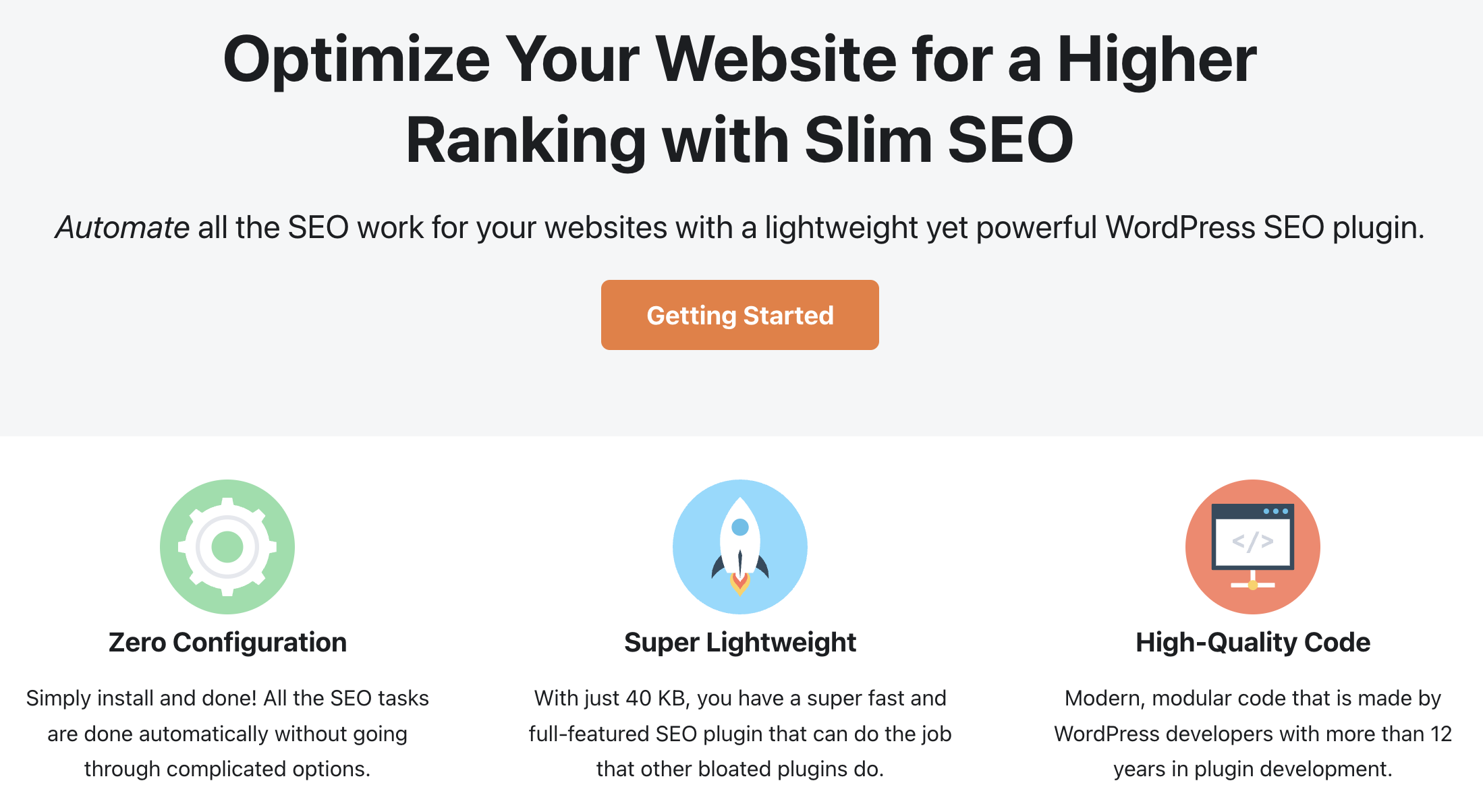
Slim SEO auto-generates meta tags, schema markup and sitemaps the moment you activate it — no setup wizard, no mandatory configuration screen.
Key Features and Technology
Slim SEO splits cleanly into a free automation core and a Pro layer aimed at agencies and content-heavy sites that need schema depth and link visibility. Here’s how the platform actually breaks down.
Automatic Meta Tags and AI Generation
Meta titles, meta descriptions, Open Graph and Twitter Card tags generate automatically from your content, with sensible fallback templates for posts, pages and taxonomy archives. The AI integration layers on top of that: connect an API key from Anthropic, Google, OpenAI or OpenRouter in Settings → Slim SEO → Tools, and a “Generate with AI” magic-wand button appears next to the meta title and description fields on every post and term. The generated copy is length-optimized, matches your content’s language automatically, and can be regenerated instantly if the first pass doesn’t land.
Schema (Structured Data)
The free version auto-generates unified schema types for your site, posts, pages and content so Google can understand context without manual markup. Pro adds a visual, click-to-build schema builder covering 30+ pre-built schema types plus fully custom JSON-LD, with dynamic data binding to post fields, site details, user details and custom fields — including deep integration with Meta Box and ACF field groups. For product reviews, FAQs, how-tos or local-business schema, this is the feature that saves the most manual coding.
Redirection and Link Management
Free users get basic redirection for broken, unimportant or old URLs plus 404 monitoring. Pro turns this into a full internal-linking toolkit: real-time link-health reports across the whole site, contextual link suggestions based on content, one-click broken-link repair, bulk link updates, and automatic link updating whenever a post’s slug changes — a feature that eliminates a whole class of manual-cleanup work after a site restructure.
Sitemap, Breadcrumbs, Image Alt Text and Site Code
All included free: an auto-generated XML sitemap for search engine submission, configurable breadcrumbs (with a dedicated Breadcrumbs block for the block editor), automatic alt text for any image missing it on upload, and a simple field for inserting Google Tag Manager, Analytics or Facebook Pixel code in the header or footer without a separate plugin. The plugin also adds an automatic backlink to RSS feed items to reduce content scraping.
Google Search Console Integration and Writing Assistant
Two Pro-only additions round out the toolkit. Search Console data — performance reports, keyword reports and per-page performance — pulls directly into the WordPress dashboard so you don’t need to tab out to Google. The Writing Assistant then gives real-time feedback as you write, covering keywords, images, links and readability — this is the closest Slim SEO gets to the traffic-light content scoring that Yoast and Rank Math offer by default, and it’s worth knowing it sits behind the paywall rather than in the free core.
Pricing, Plans, and Package Structure
Slim SEO’s core plugin is free and open source forever on WordPress.org, with no feature-limited “lite” trap — the free version is a complete, fully functional SEO plugin on its own. Slim SEO Pro is a separate, optional add-on sold as an annual license across three site-count tiers, and it’s designed to complement Slim SEO free (or any other SEO plugin) rather than replace it. Prices below are current standard rates from wpslimseo.com; always confirm live pricing before checkout since software pricing changes without notice.
| Plan | Price (USD) | What It Is | Best For |
|---|---|---|---|
| Slim SEO Free | $0 | Full automated core: meta tags, basic schema, redirection, sitemap, breadcrumbs, alt text, AI meta tags (with your own API key) | Any WordPress site that just needs solid technical SEO |
| Pro – Personal | $59/year | 1 website · visual schema builder, link management, GSC integration, Writing Assistant | Solo bloggers & small business owners |
| Pro – Freelancer | $119/year | 10 websites · same full Pro feature set as Personal | Freelancers & consultants managing several client sites |
| Pro – Agency | $179/year | Unlimited websites* · same full Pro feature set | Agencies & multi-site businesses |
How Slim SEO Compares to Alternatives
| Factor | Slim SEO | Rank Math | Yoast SEO |
|---|---|---|---|
| Setup philosophy | Zero-config, fully automated | Setup wizard, many options | Guided setup wizard |
| Active installs | 60,000+ | 3,000,000+ | 13,000,000+ |
| Content/keyword scoring in free version | No (Pro Writing Assistant only) | Yes, unlimited keywords, free | Yes, 1 focus keyword, free |
| AI meta tag generation | Free, bring-your-own-key (4 AI providers) | Built into paid Content AI tier | Bundled in Premium plan |
| Schema builder | Auto (free) · visual builder, 30+ types (Pro) | 18 schema types free; more in Pro | 50+ schema types, free |
| Entry premium price | $59/year (1 site) | ~$59–$84/year (unlimited personal sites) | ~$99–$119/year (1 site) |
| Runs alongside other SEO plugins | Yes, by design | Not recommended | Not recommended |
| Best for | Hands-off technical SEO, lightweight sites | Feature-per-dollar, power users | Guided content SEO for beginners |
vs. Rank Math: Rank Math’s free tier is the most feature-dense in the category — unlimited focus keywords, a redirection manager, 18+ schema types and Search Console data, all at $0. On pure features-per-dollar, Rank Math wins, and its Pro tier (roughly $59–$84/year for unlimited personal sites) is competitively priced against Slim SEO’s single-site $59 Personal plan. What Rank Math doesn’t offer is Slim SEO’s zero-configuration philosophy or its stated compatibility with running alongside other SEO plugins — Rank Math is built to be the only SEO plugin on your site.
vs. Yoast SEO: Yoast remains the largest, most documented SEO plugin in WordPress with the deepest support ecosystem and readability guidance that new writers genuinely learn from. But Yoast Premium runs $99–$119/year for a single site and charges for basics like redirects and multi-keyword optimization that Slim SEO includes free. If you want hand-holding and a huge library of tutorials, Yoast is the safer pick; if you already know what “good SEO” looks like and just want it applied automatically, Slim SEO does more of the work with less clicking.
vs. running no dedicated SEO plugin: Some site owners rely on their theme or page builder for basic meta tags. Slim SEO’s low performance overhead makes it an easy “why not” addition even for sites that don’t want a heavier suite — the automated schema and sitemap alone are worth the install, and it costs nothing until you decide you need the Pro link-management or schema-builder tools.
Pros and Cons
What Users Love
Truly zero-configuration: The single most repeated line across WordPress.org reviews is a version of “install and done” — users consistently say it eliminated the setup anxiety other SEO plugins create.
Noticeably lighter on server resources: Reviewers who manage large sites or many client installs specifically call out lower memory and database overhead compared to bigger SEO suites — a real factor when every plugin adds up.
Responsive, hands-on developer support: Multiple reviews specifically praise the developer’s direct, fast responses to support questions — a notable contrast to the ticket-queue experience of larger plugin companies.
Free AI meta tag generation with provider choice: Being able to plug in Anthropic, Google, OpenAI or OpenRouter — rather than being locked into one vendor’s credit system — is repeatedly flagged as a standout, cost-transparent feature in 2026 reviews of the plugin.
Compatible with page builders and other plugins: Users confirm it works cleanly with Elementor, Beaver Builder, Bricks, Divi and Oxygen, and that it doesn’t fight with existing SEO plugins the way some suites do.
Transparent, non-escalating Pro pricing: All three Pro tiers renew at the same price you paid, with no feature gating between tiers beyond site count — a straightforward structure compared to the multi-tier feature ladders common elsewhere in the category.
Limitations Worth Knowing
No built-in content or keyword scoring in the free version: If your workflow depends on a live readability/keyword-density score as you write, Slim SEO’s free tier simply doesn’t offer it — that experience is locked behind the Pro Writing Assistant, while Rank Math and Yoast both include a version of it free.
Download momentum has cooled recently: Independent plugin trackers flagged a roughly 32% month-over-month drop in downloads as of late 2026 — worth watching as a growth signal, even though active installs and ratings remain healthy in absolute terms.
Support-ticket resolution is moderate: WordPress.org support-forum data shows roughly 60–75% of opened threads marked resolved — solid but not best-in-class next to plugins with larger dedicated support teams.
Pro has stricter requirements than the free plugin: Slim SEO Pro asks for WordPress 6.5+ and PHP 8.0+, noticeably newer than the free plugin’s WordPress 5.9 / PHP 7.2 minimums — sites on older hosting stacks may need to upgrade PHP before Pro features will run.
Small community relative to category leaders: With roughly 130+ WordPress.org reviews against Yoast’s tens of thousands and Rank Math’s thousands, there’s a much smaller pool of public troubleshooting threads, YouTube tutorials and third-party guides if you hit an edge case.
AI meta generation isn’t fully self-contained: You need your own account and billing with an AI provider for the “Generate with AI” button to function — a small extra setup step, and an ongoing (if small) external cost, that some all-in-one competitors avoid by bundling AI credits into the subscription price.
Who Should Use Slim SEO
Small business owners and solo bloggers: If you want correct technical SEO without becoming an SEO hobbyist, Slim SEO’s install-and-forget approach removes the setup burden entirely, and the free tier alone covers the fundamentals most small sites need.
Agencies and freelancers managing many client sites: The Freelancer (10 sites, $119/year) and Agency (unlimited, $179/year) tiers make per-site cost genuinely low, and the plugin’s light footprint is a real advantage across a portfolio of client installs on shared or budget hosting.
Developers and performance-conscious site owners: If page speed and a clean database matter as much as the SEO features themselves, Slim SEO’s smaller footprint and page-builder compatibility make it an easy technical fit.
Existing Yoast/Rank Math users who just want better schema or link tools: Because Slim SEO Pro is built to run alongside other SEO plugins, you can keep your current meta-tag and content-scoring workflow and add only the visual schema builder and link-health monitoring on top.
Who should look elsewhere: Content teams whose SEO process centers on live keyword-density scoring and cornerstone-content guidance as they write will find that experience thinner here than in Rank Math’s free tier or Yoast’s default setup. Sites on older hosting still running PHP 7.x will need to upgrade before Pro features become available. And anyone who wants AI meta generation fully bundled into one subscription price, with no separate API key to manage, may prefer a plugin that meters AI usage internally instead.
Slim SEO Pro’s visual schema builder lets you assemble structured data with a few clicks instead of hand-coding JSON-LD.
Getting Started: Step by Step
- Install the free plugin first. Search “Slim SEO” in Plugins → Add New, or download it from WordPress.org, and activate it. Meta tags, sitemap, breadcrumbs and basic schema are already working with no further setup.
- Review the auto-generated meta tags. Check a few posts and your homepage under Settings → Slim SEO to confirm the auto-generated titles and descriptions read naturally; edit any that need a manual touch.
- Connect an AI provider (optional). If you want one-click AI meta generation, go to Settings → Slim SEO → Tools, add an API key from Anthropic, Google, OpenAI or OpenRouter, and the “Generate with AI” button appears on your post editor automatically.
- Decide if you need Pro. If you want a visual schema builder, real-time link-health reports, Search Console data in your dashboard, or the Writing Assistant, choose the Personal, Freelancer or Agency tier based on how many sites you manage — the feature set is identical across all three.
- Set up schema for your key content types. With Pro active, use the visual schema builder to assign the right schema type (Product, FAQ, Article, LocalBusiness, HowTo, etc.) to your most important templates first, since this has the biggest impact on rich-result eligibility.
- Run a link audit. If you’re on Pro, open the real-time link report to find broken or orphaned links across the site, then use bulk update or the broken-link repair tool to clean them up in one pass rather than post by post.
Tips for Getting Maximum Value
Don’t skip a manual spot-check of the auto-generated meta titles on your highest-traffic pages — automation gets you 90% of the way there, but your top landing pages deserve a human pass for click-through copy. If you connect an AI provider, use the regenerate button liberally; the second or third suggestion is often noticeably better than the first, and it costs only a fraction of a cent per attempt on most models. On Pro, run the link-health report right after any major content reorganization or slug change, since that’s when broken internal links accumulate fastest. If you’re currently on Yoast or Rank Math and only want Slim SEO’s schema builder or link tools, install Slim SEO Pro but leave meta-tag generation disabled in your existing plugin’s settings to avoid duplicate or conflicting tags. And because Pro requires WordPress 6.5+ and PHP 8.0+, check your hosting’s PHP version in advance — upgrading PHP is usually a free one-click change with most hosts and often improves overall site speed as a side benefit.
Future Outlook and Final Assessment
The WordPress SEO category in 2026 is splitting into two camps: feature-maximalist suites (Rank Math, AIOSEO) racing to bundle AI content generation, rank tracking and analytics into one dashboard, and lighter tools built around the idea that most sites don’t need — or want — to manage all of that. Slim SEO has planted its flag firmly in the second camp, and its recent multi-provider AI integration shows the team is willing to add genuinely useful modern features without abandoning the zero-configuration philosophy that built its audience.
The honest trade-offs are real: it’s a smaller team and community than the category giants, the free tier intentionally skips content-scoring features some users expect by default, and recent download-momentum data suggests growth has slowed even as the existing user base stays satisfied. None of that undermines what the plugin is actually good at — technical SEO automation that stays out of your way — but it does mean Slim SEO earns its place through fit, not through being the biggest name in the room.
Conclusion
Slim SEO won’t be the right fit for every WordPress site — sites built around a content-scoring workflow, or teams that want AI fully bundled into one bill, have reasonable alternatives. But for the very large number of site owners who just want their meta tags, schema, sitemap and redirects handled correctly without a settings maze, it delivers exactly that, for free, with a light footprint and an actively maintained seven-year track record behind it. The Pro tiers are reasonably priced, don’t punish you with feature-gated upgrades, and add real technical depth — schema building and link management — that many sites eventually need. Confirm current pricing on the official site, decide whether the free tier already covers what you need, and Slim SEO can quietly take one more task off your WordPress to-do list.
Ready to put your WordPress SEO on autopilot?
Explore more honest reviews, tutorials and tech comparisons to find the right gear for the way you work, travel and live — at World Of Tech, where we make everything easy.
👉 Shop Slim SEO: https://worldoftech.space/slimseo
👉 Our YouTube Channel: youtube.com/@world_tech79
👉 Our Facebook Fanpage: Facebook
👉 Our X (Twitter): @worldoftech79
Pricing, specifications and policy details in this review were verified against wpslimseo.com and independent sources (including WordPress.org reviews, Plugin Pulse, WP Hive and third-party plugin trackers) as of September 2026. WordPress plugin pricing and features change frequently, so confirm current details on the official site before purchasing. Competitor prices are approximate and subject to change.





