
Turning a rough idea, a hand-drawn sketch, or a single reference photo into a usable 3D model used to mean days in Blender or Maya — or a $200+ invoice to a freelance modeler. Tripo3D Studio (studio.tripo3d.ai) compresses that into a browser tab: type a prompt or drop an image, and in seconds you get a textured, riggable mesh ready for a game engine, a 3D printer, or a Blender scene.
Tripo has become one of the most-used names in AI 3D generation, backed by serious funding and millions of models generated by its creator community. But “AI-generated” and “production-ready” aren’t always the same thing, and the credit-based pricing can be confusing at first glance. This 2026 review walks through what Tripo3D Studio actually does well, where it still needs a human’s touch, and exactly what it costs today.
Tripo3D Review 2026: The Fastest Way from Idea to 3D Model
Overview and Background
Tripo3D (branded Tripo AI, built by the team behind Tripo and backed by investment reportedly including Alibaba and Baidu Ventures) is an AI-powered 3D generation platform available through a web workspace at studio.tripo3d.ai, a mobile app, and a developer API. It isn’t a full 3D modeling suite like Blender, and it isn’t a marketplace of pre-made assets — it’s a generation engine. You give it a text prompt or a reference image, and it produces a complete 3D mesh with UV-unwrapped, textured surfaces in roughly seconds to a couple of minutes, depending on the settings you choose.
The platform has grown quickly among game developers, 3D printing hobbyists, and concept artists who need a fast first draft rather than a hand-built asset from scratch. It carries genuine third-party credibility: Tripo3D has been recognized as a Product Hunt Product of the Day, appears in AI Tool Awards coverage, and — under its studio.tripo3d.ai storefront — holds a strong 4.8/5 “Excellent” rating on Trustpilot across roughly 640+ reviews. It’s not a fringe tool; it’s a well-funded platform competing directly with Meshy, Rodin (Hyper3D), and Luma AI Genie for the AI-3D-generation category.
What sets Tripo apart in a crowded field is the depth of its pipeline beyond raw generation. Most competitors stop at “here’s your mesh.” Tripo bundles a genuinely complete production toolkit into the same workspace: retopology, smart part segmentation, texture editing with a “magic brush,” auto-rigging, multi-view-to-3D reconstruction, and direct bridges into Blender, Unity, Unreal Engine, Maya, 3ds Max, ZBrush, Cocos, Godot, and Roblox. For a solo creator or small studio, that turns Tripo from a novelty generator into something close to a lightweight 3D asset pipeline.
Why Tripo3D Stands Out in 2026
Genuinely fast generation: Tripo’s core promise — a full 3D model from text or an image in seconds rather than minutes — mostly holds up in testing. Simple to moderately complex objects (props, characters, vehicles) typically finish well under a minute, which makes rapid iteration on a concept realistic instead of a chore.
Real production-oriented topology, not just a decimated blob: Tripo positions its current generation as “AI 3D 2.0,” meaning models come with cleaner, more workable topology than the messy triangle soup that plagued early AI-3D tools. The Smart Mesh / Smart Topology features (Pro tier and above) push this further toward game-ready, quad-friendly geometry.
True 8K textures and PBR materials: Where many rivals cap out at 2K or 4K, Tripo markets industry-first true 8K texture generation on its higher tiers, alongside physically based rendering materials that hold up better under realistic lighting in a game engine or render.
Smart Segmentation for part-level control: Rather than treating every generation as one fused blob, Tripo can intelligently separate a model into logical parts — a character’s head, limbs, and accessories, or a machine’s individual components — so you can transform, retexture, or re-retopologize a single part without regenerating the whole asset.
Auto-rigging and animation built in: Humanoid and creature models can be automatically rigged and pushed straight into a basic animation pipeline without leaving the browser — a step that traditionally eats hours even for an experienced character artist.
A genuinely deep DCC pipeline: The DCC Bridge plugin system connects directly to Blender, 3ds Max, Unity, Unreal Engine, Maya, Cocos, Godot, and ZBrush, plus dedicated Roblox and MetaTailor integrations. Very few AI-3D competitors match this breadth of native tool support out of the box.
Active community and creator economy: The in-app Gallery and Creator Hub showcase millions of community-generated models across categories like characters, vehicles, architecture, and props, with challenges and a Maker Program that rewards prolific creators — useful both for inspiration and for browsing existing free assets before generating your own.
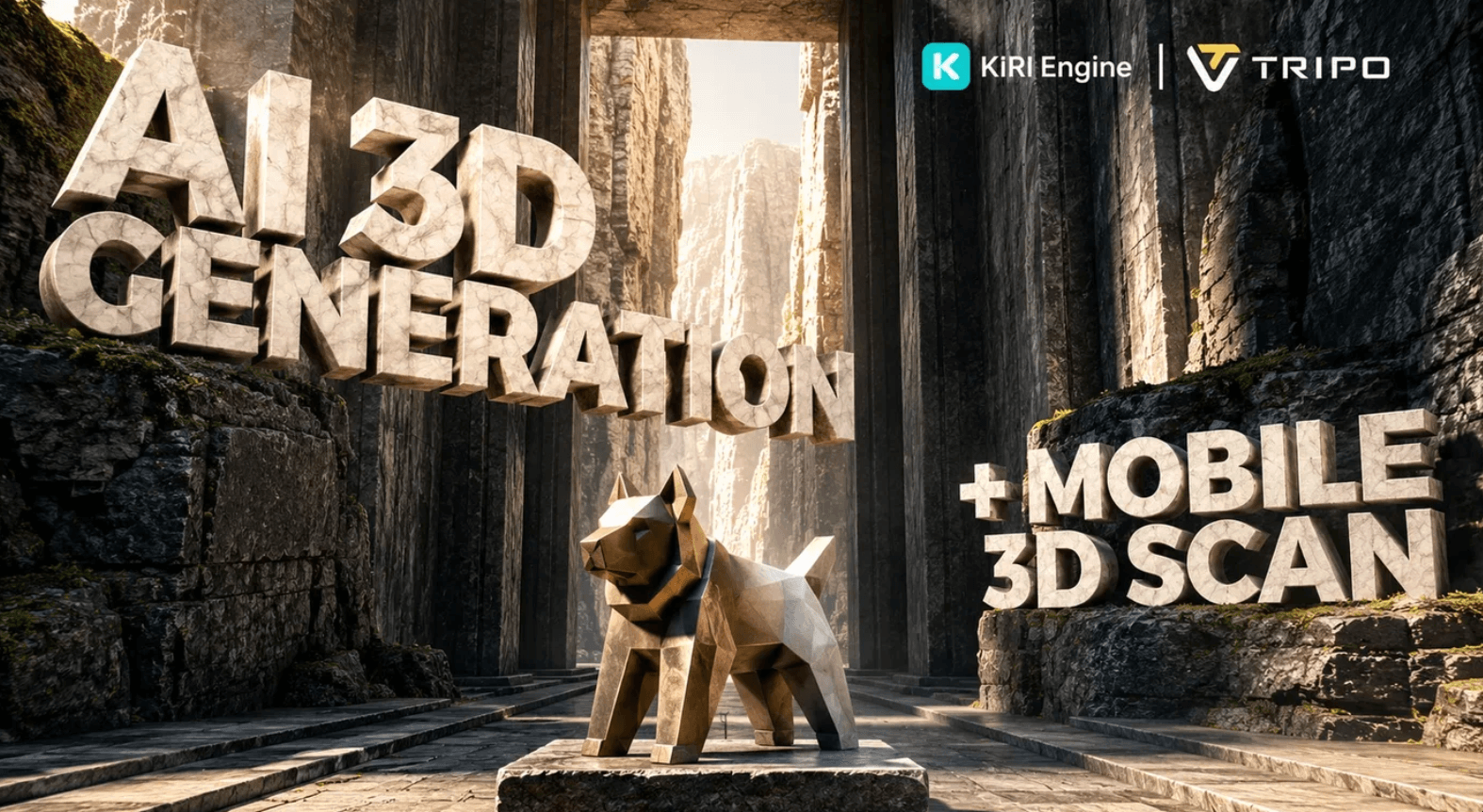
Tripo3D turns a text prompt or reference image into a fully textured, riggable 3D mesh in seconds — no manual modeling required to get a usable first draft.
Key Features and Technology
Tripo’s workspace organizes into a handful of clear pillars, from raw generation through to a fully rigged, export-ready asset. Here’s how the platform actually breaks down.
Text-to-3D and Image-to-3D Generation
The core workflow is straightforward: describe what you want in a text prompt, or upload/drag/paste a reference image, and choose between “Best Quality” and “Clean Topology” generation modes before hitting generate. Multi-view-to-3D (Pro and above) lets you feed several angles of the same subject for a more accurate reconstruction, which is particularly useful for product visualization and character work where a single photo doesn’t capture enough detail.
AI Texturing, Magic Brush and Style Filters
Generated models come with automatic PBR texturing, but Tripo also lets you re-texture an existing mesh, edit textures directly with a “Magic Brush” tool, and apply one-click artistic style filters — including clay, voxel, and low-poly looks — that are genuinely useful for rapid game-asset prototyping and stylized projects rather than photorealism.
Smart Segmentation and Retopology
Smart Segmentation breaks a generated model into distinct parts, which unlocks part-based transforms, part-based retopology, and part-based texture edits — meaning you can fix or restyle one component of a model without regenerating everything. Retopology tools rebuild the mesh’s polygon flow for cleaner deformation, which matters most for anything you plan to rig and animate rather than display statically.
Auto-Rigging and Animation
Humanoid and creature meshes can be automatically rigged inside the Studio, with basic animation support layered on top — a workflow that traditionally requires dedicated rigging skill and hours of manual weight-painting. It won’t replace a dedicated character animator for cinematic work, but for game prototypes, VTuber-style assets, and quick previz, it removes one of the biggest bottlenecks in the traditional 3D pipeline.
Export Formats and DCC Bridge
Models export in the standard formats a working pipeline expects — GLB, FBX, OBJ, USDZ, and STL (the last especially relevant for 3D printing). The DCC Bridge plugin suite pushes models directly into Blender, 3ds Max, Unity, Unreal Engine, Maya, Cocos, Godot, and ZBrush, cutting out the manual export-import-fix-scale dance that normally eats time in any AI-to-DCC workflow. Free-tier accounts are capped at 15 exports and limited to the H2.5 model version; paid tiers unlock unlimited exports and access to Tripo’s highest-detail models.
Pricing, Plans, and Package Structure
Tripo runs on a monthly credit system: every plan deposits a pool of credits that generation, texturing, rigging, and other actions draw from, refreshing each billing cycle (unused credits generally don’t roll over). A standard high-quality Studio generation costs roughly 15 credits, which is where the “models per month” estimates below come from. Annual billing currently saves up to 50% versus paying monthly. Prices below are Tripo’s official published rates as of September 2026 — always confirm the live price on the pricing page before subscribing, since AI-tool pricing in this category changes frequently.
| Plan | Price (USD) | What It Is | Best For |
|---|---|---|---|
| Free | $0/month | 200 monthly credits (~13 models), 1 concurrent task, public/non-commercial models only | Testing the workflow before committing |
| Pro | $20/month (billed annually at $240/year) | 3,000 monthly credits (~200 models, ~$0.16/model), private + commercial models, Smart Mesh, Smart Segmentation, 10 concurrent tasks | Individual creators & freelancers going commercial |
| Max | $90/month (billed annually at $1,080/year) | 25,000 monthly credits (~1,660 models, ~$0.09/model), unlimited 8K textures, permanent edit history, 100 concurrent tasks | Working professionals & heavy iterators |
| Team | $55/month per seat billed annually ($1,980/year); $110/month per seat month-to-month | 90,000 monthly credits (~6,000 models), shared workspace, centralized billing, 200 concurrent tasks | Studios & production teams |
| Credit Packs | From $10 (1,000 credits) up to $1,000 (100,000 + 30,000 bonus credits) | One-time top-ups on top of any subscription | Covering a busy month without upgrading tiers |
How Tripo3D Compares to Alternatives
| Factor | Tripo3D | Meshy AI | Rodin (Hyper3D) |
|---|---|---|---|
| Entry paid price | $20/month (Pro) | ~$20/month (Pro), approximate | ~$20–30/month (Creator), approximate |
| Free plan credits | 200/month (~13 models) | ~100/month, approximate | Pay-per-download; 10 free credits, approximate |
| Max texture resolution | True 8K (Pro+/Max) | Up to 4K, approximate | 4K PBR, a known strength |
| Auto-rigging & animation | Yes, built into the Studio | Yes, free on most generations | Limited/via OmniCraft toolkit |
| DCC / engine integrations | Blender, Max, Unity, Unreal, Maya, Cocos, Godot, ZBrush, Roblox | Blender, Unity, Unreal — narrower set | Blender, Unity, Unreal plus fal.ai API |
| Trustpilot reputation | 4.8/5 (640+ reviews) | 4.8/5, comparable volume | No large public Trustpilot presence found |
| Best for | All-around speed, breadth of toolkit, best DCC coverage | Friendly UI, simple hard-surface/print work | Photorealism and 4K PBR fidelity at a premium |
Tripo3D vs. Meshy AI: the two are the most direct rivals in this category, and the gap is smaller than either brand’s marketing suggests. Meshy edges Tripo on interface polish and has a strong community following, but independent comparisons consistently note Tripo delivers meaningfully more credits per dollar and a stronger rigging/DCC pipeline for the same monthly spend. If your work is mostly hard-surface 3D printing assets, Meshy’s dedicated print controls can be a slight edge; for game and character work, Tripo’s segmentation and rigging tools generally pull ahead.
Tripo3D vs. Rodin (Hyper3D): Rodin is positioned as the premium, photorealism-first option, with genuinely excellent 4K PBR texture quality that wins head-to-head visual comparisons in some independent tests. But that quality comes at 1.5–4x Tripo’s price for comparable output volume, and Rodin’s browser workspace is less feature-complete than Tripo’s — it leans more on its API and third-party wrappers. Choose Rodin if photoreal fidelity for hero assets is the priority and budget is flexible; choose Tripo if you need a complete, affordable, all-in-one pipeline for regular production work.
Pros and Cons
What Users Love
Speed that actually changes how you work: Reviewers repeatedly single out generation speed as the standout benefit — turning a 2D photo into a usable 3D model in seconds rather than the hours or days a manual workflow demands.
Strong accuracy on clean reference images: Multiple Trustpilot reviewers describe results as “almost perfect” or capturing proportions and details “accurately” when the source image is clean and well-lit, especially for image-to-3D on figures, props, and vehicles.
Genuinely affordable credits: Multiple reviewers specifically call out that “the credits are not expensive” and that a small amount goes a long way compared to what they’d previously paid other tools or freelancers for similar output.
Low barrier to entry for total beginners: Several reviews from self-described 3D beginners note the interface feels intuitive rather than overwhelming, letting them go from zero experience to a printable model within their first session.
Limitations Worth Knowing
Text rendering and fine detail remain weak: Reviewers consistently flag that Tripo “still has trouble with text” embedded in models, and that texturing on complex prompts can produce varied, sometimes inconsistent results that need a manual pass.
Cancellation and refund friction reported by some users: A meaningful number of Trustpilot reviews describe difficulty canceling subscriptions through the in-app support flow, and at least one describes being charged again after believing a cancellation went through. Refunds reportedly require an email request rather than a self-service button, and response times have been inconsistent according to affected reviewers.
Complex or highly specific assets need manual cleanup: Even satisfied long-term users note that more intricate generations “require a bit of manual clean-up afterwards” — this is not a one-click replacement for a skilled 3D artist on hero or close-up production assets.
Free tier is genuinely limited: Non-commercial licensing, 1 concurrent task, and capped exports on the free plan mean it’s really a trial, not a viable long-term option for anyone who needs to use their models commercially.
Who Should Use Tripo3D
Indie game developers and level designers: The combination of fast generation, auto-rigging, Smart Segmentation, and direct Unity/Unreal/Godot bridges makes Tripo genuinely useful for populating a level or prototype with background props and NPCs without a dedicated art team.
3D printing hobbyists and figure makers: Turning a photo of a person, pet, or object into a printable STL is one of the platform’s most consistently praised use cases, particularly for dioramas, character figures, and custom parts.
Concept artists and previz teams: When speed of iteration matters more than final polish, generating a dozen 3D variations of an idea in the time it takes to sketch one by hand is a real workflow advantage.
Freelancers and small studios watching budget: With commercial rights and a full toolkit unlocked at $20/month on Pro, Tripo undercuts hiring a freelance 3D modeler for routine assets by a wide margin — while the deep DCC bridge keeps output moving into an existing pipeline instead of stuck in a proprietary viewer.
Who should look elsewhere: if your work centers on hero, close-up, or cinematic-grade assets where every polygon and texture seam matters, treat Tripo as a fast first draft rather than a finished deliverable — budget time (or a human artist) for cleanup. And if photorealistic fidelity is non-negotiable and budget is flexible, Rodin’s premium output may be worth the higher price for that specific use case.
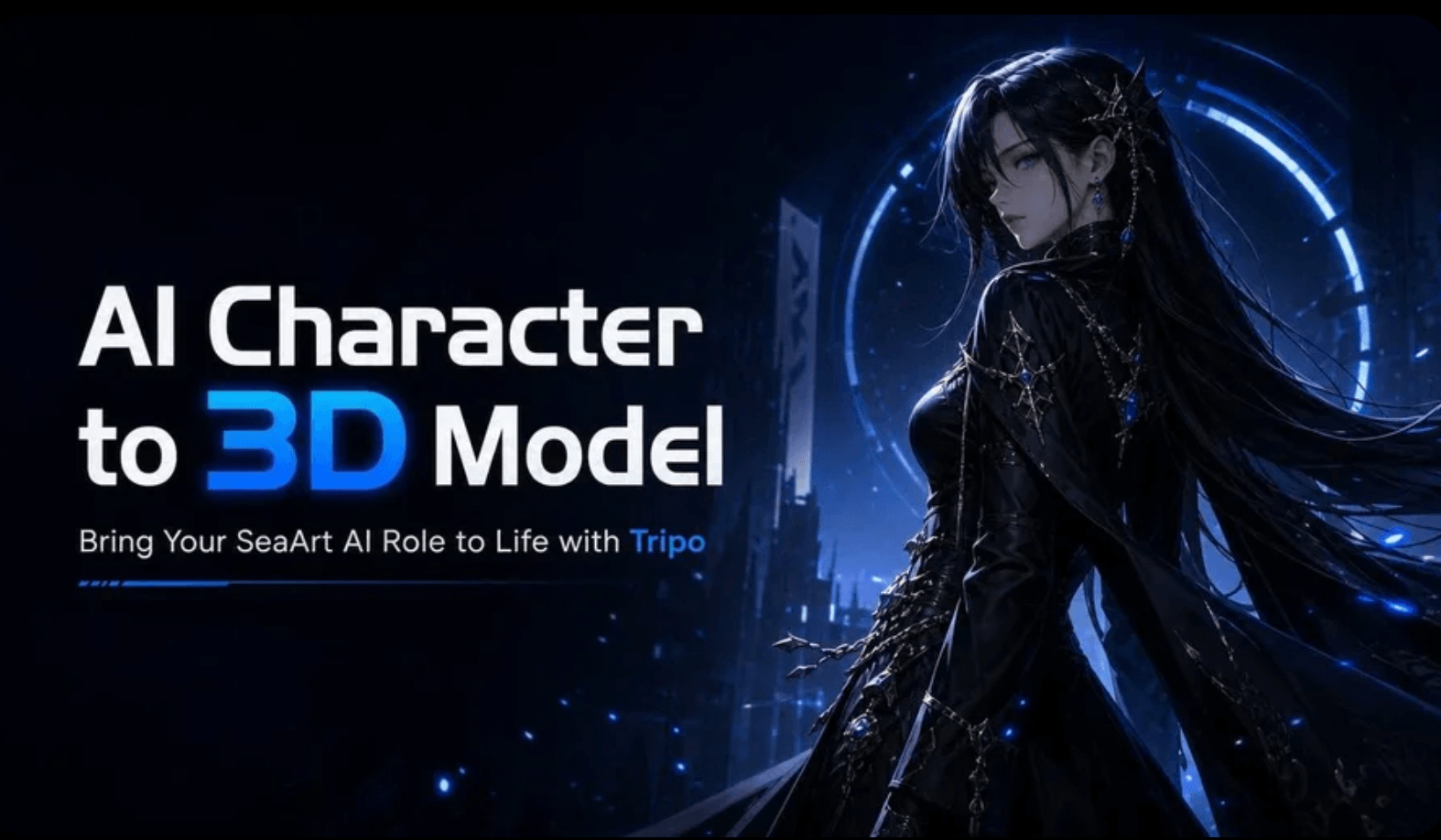
Tripo’s Smart Segmentation and auto-rigging tools turn a raw generation into a workable, animation-ready game asset without leaving the browser.
Getting Started: Step by Step
- Create a free account. Sign up at studio.tripo3d.ai to claim your 200 monthly free credits — no payment required to start testing.
- Choose your input method. Type a descriptive text prompt, or click, drag, or paste a clean, well-lit reference image directly onto the generate panel.
- Pick a quality mode. Select “Best Quality” for the most detailed output or “Clean Topology” when you need mesh that’s easier to rig and animate later.
- Generate and review variations. Tripo typically produces the model in seconds to a couple of minutes; regenerate with a tweaked prompt or a different reference angle if the first pass misses the mark.
- Refine with segmentation, texturing, or rigging. Use Smart Segmentation to isolate parts, the Magic Brush to touch up textures, or auto-rig if the model needs to move.
- Export or bridge to your pipeline. Download as GLB, FBX, OBJ, USDZ, or STL, or push directly into Blender, Unity, Unreal, or your DCC tool of choice via the plugin bridge.
Tips for Getting Maximum Value
Get the most out of your credit pool by treating reference images as the single biggest lever on quality: a tightly cropped, evenly lit photo against a simple background will consistently outperform a cluttered or backlit shot, so spend a minute in a photo editor removing distracting backgrounds before you upload. Use the Free plan’s 200 credits deliberately to test both text-to-3D and image-to-3D on assets representative of your actual project before subscribing, rather than burning them on random experimentation. If you’re on Pro or above, lean on Smart Segmentation before you retexture or retopologize — fixing one problematic part is far cheaper in credits and time than regenerating the whole model from scratch. For anything headed to a game engine, generate in “Clean Topology” mode from the start rather than trying to fix messy geometry after the fact, since retopology after the fact costs additional credits. And because Tripo’s monthly credits typically don’t roll over, time any batch of heavy generation work to land within a single billing cycle rather than spreading it thin across two months where the unused balance simply resets away.
Future Outlook and Final Assessment
AI 3D generation is one of the fastest-moving categories in generative AI right now, and Tripo has kept pace by shipping meaningful upgrades — smarter segmentation, true 8K textures, and a broader DCC bridge — rather than resting on its early lead. With a large funded team, an active creator community, and a developer API for teams that want to build 3D generation into their own products, Tripo looks well positioned to keep expanding its toolkit rather than stagnating.
The near-term risk for buyers isn’t the technology — it’s competitive pressure on pricing and the operational friction some users report around cancellations and refunds. If you subscribe, keep a note of your renewal date and don’t assume a support-bot cancellation flow actually went through until you confirm it in your billing history.
Conclusion
Tripo3D Studio delivers on its core promise: a fast, affordable, and surprisingly complete path from a text prompt or photo to a usable 3D model, backed by a deep enough toolkit — segmentation, rigging, texturing, and DCC bridges — that it functions as a real production shortcut rather than a novelty. It isn’t going to replace a skilled 3D artist on your most important hero assets, and a few reviewers’ cancellation headaches are worth going in aware of, but for the volume of everyday 3D work most creators, developers, and hobbyists actually need, it’s one of the strongest values in the category right now.
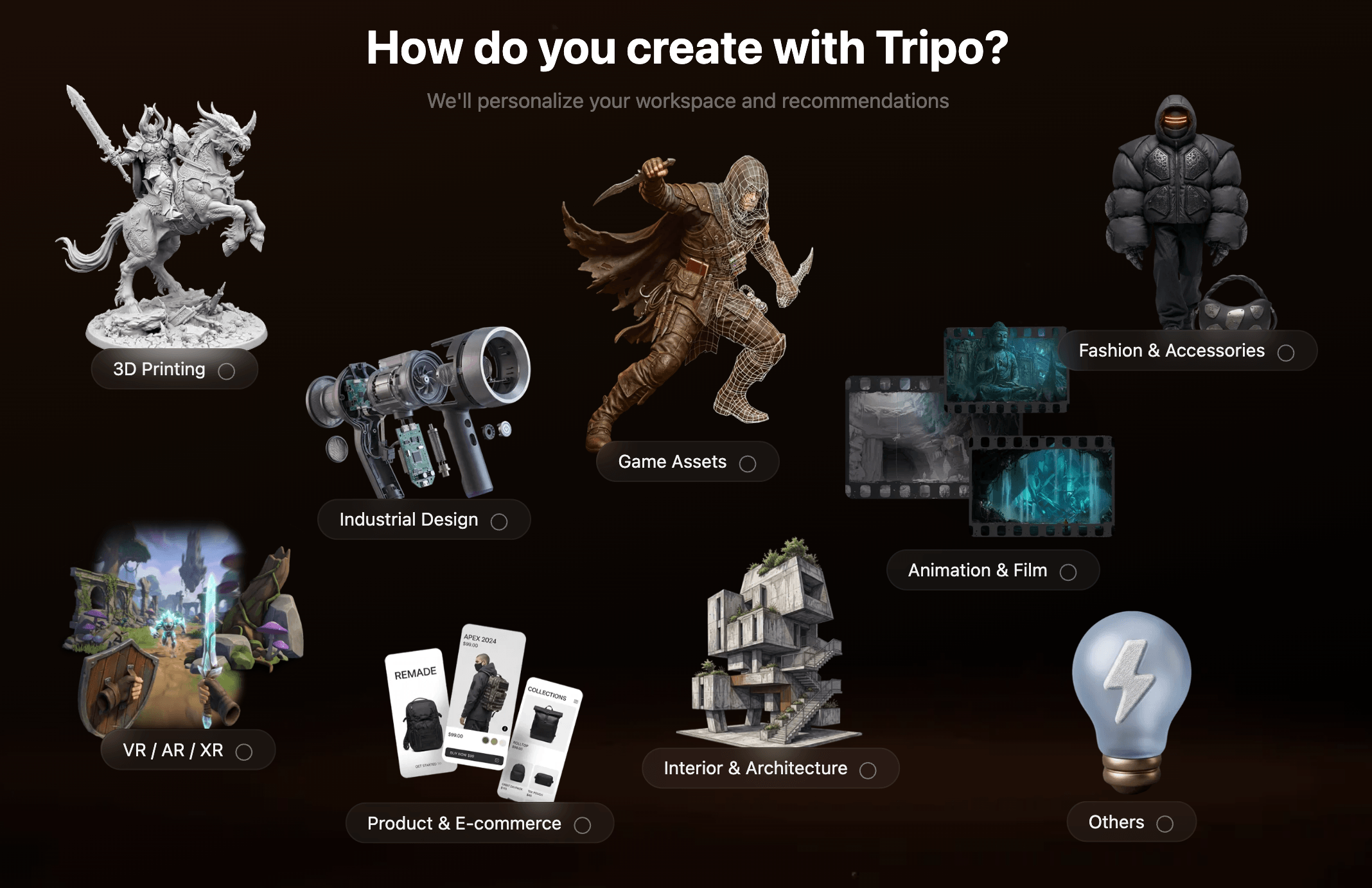
From a rough text prompt to a game-ready, exported mesh — Tripo3D compresses a traditionally multi-day workflow into a single browser session.
Ready to turn your next idea into a 3D model in seconds?
Explore more honest reviews, tutorials and tech comparisons to find the right gear for the way you work, travel and live — at World Of Tech, where we make everything easy.
👉 Try Tripo3D: https://worldoftech.space/tripo
👉 Our YouTube Channel: youtube.com/@world_tech79
👉 Our Facebook Fanpage: Facebook
👉 Our X (Twitter): @worldoftech79
Pricing, specifications and policy details in this review were verified against tripo3d.ai/pricing and independent review sources as of September 2026. AI software pricing and features change frequently, so confirm current details on the official site before purchasing. Competitor prices are approximate and subject to change.





